Unnecessary Solid Infill?
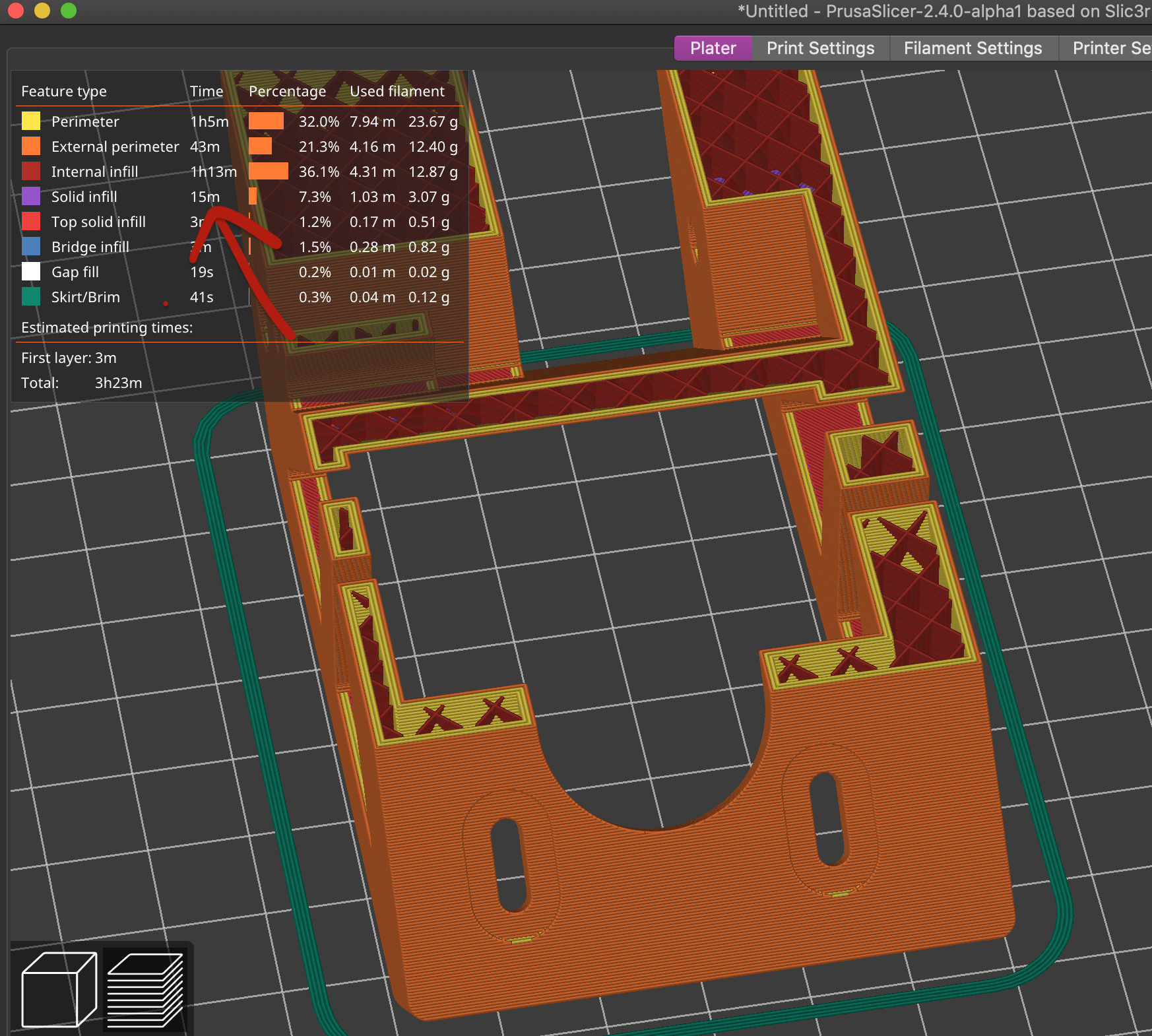
The slicer is adding a lot of unnecessary solid infill when slicing, I'm sure there is a setting to disable this but I can not for the life of me find it!
There should be a screenshot, it's the purple part that I don't need, it's adding a lot of print time and material wastage, it does not go away regardless of how many perimeters or infill I have.
any advice?

RE: Unnecessary Solid Infill?
Only showing your picture makes it unimpossible to give you an advice. You can save your project in Slicer as a 3MF-file. Than you ZIP that file and then you can attach it here. Having a nearer look to your parts and settings can lead to your problem solution.
Best regards, Clemens
Mini, i3 MK2.5S, i3 MK4, CClone (Eigenbau)

RE: Unnecessary Solid Infill?
Some of the purple is likely due to settings under Print Settings->Layer and perimeters->Quality.
- Extra perimeters if needed
- Ensure vertical shell thickness
- Detect thin walls
These mostly deal with curved surfaces and are intended to help avoid gaps between extrusions in otherwise-thin walls. They can cause that sort of infill. Of course, turning them off may result in other issues in the print.

RE: Unnecessary Solid Infill?
There's also this open issue on github which pertains to this https://github.com/prusa3d/PrusaSlicer/issues/1054
If you are lucky it appears that setting same number of layers for top and bottom can on *some* models remove it but on others you are going to be out of luck. At least until or if the issue is resolved.

There Is But One Workaround
if your Layer Height : 0.2, make your Minimum Parameters : 3 then see the magic happening:) for 0.3 layer height use minimum 4 parameters. weird but this will cut your print time by a lot.