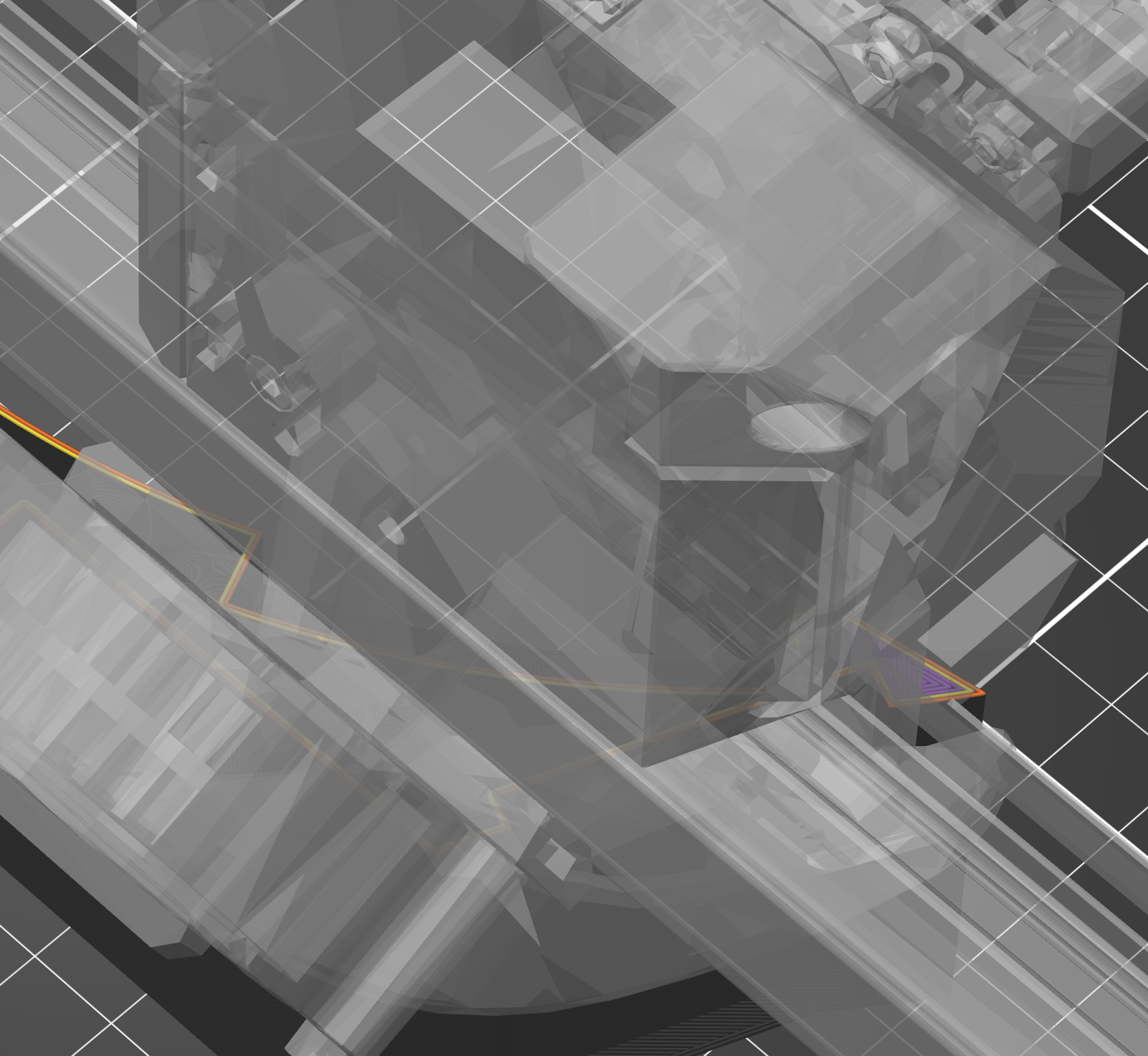
Unable to view layer because of massive print head obstruction
I'm trying to examine a single layer to see how it will print, and when I used to do this I got a nice little small image for the print head so I could easily see where it was up to.
I just went to do it again and now the whole view is completely blocked by an enormous render of the whole print head, completely blocking the view of what's actually happening!
How do I get the old view back where I can actually see the lines being printed? I know what my print head looks like, I don't need to see a render of it! I can't see any layer lines with that monstrosity blocking the view.
I've just spent an hour digging through all the options with no luck, and I was even desperate enough to ask AI which wasted a good 15 minutes before it admitted to me it was giving me instructions for a completely different program even though I told it I was using PrusaSlicer.

RE: Unable to view layer because of massive print head obstruction
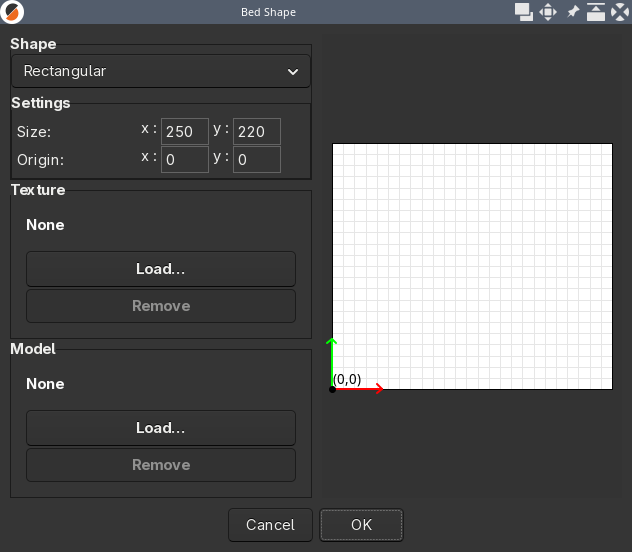
I don't know what printer you are using so cant load in the same profiles but the first place I would look (making sure you are in Expert Mode) is Printers > General and then clicking the Bed Shape >Set button. That allows you to load in a bed texture and/or a bed model. Have a look at whats set in there and see if removing any 'model' if there. Keep the texture/svg one.
RE: Unable to view layer because of massive print head obstruction
Thanks for the quick reply. I'm using a Core One+. The Bed Shape doesn't seem to indicate anything: