
Stubborn PLA bridge artefact
I am working on learning to create my own print profiles. This bridge test shows a consistent artefact that I don't seem to be able to get rid of, any ideas on what to try next is appreciated. The printer is a fairly standard Core One.
This test piece is intended to be harder that the others I have found in that it is just one single layer bridge of 0.2mm thickness.
Settings
Filament: Prusament PLA signal white, dried.
Nozzle: 0.4mm brass standard flow
Temperature: Tried 225-230. 230 seems a fraction better but not significant
Thick bridges: Seems like a total failure, keep off
Bridge speed: 18-27 mms/s, no speed completely remove artefacts.
Bridge flow ratio: 1.75-1.85, tried a lot of combinations of speed and lower/higher bridge flow ratio but higher values lead to more artefacts while lower lead to under extruded bridges not bonding.
Once tuned to above the test models all generate the same type of artefact just at the first strands of the bridge bulging. This artefact prints the same regardless of bridge shape, after the artefact the print settles to a good solid bridge. There are signs of under extrusion in these bulges but these disappear as the bridge becomes more stable later in the print.
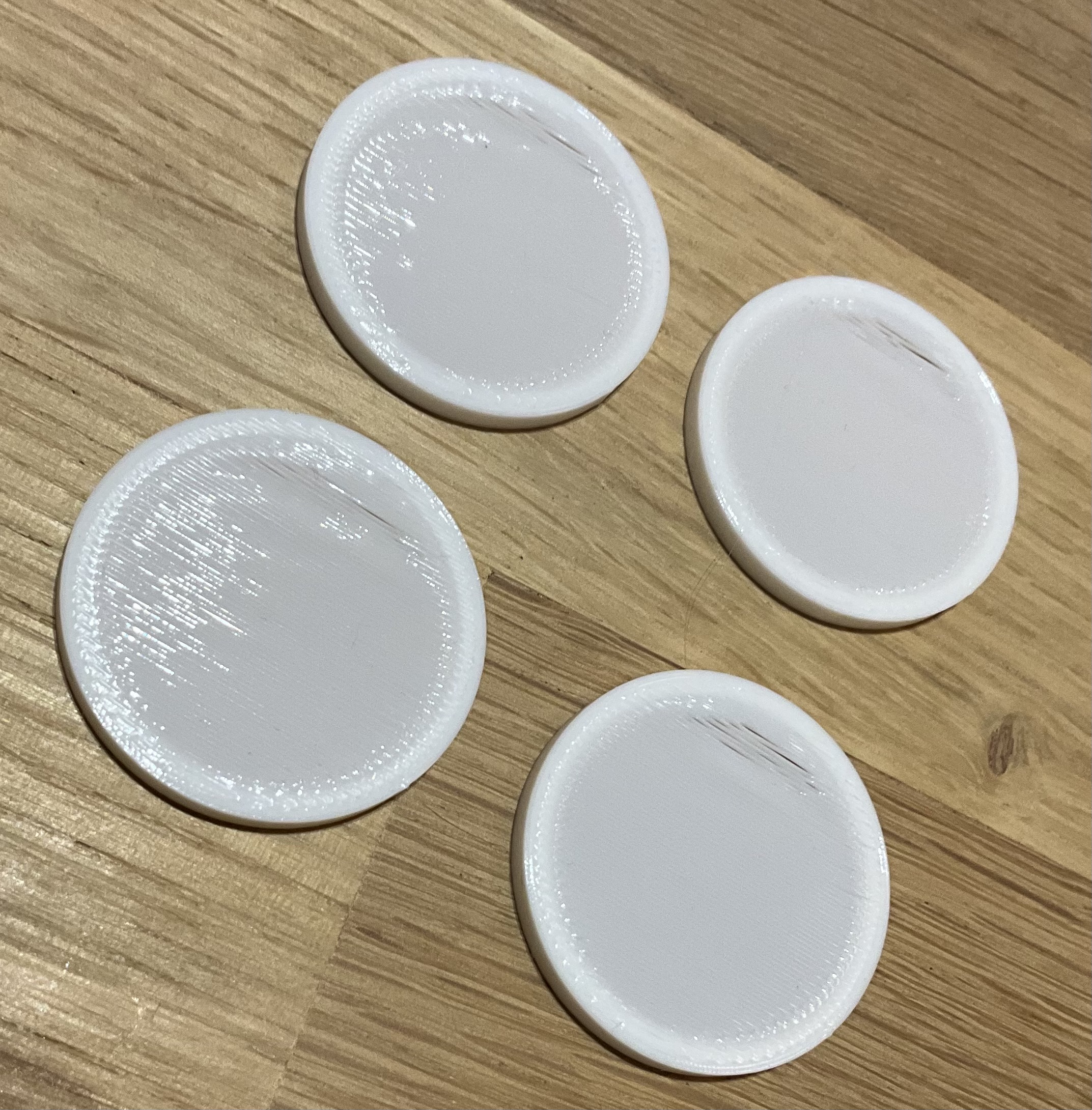
The first things tried are bridge speed and bridge flow ratio. A higher bridge flow ratio does not remove the bulge, going higher than 1.9 the bulge increases. Bridge speed between 18 and 27 seems best, increasing speed does not remove the bulge, lowering speed does not remove the bulge.
I have tested a few different shapes and print orientations. The span of the bridge does not seem to affect the artefact, it always occur on all shapes at the first part of the bridge, then the print clears up. I have tried rectangular, square and round shapes, the artefact is the same on all of them. I have tried different print orientations and bridge angles, they make no difference.
Initially it seemed as if a 100% fan would move bridge extrusions and bond them into artefacts but once bridge flow ratio and speed was homed in changing fan speed between 70% and 100% does nothing.
One theory was that the plate temperature affected the bridge. However moving the bridge higher does nothing.
The next theory was that this is related to changes in volumetric flow. I aligned speed ton all slicer features to achieve the same actual volumetric flow in the whole test piece. This does not affect the artefact. A bridge speed of 18mm/s matches with a prints speed of 30mm/s for other slicer features.
Best so far
Nozzle: 0.4mm brass standard flow
Temperature: 230
Thick bridges: keep off
Bridge speed: 18mms/s
Bridge flow ratio: 1.85
Matching speed for perimeters and infill 30mm/s, this matches volumetric flow rate across the print to remove influences from abrupt changes in flow.

The print starts the bridge from the side where the artefact appears, this is consistent. There is a slight bulge that then collapse to a dip with some under extrusion. After this the print recovers to a good bridge with good bonding and no bulges or sags.
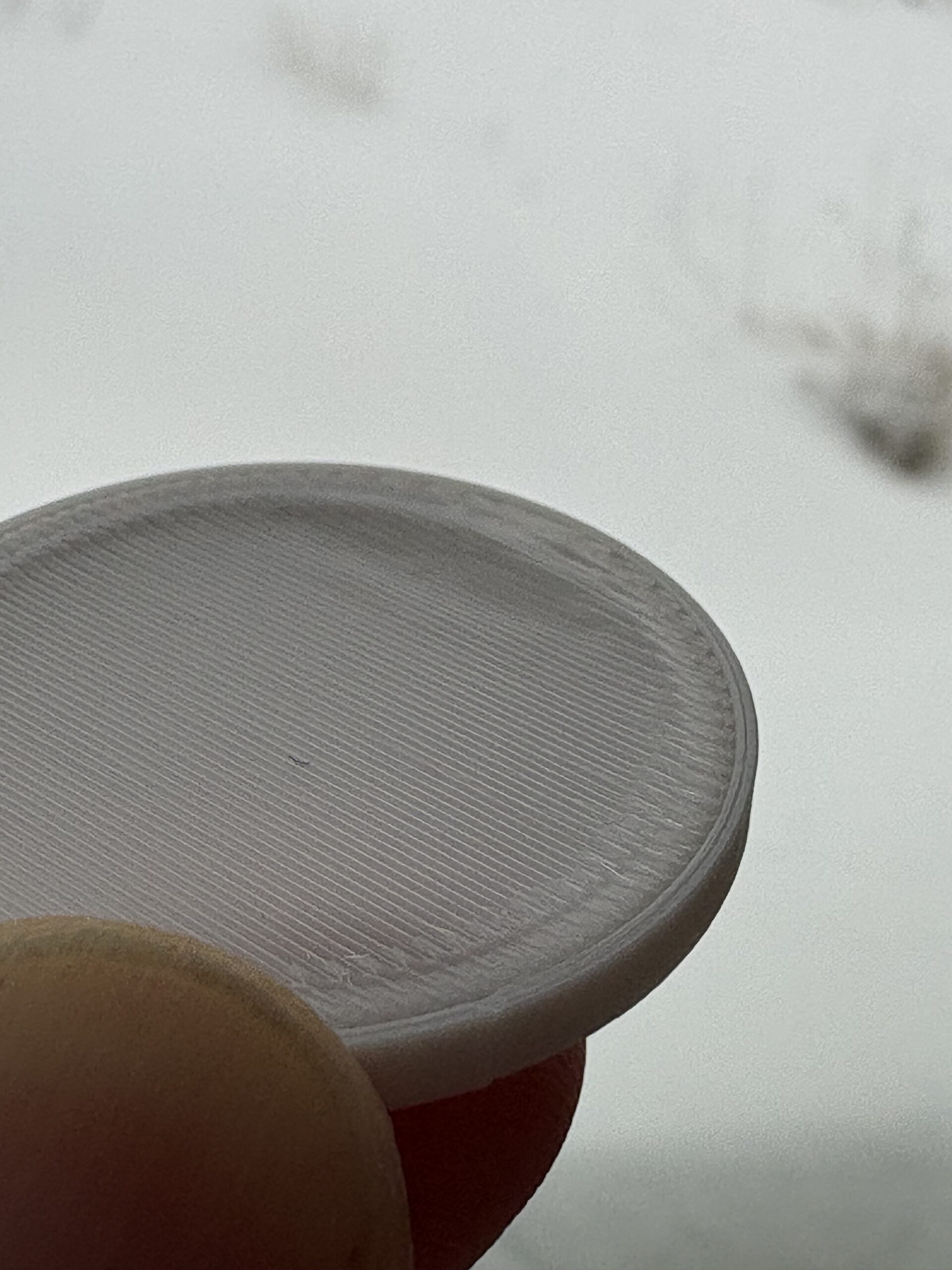
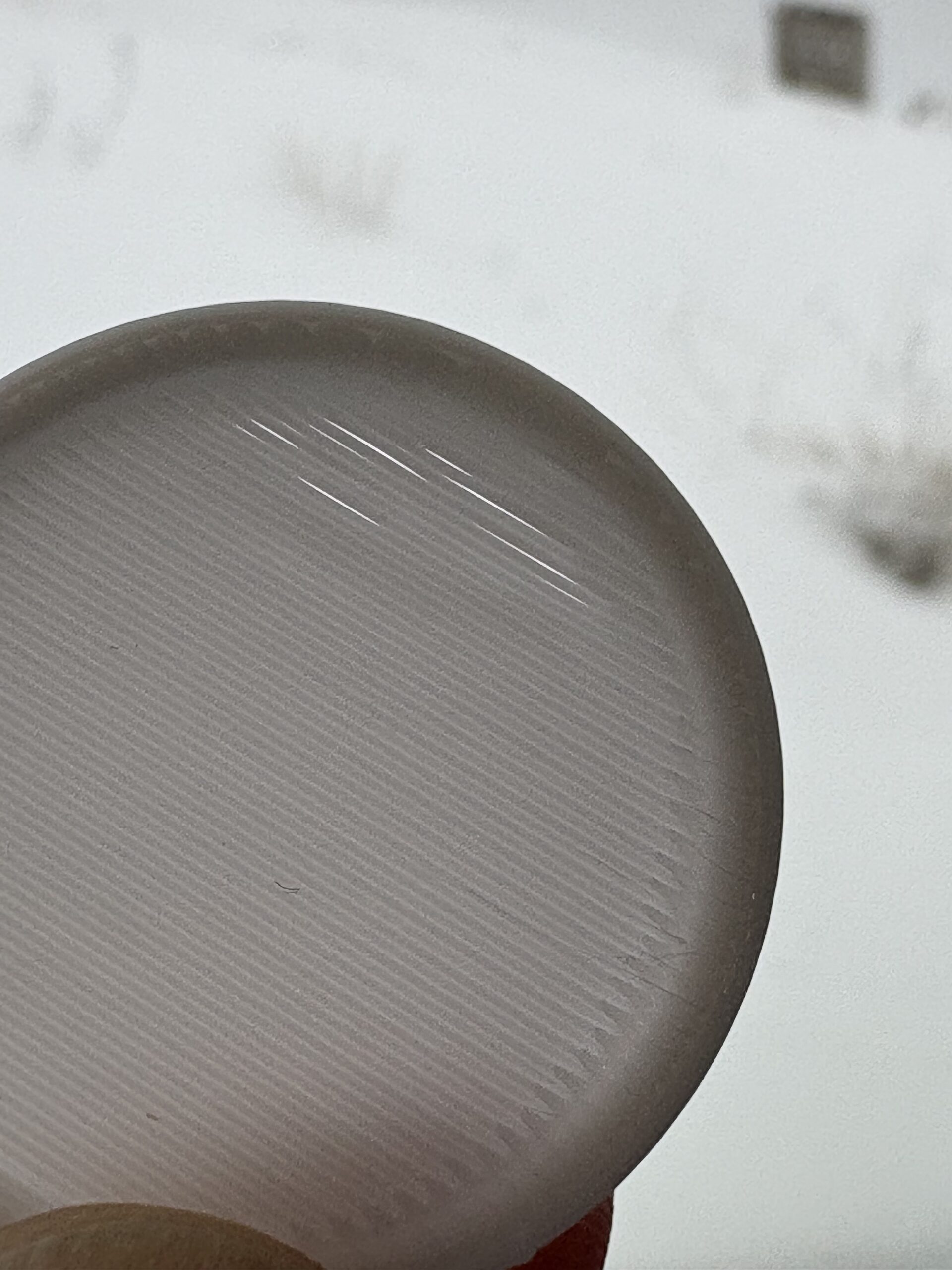
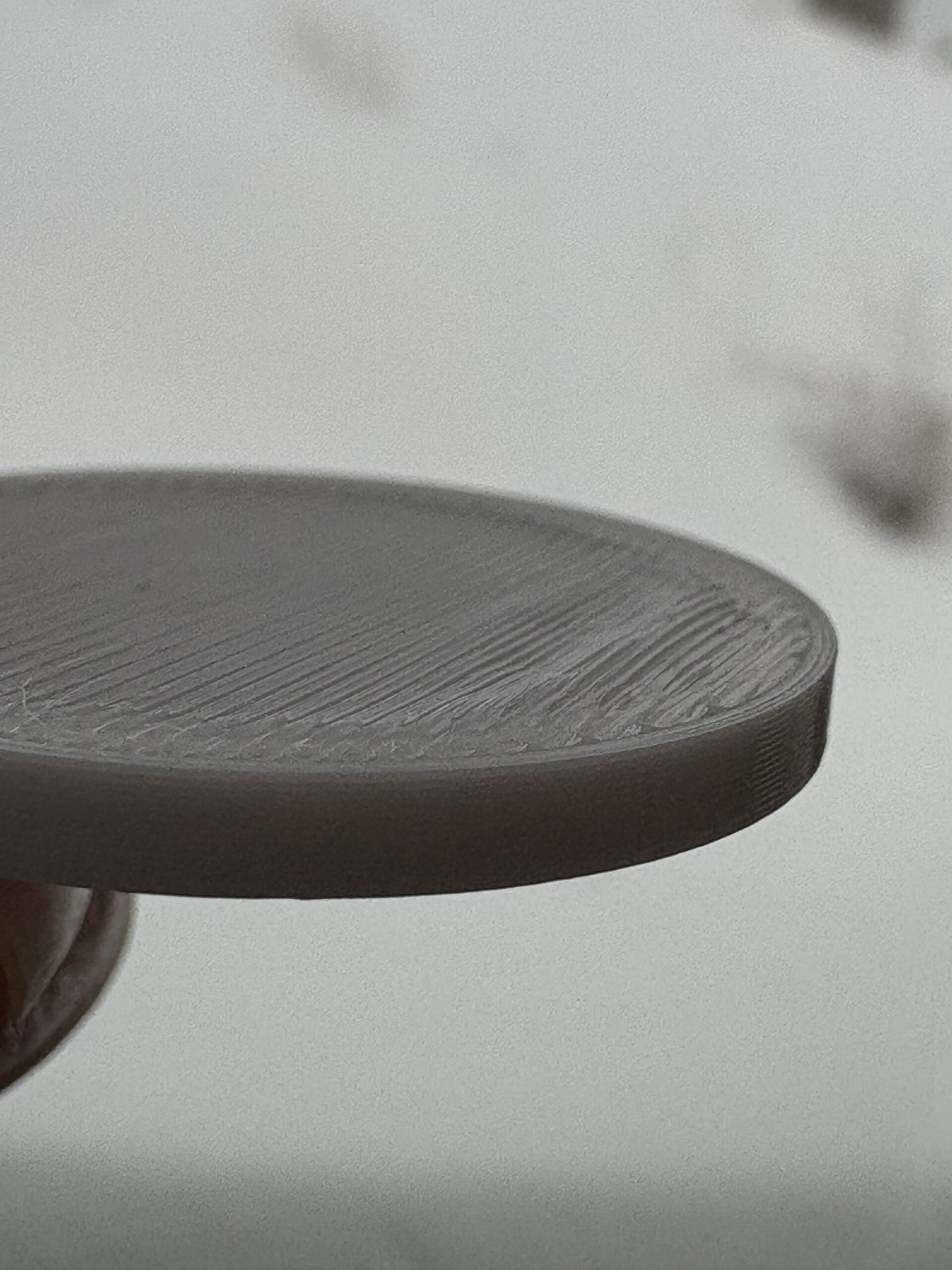
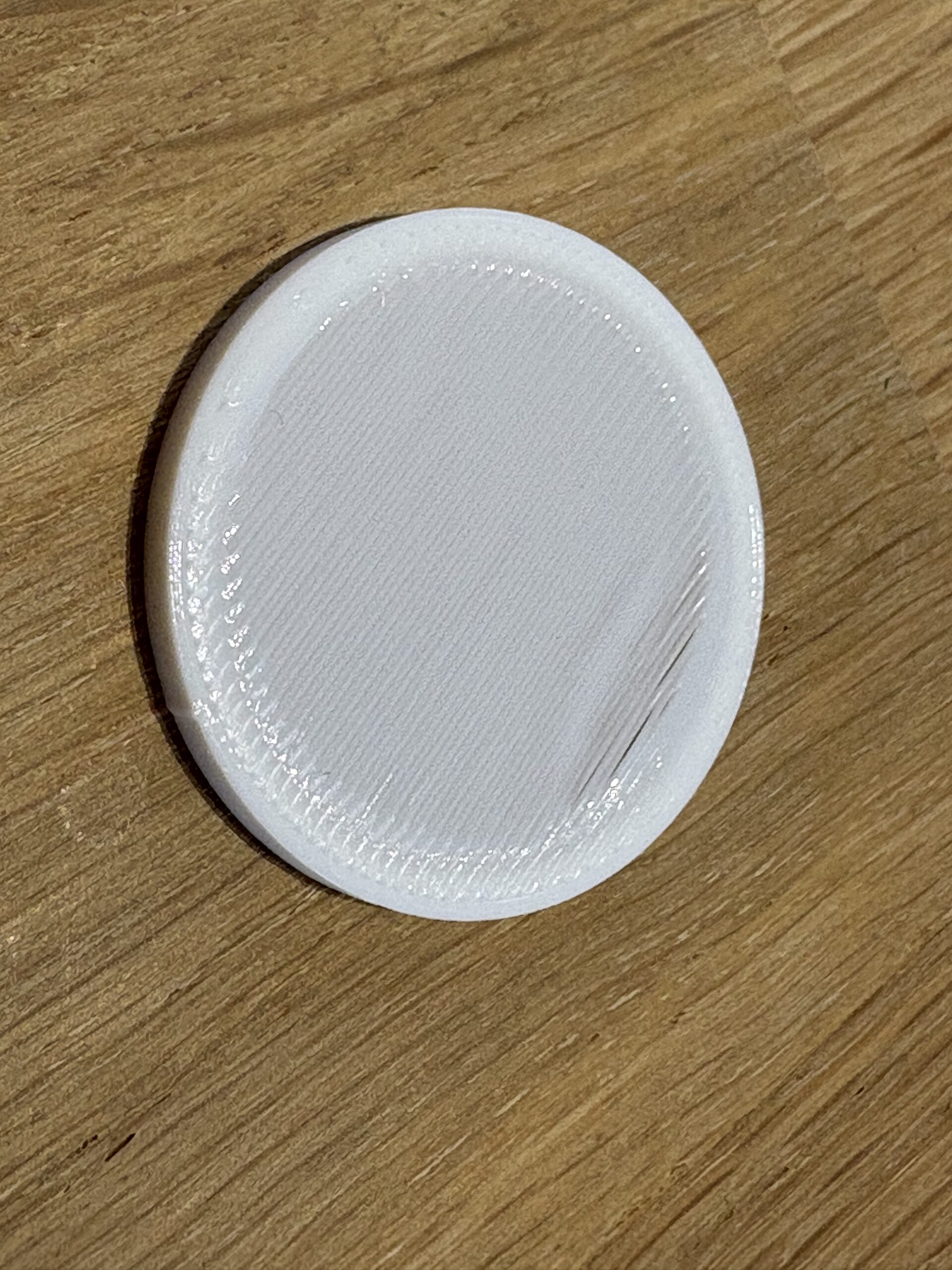
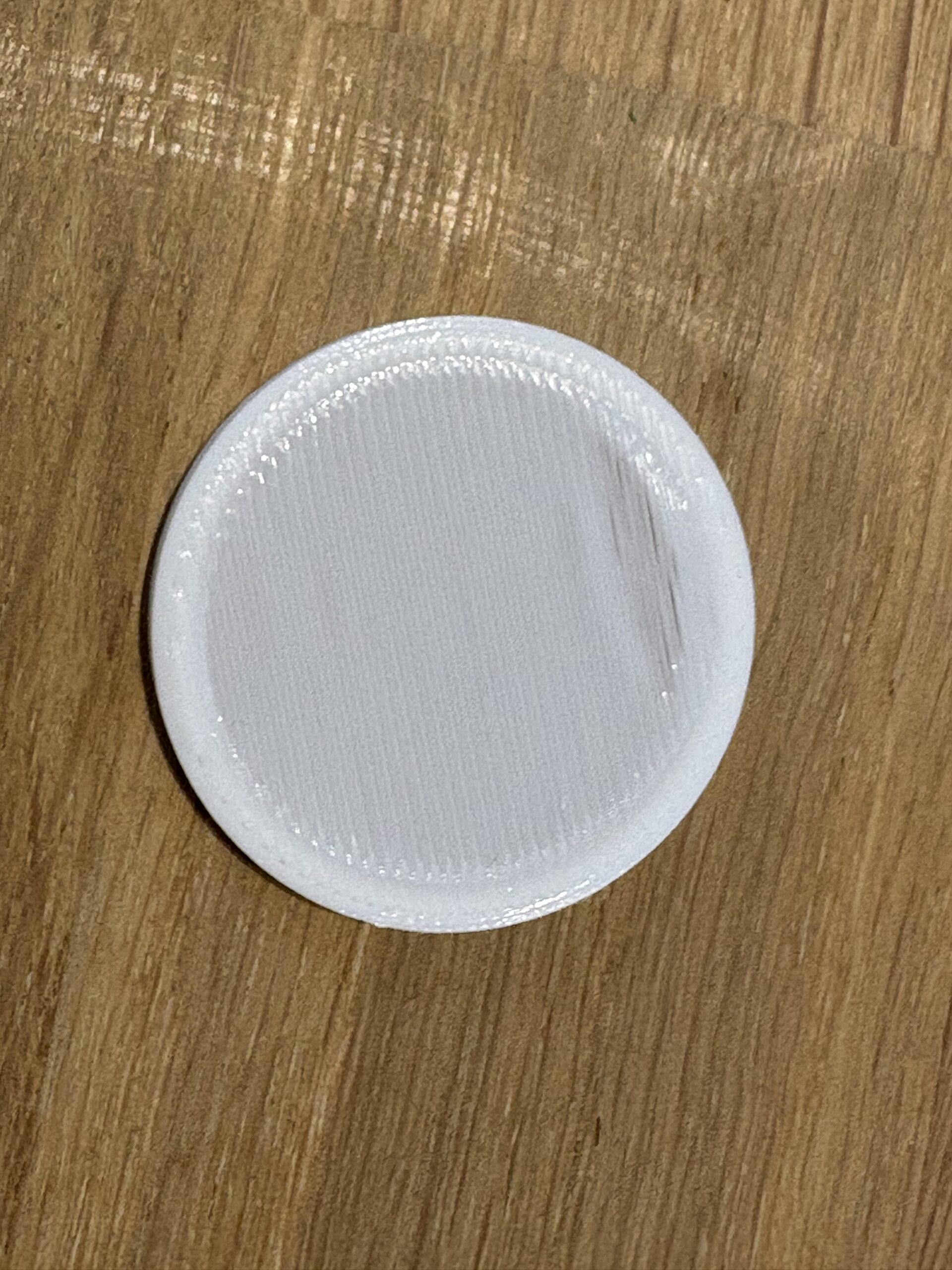
/Anders
What happens with clear or dark coloured filaments?
White contains so much pigment that it can become non Newtonian and inconsistent in behavior when pushed to extremes.
Cheerio,
RE: Stubborn PLA bridge artefact
Good point, I will try different colors and see if that makes a difference.
/Anders
RE: Stubborn PLA bridge artefact
tried same gcode in prusament PLA orange and galaxy black. It is a bit hard to see in the picture but side by side comparison they are more or less identifikation, same shape and same gaps in the sag part. The orange has not been used for a while and was at 30% moisture before hitting the dryer, the galaxy black is never and more recently used. The white is most fresh and most recently used, none of that seems to matter though all 3 print fine and replicate the same artifacts.
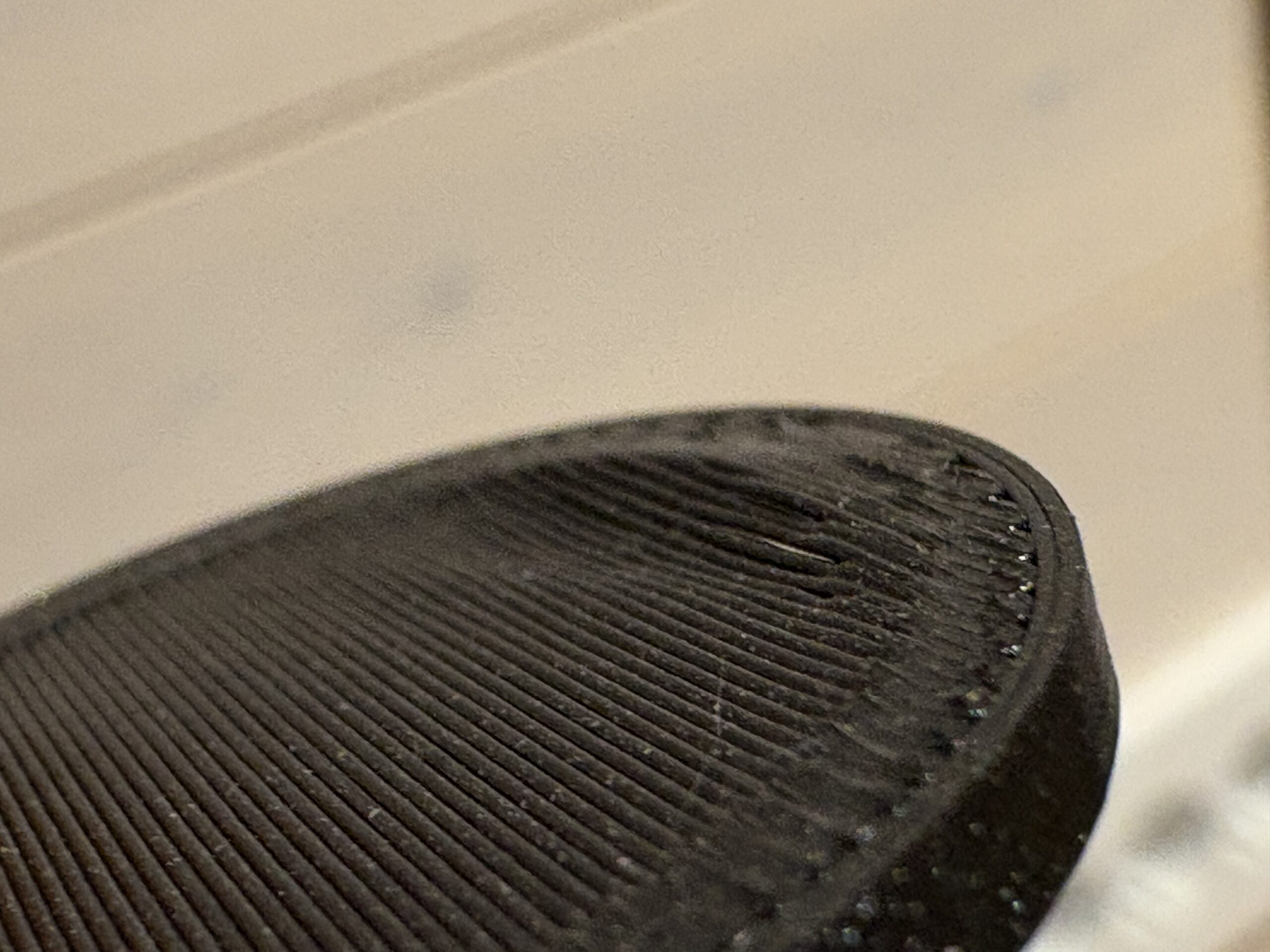
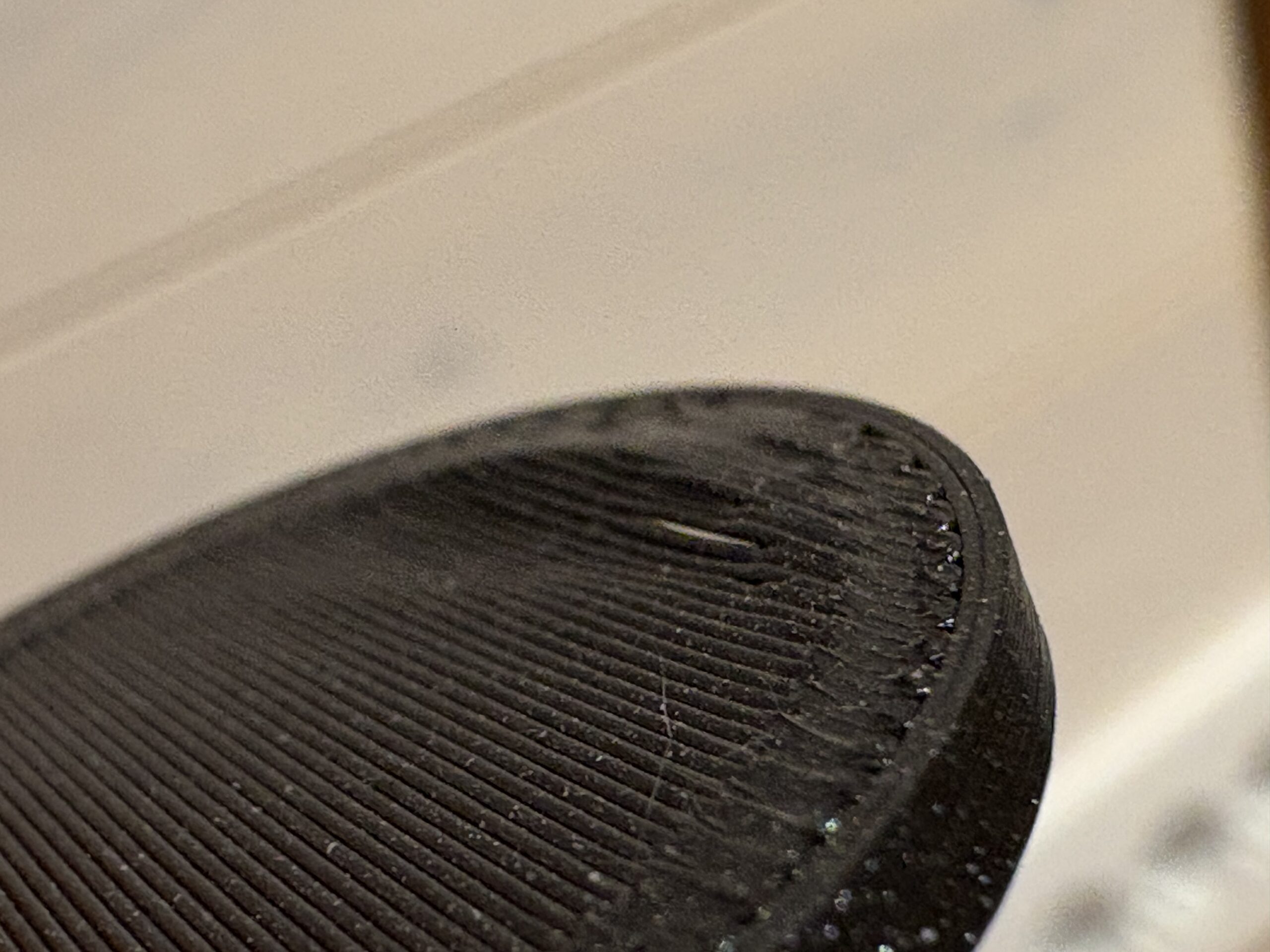
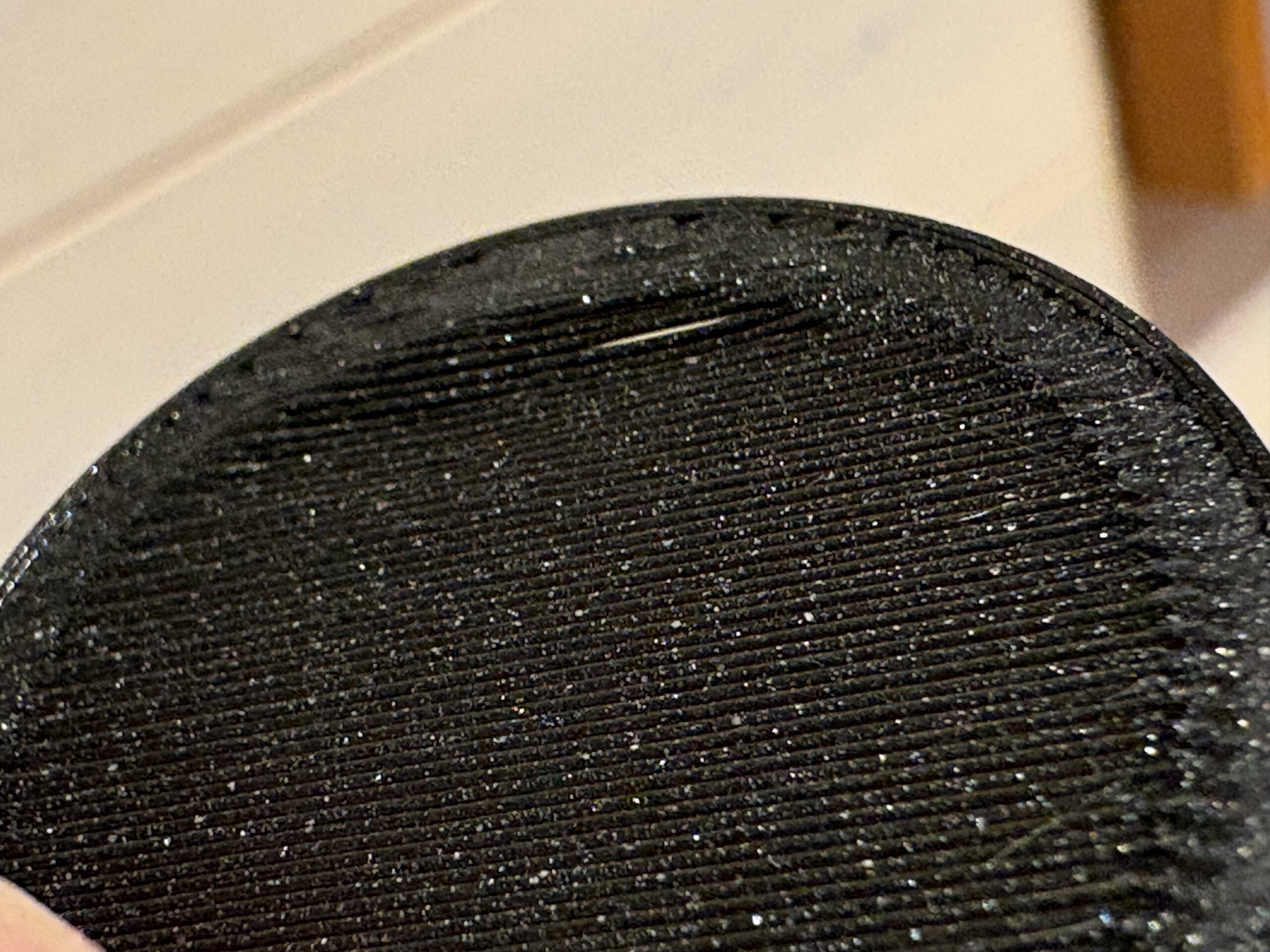
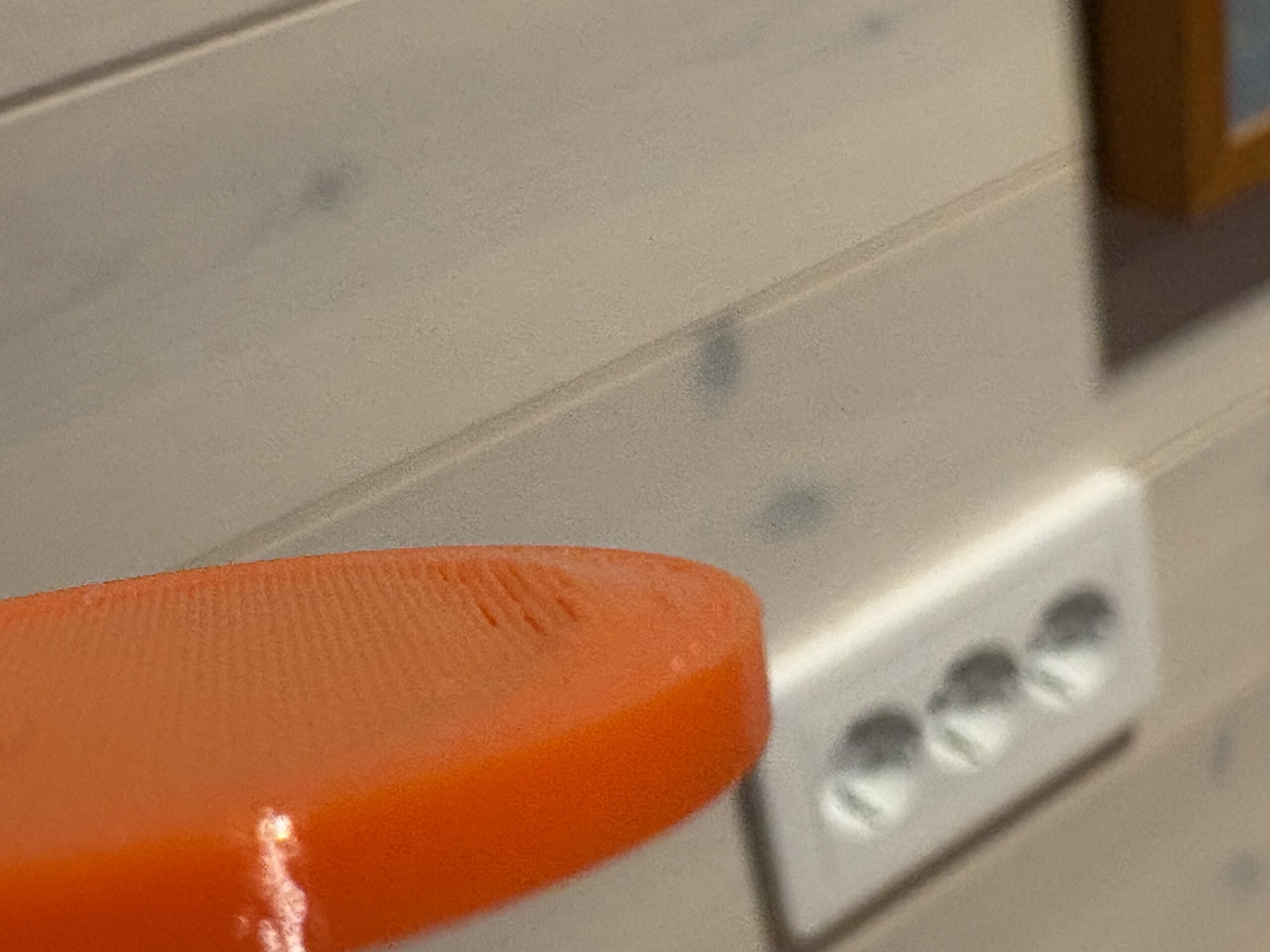


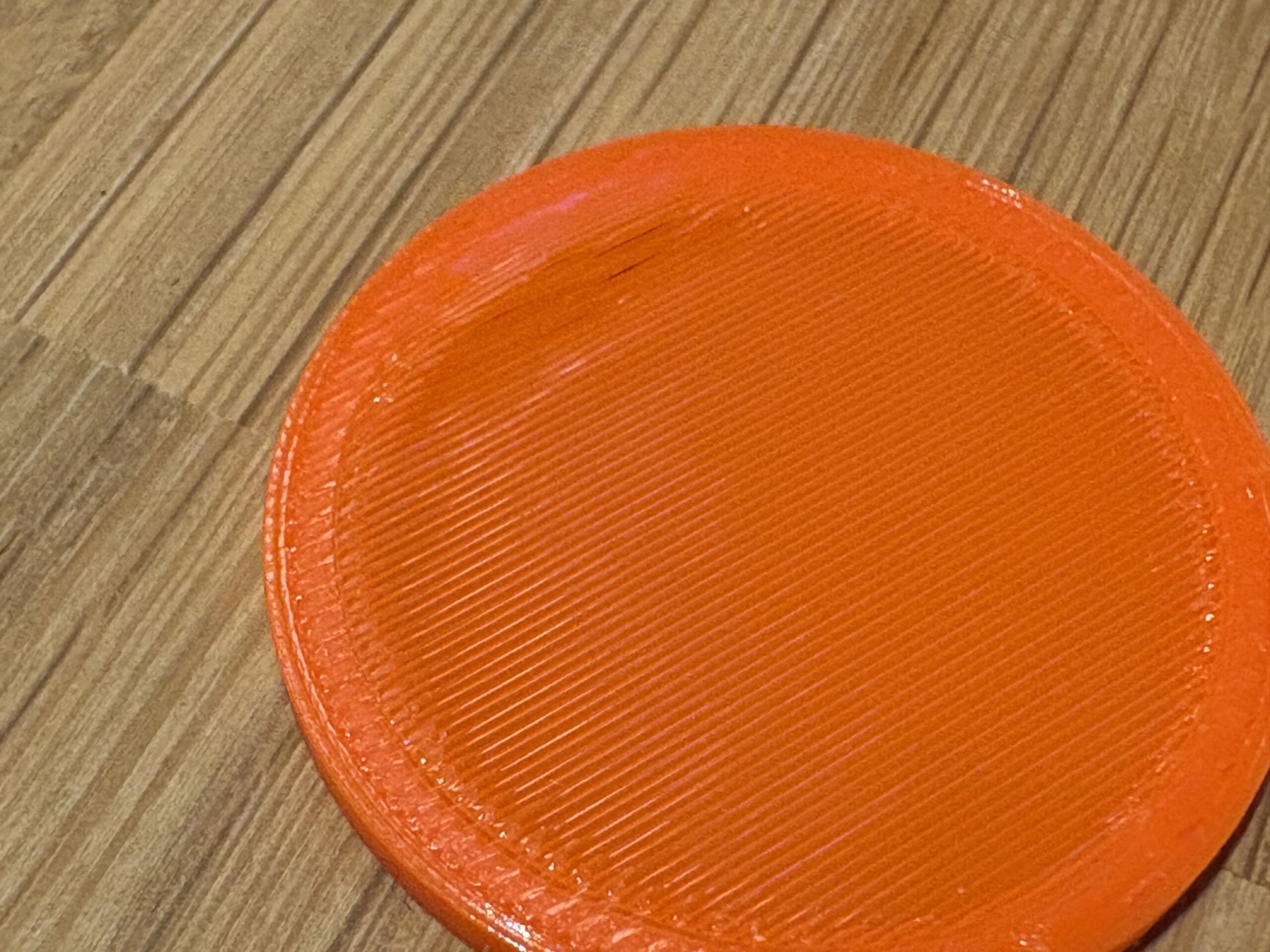
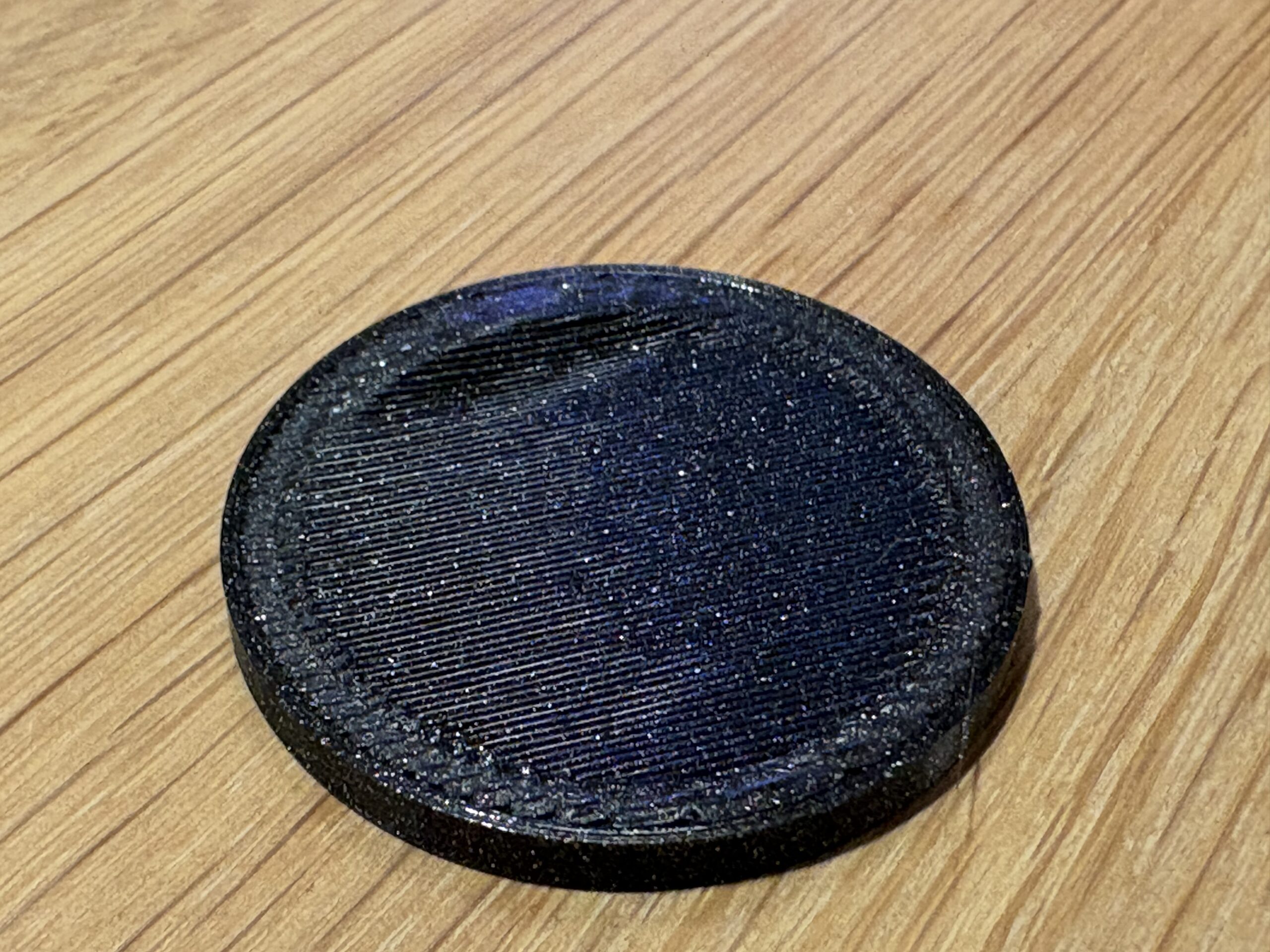
/Anders

RE: Stubborn PLA bridge artefact
Can you post the stl file? I typically have awful results with bridges and would like to give it a try.

RE: Stubborn PLA bridge artefact
My best guess is the geometry. The shape of the object is directing air around itself on that side and so you get different airflow/cooling. Once the fan shroud moves over a bit its blowing on a 'level' area and the airflow goes where you would expect.
RE: Stubborn PLA bridge artefact
Can you post the stl file? I typically have awful results with bridges and would like to give it a try.
I tried to attach the 3mf but that seems to have failed, I will upload and add a link tomorrow. It would be great to see if you see the same result.
/Anders
RE: Stubborn PLA bridge artefact
My best guess is the geometry. The shape of the object is directing air around itself on that side and so you get different airflow/cooling. Once the fan shroud moves over a bit its blowing on a 'level' area and the airflow goes where you would expect.
I have tried a few different shapes and also bridge angles, the angle of the airflow with respect to the bridge direction does not alter the artifact, it comes out the same on rectangular shapes and if the bridge prints in x or y direction. Fan speed does no difference. 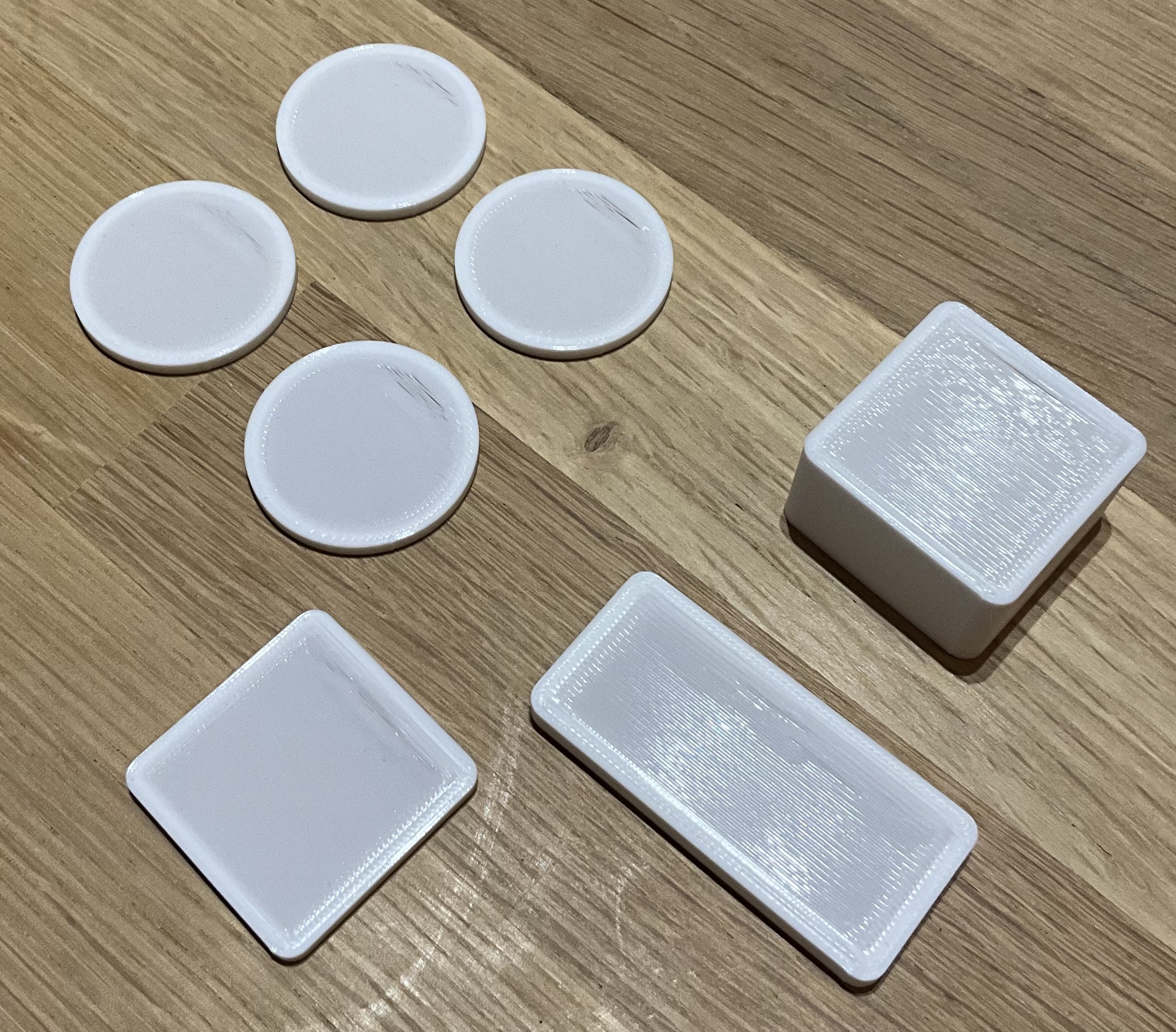
/Anders
RE: Stubborn PLA bridge artefact
Added the test model to printable for those that want to give this a try 1590503-bridge-artifact-diagnostic-test-model
/Anders
RE: Stubborn PLA bridge artefact
Excellent write-up with the model, thanks! I'll give it a try today. I don't know if it matters, but my printer location is very cold right now, maybe 60 F at best. We really need a break from this weather (Upstate NY in USA).
RE: Stubborn PLA bridge artefact
Excellent write-up with the model, thanks! I'll give it a try today. I don't know if it matters, but my printer location is very cold right now, maybe 60 F at best. We really need a break from this weather (Upstate NY in USA).
Thanks. I am beginning to suspect this does not depend on any of the parameters I have adjusted so far but is something different from bridge specific altogether, I just need to figure out what. We have a cold wet winter here as well but the shed is heated to about 16c, I have been trying both with the top of the printer to keep chamber temp down and with the top on raising chamber temp up above 30c, I don’t see a difference between the two on this issue. Today I have been playing with extra deretraction length but that does not seem to do anything.
/Anders
RE: Stubborn PLA bridge artefact
I'll probably learn more from this than any help I can give- my bridges are usually poor. The one on the left is PETG and the one on the right is PLA, both sliced with the standard filament profiles and balanced .2 layer profile. What I find disturbing is the alternating thick-thin pattern.
RE: Stubborn PLA bridge artefact
I'll probably learn more from this than any help I can give- my bridges are usually poor. The one on the left is PETG and the one on the right is PLA, both sliced with the standard filament profiles and balanced .2 layer profile. What I find disturbing is the alternating thick-thin pattern.
I have not tried PETG but that is my experience as well with the standard profile, I started from the balanced profile at first, then structural that I have used as base for my best ones. But without adjusting the bridge extrusion factor and bridge speed mine looks the same. If you are curious I started from this model 1475259-3d-printing-bridge-calibration-test-basic-advanced but ended up making my own variant to reduce print time.
/Anders
RE: Stubborn PLA bridge artefact
So, here's one after changing the flow to 175% and reducing the speed down to 13 mm/s. The lighting makes it look pretty bad, but it's way better than where I started. This is Buddy black PLA. It can have a lot of gloss but it's cheap and I use a lot of it.
A thought. There's a small contained area under the bridge. The air flow changes as the bridge is filled in. What's going on is almost certainly thermal and maybe that has something to do with it. You might try a taller ring or put ventilation holes in the side.
They sell some rather good thermal cameras these days. We use one at work and I was impressed by the resolution and close focus ability. More than I want to spend, but if I were in "research" mode, it would be cheap tool, under $300. https://thermalmaster.com/products/thermal-master-p3-pcb-master
We 3D printed a nice stand for it.
RE: Stubborn PLA bridge artefact
So, here's one after changing the flow to 175% and reducing the speed down to 13 mm/s. The lighting makes it look pretty bad, but it's way better than where I started. This is Buddy black PLA. It can have a lot of gloss but it's cheap and I use a lot of it.
A thought. There's a small contained area under the bridge. The air flow changes as the bridge is filled in. What's going on is almost certainly thermal and maybe that has something to do with it. You might try a taller ring or put ventilation holes in the side.
They sell some rather good thermal cameras these days. We use one at work and I was impressed by the resolution and close focus ability. More than I want to spend, but if I were in "research" mode, it would be cheap tool, under $300. https://thermalmaster.com/products/thermal-master-p3-pcb-master
We 3D printed a nice stand for it.
Thank you. I have been considering airflow and cooling as well, it was an early suspect. I have tried different shapes and that does not alter anything but changes airflow, but maybe not enough. The thing that finally made me look elsewhere is that if I change the bridge angle making the printer start the bridge from another angle towards the bed the artifact stays in the same first part of the bridge unchanged.
A thermal camera would be but limited use otherwise, I will look around if can rent or borrow one somewhere. I have another idea towards the same line of thought to split the shape into multiple bridges to see if it matters if the bridge starts towards the edge or if this also appears if the bridge starts further into the top where the bridge stabilizes on the current model.
/Anders
RE: Stubborn PLA bridge artefact
Yesterday I noted that the printer does a travel move with a z-hop and associated retraction just before the start of the bridge. To verify if the z-hop + retraction has some influence on this I disabled both setting z-hop height and ramp to zero and retraction length to zero.
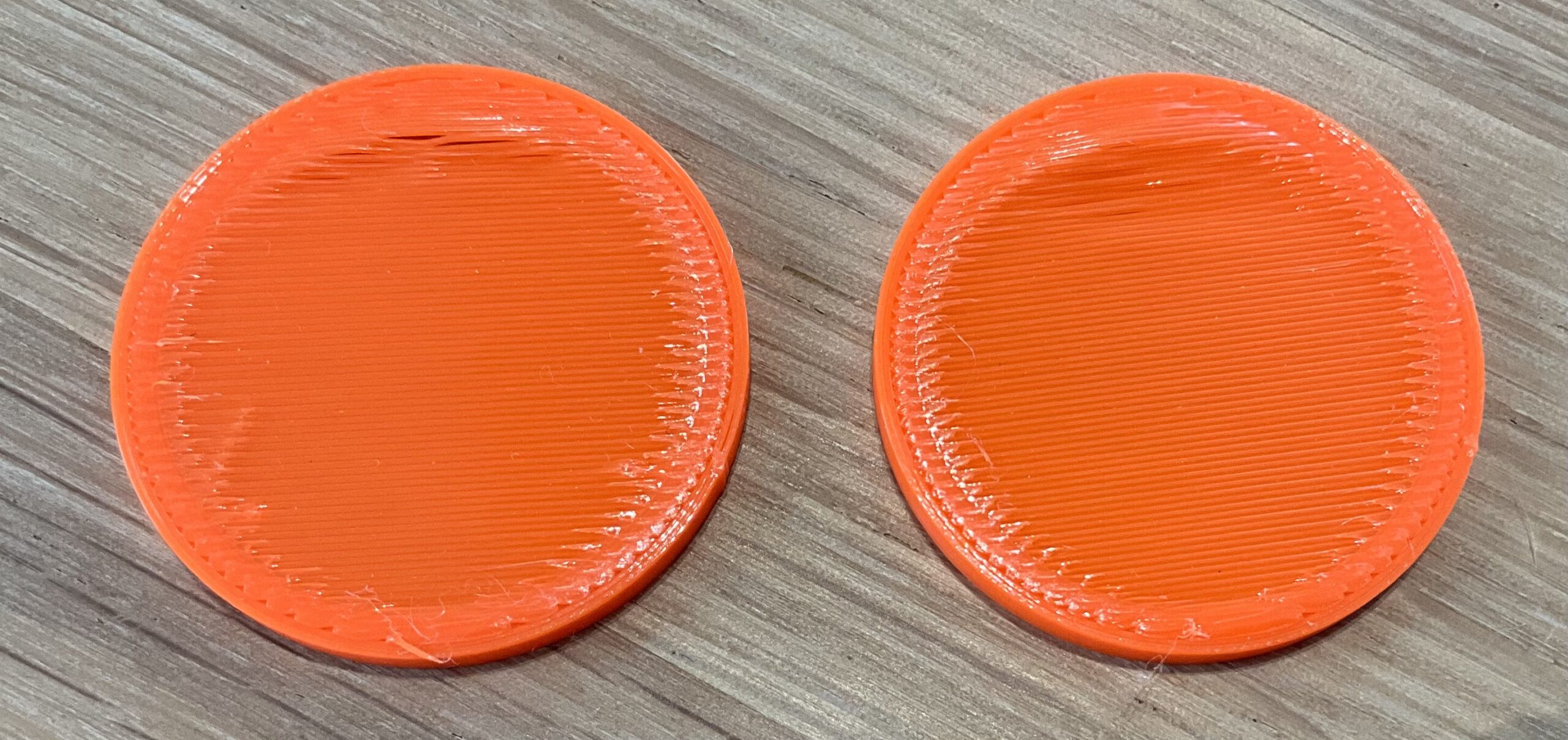
The left piece is without z-hop and retraction, the right side is with the z-hop at default and 0.5mm retraction. This does not appear to have any impact on the bulge.
/Anders
RE: Stubborn PLA bridge artefact
The Battle of the Bulge! Sorry, couldn't resist.
RE: Stubborn PLA bridge artefact
The Battle of the Bulge! Sorry, couldn't resist.
The bulge is winning so far, I tried a draft shield just to see if that would do anything, nope, still there, still the same.
/Anders
RE: Stubborn PLA bridge artefact
Another data point- I made the part taller, with vent slots on the bottom. Didn't make much difference.
RE:
Another data point- I made the part taller, with vent slots on the bottom. Didn't make much difference.
I tried to make the part taller as well but without vent slots and found the same, it makes no difference.
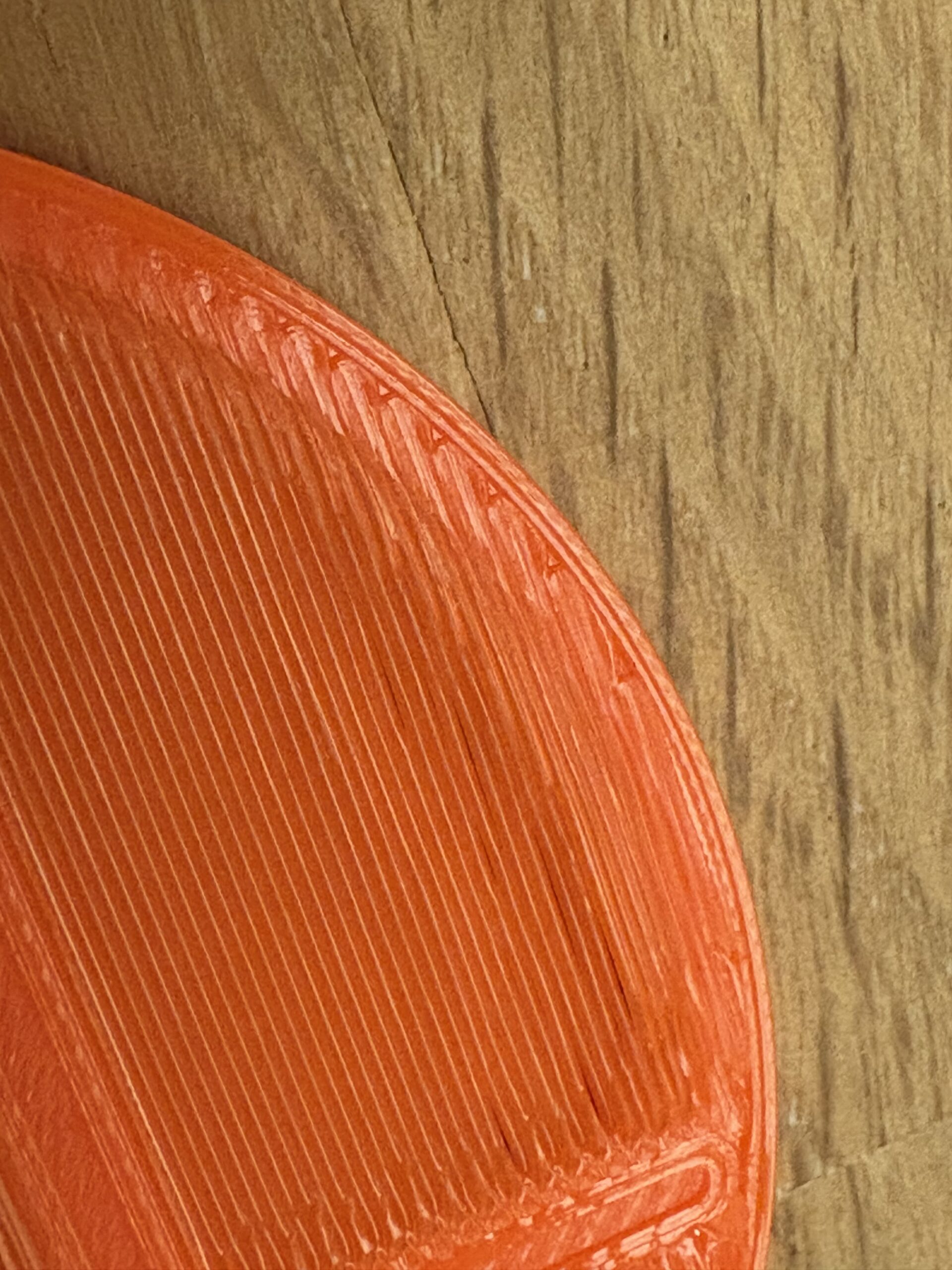
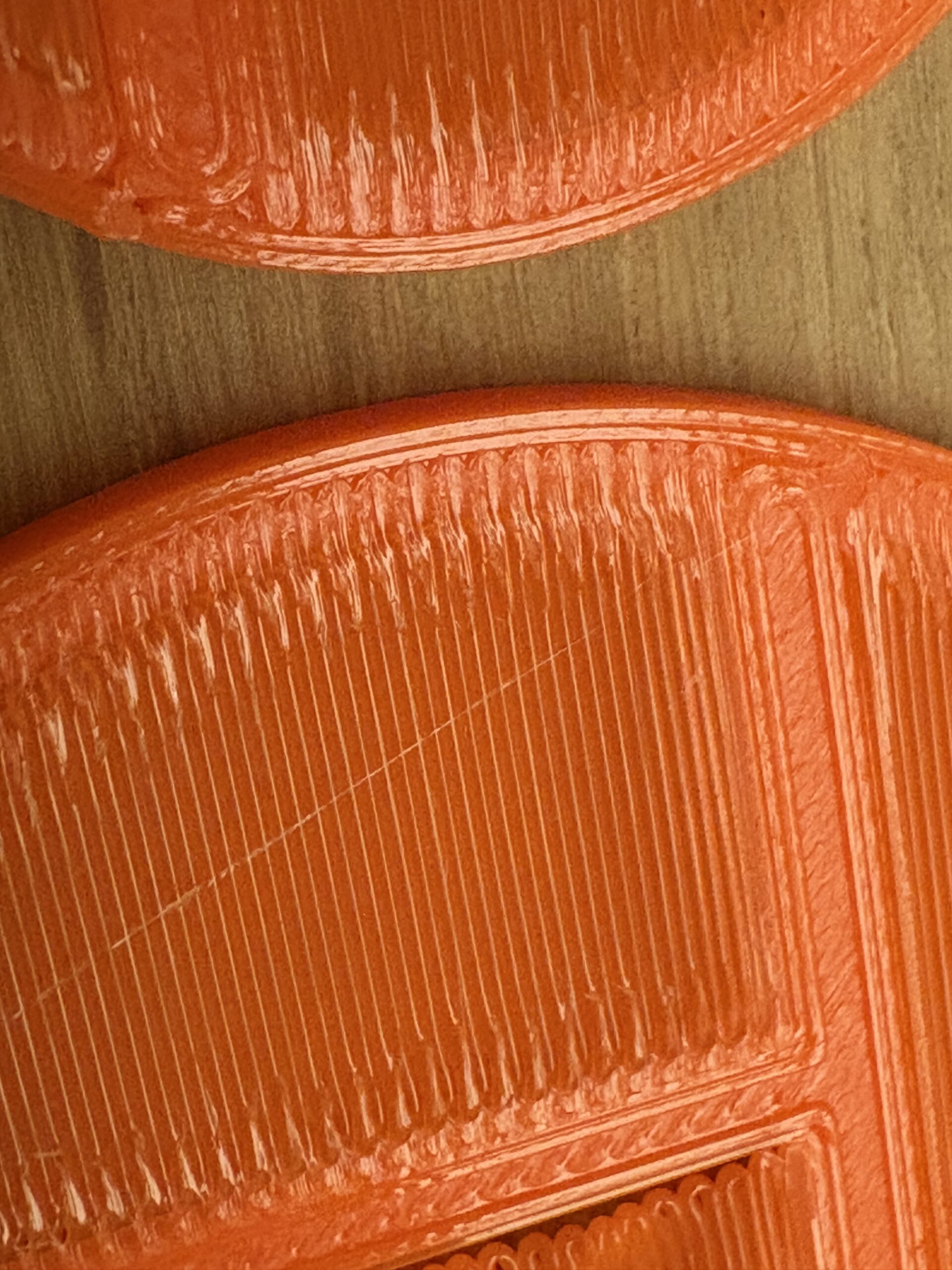
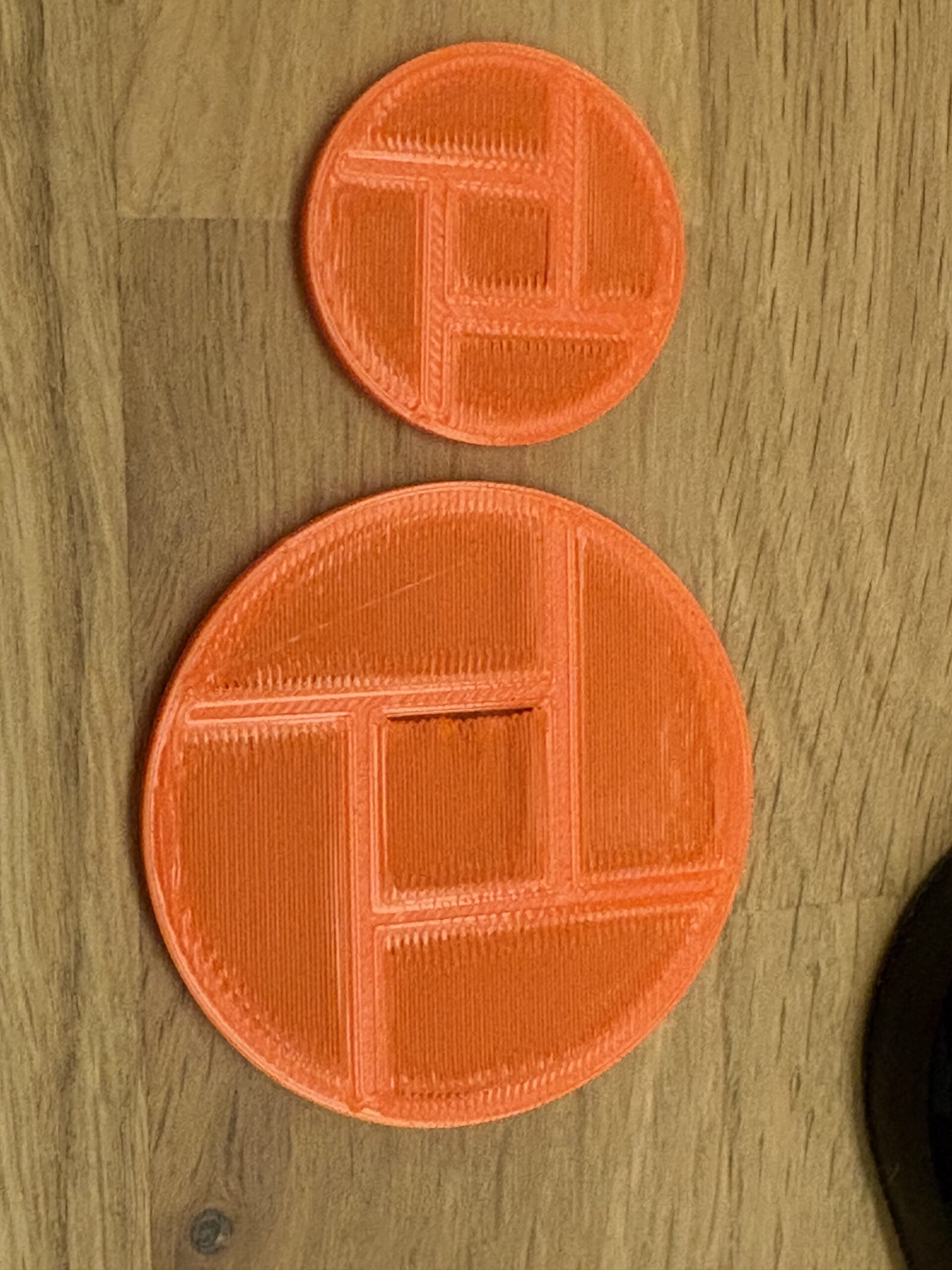
yesterday I toyed with a slightly different layout of bridges by splitting the internals into segments. When the length of the bridges go down that masked the problem quite well but as soon as I make the bridges longer the pattern is back on all the internal bridges that start with a longer bridge segment, there is one that started to print at a tip and that masked the problem the same way as the shorter bridges. I also had some issues with the bridge anchors but I think that is a separate issue with my model which is still work in progress.
the idea with this model was to try to see if the problem occurs only on an outer edge or if it occurs the same on internal bridges, and it does seem to indicate that it does not matter if the bridge is at the far edge or somewhere else.
/Anders