
Ringing, or other artefacts on top layer. What could this be?
Dear Prusa community,
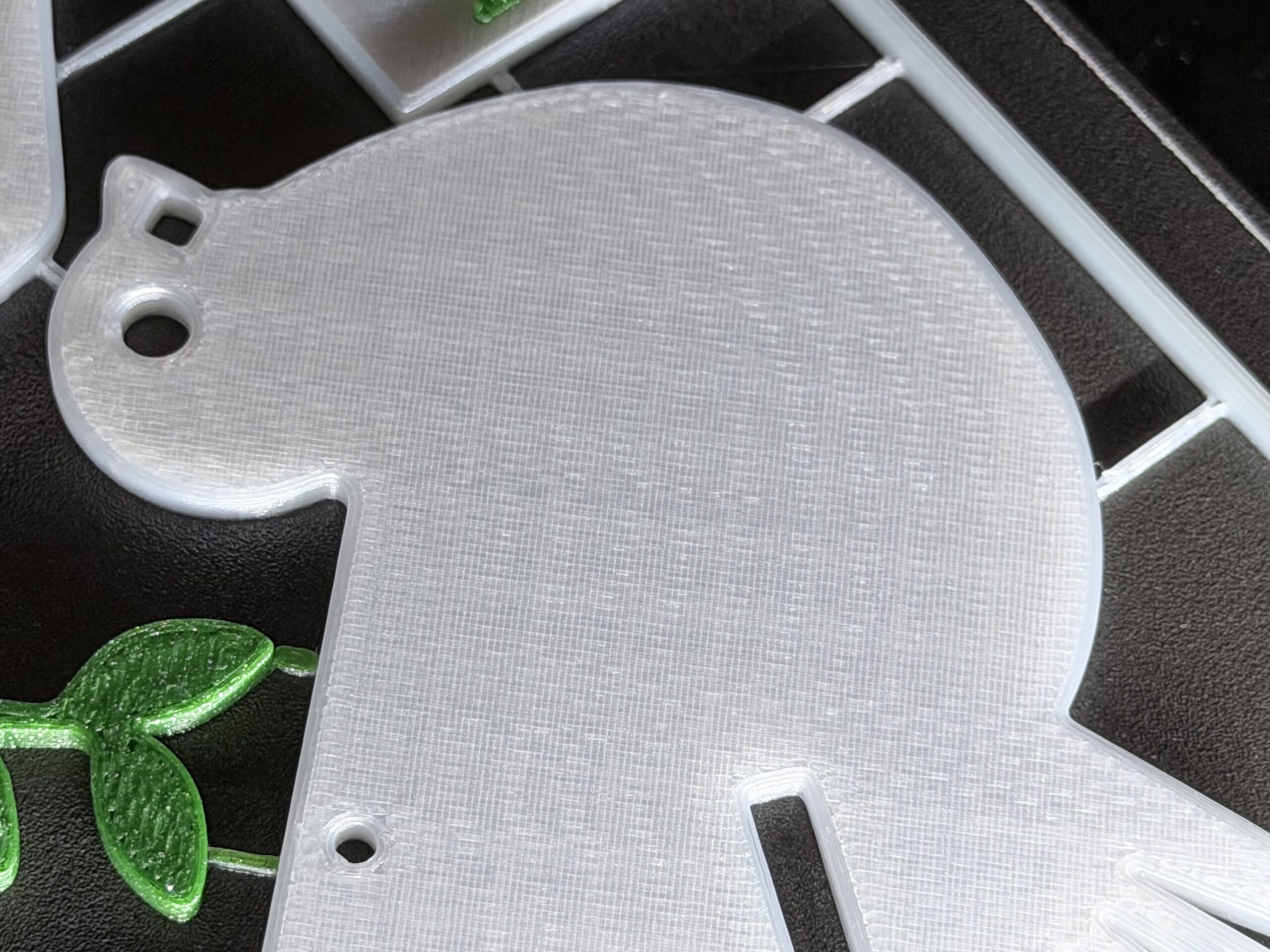
On my Core One I'm experiencing since a few weeks this 'ringing' artifact on horizontal / top layer.
It is almost like VFA's on a top layer. Which makes this layer look a bit rough. Combined with this I see ringing or a echo for lack of better words,
Things checked:
- Belts are tuned (firmware 6.4.0) using the manual stroboscopic way.
- No rubbing of the belt on the idler(s)
- Balanced profile
- HF nozzle set in profile.
- Using PLA generic. Tried with higher and lower flow rates (110% - 90%). With no real differences in print quality.
- Temperature -10 to +10 tried, no differences in print quality either.
I'm a bit out of ideas and hoping for some brilliant community insights.
What could this be? (Or better, how to mitigate this..)


RE: Ringing, or other artefacts on top layer. What could this be?
Did you buy it as a kit or pre-assembled? If a kit, was it a new kit or an upgrade from a MK4S? Reason I ask is I think it might be related to the extruder gears that have wear on them from excessive use. First try running the planetary gearbox calibration.
RE:
Hi,
Thanks for the help. Great suggestion.
My Core One is upgraded from a MK4S (and even before this a mk3s+).
I also was thinking about this, and yesterday I serviced the gears of the nextruder. Took it apart, cleaned them and checked all the teeth of the gears and also of the brass ring. It all looked great. No noticeable slop or wear. I also checked the motor, which still sounded good (no clicking sound or what so ever).
Of course I cannot be a 100% sure if all tolerances are still perfect, so I’m doubting to order new gears. But I’m not convinced (yet) that this is the culprit.
also because the pattern is so much alike VFA’s.
Anyway cleaning, and rerunning the calibration didn’t solve the issue for me.
RE: More images: Ringing, or other artefacts on top layer. What could this be?
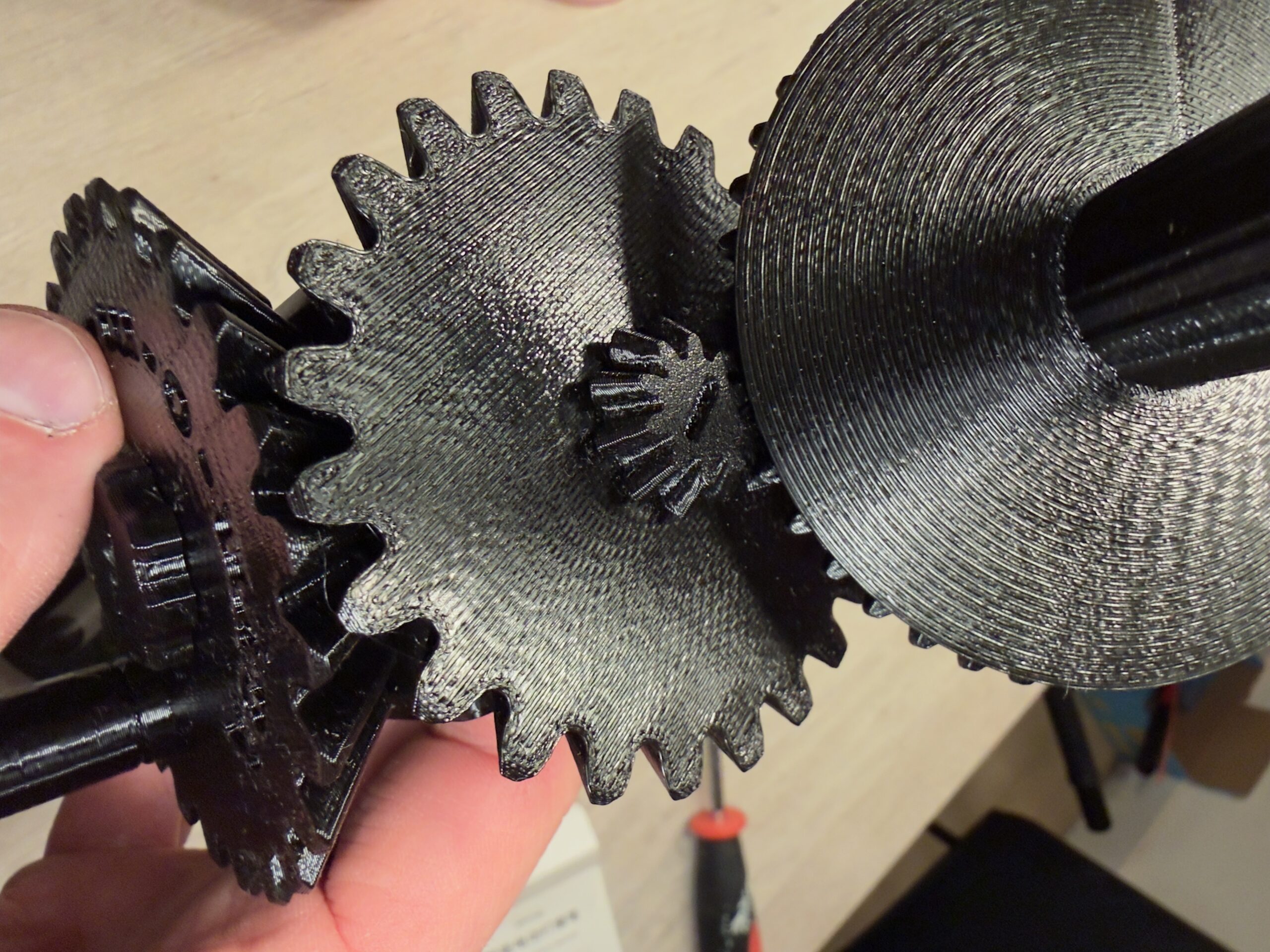
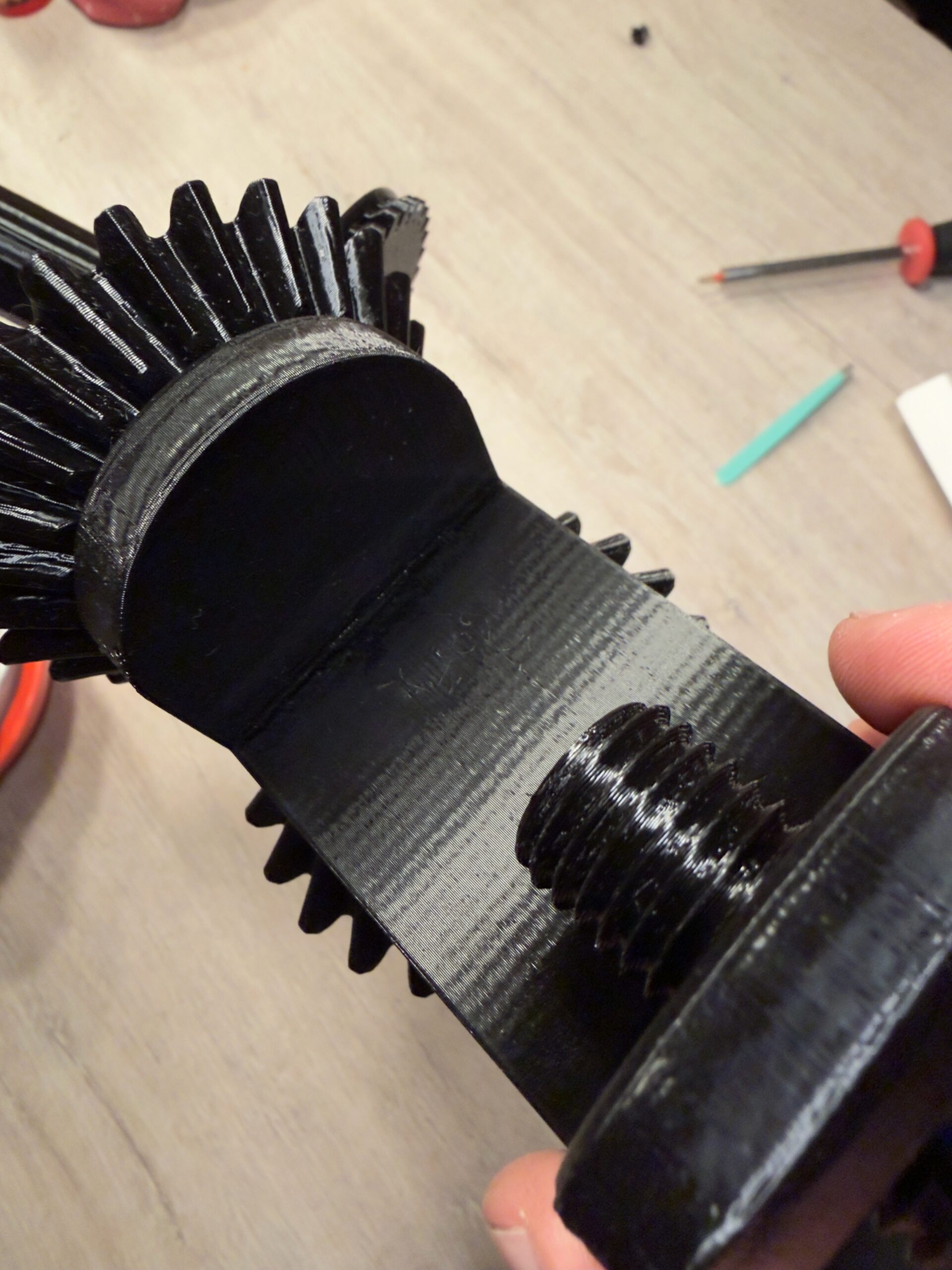
On this black PLA you can see the issue even better.
The top layers, look really bad. With what I can only describe as ringing or echoing.
Also in the last image you can clearly see normal VFA's on the sides of the print. This with the belt tuned (using the stroboscope) 97 Hz/92Hz.
I have now, serviced the printer, tightened the belts, cleaned the nextruder (gears). Used different PLA (brands (Prusa and others), colours you name it.
Tried, structural, Tried Balanced, tried speed profile, no difference. Tried 0.15, 0.2 and 0.25 layer heights, no difference. Played also with flow-rates.
What more can I do?

RE: Ringing, or other artefacts on top layer. What could this be?
Reason why I'm focusing on the Nextruder is that I remember seeing a similar pattern in a different post a while back. The answer was that the person apparently needed a new extruder motor due to slop (or some other issue) with the motor. In his case, it was also a MK4 -> MK4S -> Core One upgrade path.
Before embarking on this, I suppose it wouldn't hurt to contact Prusa support and get a second opinion.
RE: Ringing, or other artefacts on top layer. What could this be?
Hi,
I did indeed also read that thread. He replaced the motor, which made a sound, and later the gears. Only after the latter it was 100% again.
I went ahead and also ordered new gears. Fingers crossed this will work.
But I have a nagging feeling that it’s something else. We’ll see.
but I’m also open for alternatives.
anyhow if the gears made a difference I will post it.
UPDATE : Ringing, or other artefacts on top layer. What could this be?
Here is a short update.
The previous 'exerpiments' didn't take into account a worn nozzle. I replaced the nozzle with a fresh one. But there wasn't much improvement from this.
Next I ordered new planetary gears, ring and washer. Thery just arrived and I replaced the 'old' gears.
There seems to be a little bit of an improvement, the artifacts are for sure less noticeable.
Still, there seems to be some ghosting left on the top layer. Mostly in the x-axis direction.
I'm now playing around with some different belt tensions, going up to 110 Hz. So far I'm not seeing an improvement. Maybe I'll will try some lower belt tensions as well.
New update. some VFA improvement
Update:
I have now multiple times retuned my belts (98/92hz), squared my gantry.
This did not significantly reduces my VFA's. Did a lot of checking pully and idler checking/aligning as well.
What did work, and significantly reduced my VFA's to almost not visible: Running a test square, in vase mode.
I oriented this 4x4x3 cm block on my build plate at 0 degrees (so square edges are parallel to the built plate edges), and a 45 degree orientation. This last orientation, will show if the VFA's are from one particular motor/axis. To my surprise, both squares looked amazing.
And this is because in spiral/vase mode, the single perimeter is printed really slow.
I did it again, now at 200% speed, and the VFA's were still not very visible. 200% speed in spiral mode is still a lot slower than normally the outer perimeter is printed.
So next thing I will do is print a normal cube, with the outer perimeter speed slowed down to about 40 mm/s. And from this run some speed test 40 - 150 mm/s.
Anyway, all this recalibrating, retuning belt tension, squaring the gantry.
Now has caused my fine homing calibration to fail constantly. And auto homing (pre-print homing) is also doing more head banging than usual.
And on top of this my input shaper calibration fails on a too high X-axis frequency.
Maybe one on my motor pully's came loose, but before testing, I need to recheck my gantry.... again.