
My issues and solutions with the C1
Hey there,
wanted to share my experience with the Core One (Kit Version), especially the problems I have encountered. I would have been happy to see such a compilation to troubleshoot more easily... All of the solutions are not from my self but found on various websites
Blockage of z-Axis
Problem: z-Axis did not move during inital calibration steps
Cause: Mechanical blockage of due to "misaligment" of the lead screw nuts during my assembly
Solution: Put the bed all the way down to the bottom, loose all lead screw nuts, lightly tighten them again one by another and try to center the corresponding lead screw when tighening. When all nuts are tightned slighlty and the bed moves easily, you can tighten them a bit more.
Problems during Z Calibration and Nozzle cleaning
Problem: When the nozzle was heated, all functions using the load cell behaved weired. Printer detected colisions, z-Calibration took very long, Nozzle cleaning fails altough there is no debris on the nozzle, bed leveling takes long.. see here https://github.com/prusa3d/Prusa-Firmware-Buddy/issues/4596
Cause: Most probably some EMC issue in the main cable bundle / crosstalk from nozzle heater cables to load cell sensor cables. I am curious how common the problem actually is..
Solution: As described in the Github issue, twisting nozzle heater cables fixed the issue for me. However, that is not an easy fix at all!
PETG adhesion textured sheet
Problem: PETG was not sticking to the textured sheet, altough I cleaned it several times with IPA
Cause: ???
Solution: Wash the textured sheet once with dish soap + hot water + hard side of a sponge, problem solved..
Endless Nextruder banging during homing
Problem: Homing takes for ages
Cause: Missaligment of the gantry, inccorect belt tensioning
Solution: Follow the instructions https://help.prusa3d.com/article/adjusting-belt-tension-core-one-l-core-one_845048 Imho, those instructions are not easy to understand in the first place.. Especially, the note about the "quick gentry aligment" in between the "normal gentry aligment" confused me. However, after my slow brain understood what has to be done the proper aligment and tensioning is easily done.
Printer is noisy
Problem: Printer is relativly noisy, resonating, steppers to loud.. To be honest, compared to my old MK2s the printer is pretty silent. However, there is room for improvement!
Cause: Input Shaper not calibrated, Phase Stepping not calibrated
Solution: Buy the accelerometer, perform input shaper and phase stepping calibration. I have no idea, why Prusa is not including the accelerometer with the printer, its not even expensive!
TPU printing part 1
Problem: No way to put my TPU (94A) through the side AND nextruder filament sensor.
Cause: filament sensors require high force to put filament through
Solution: Core one + Side filament sensor, for nextruder sensor I am currently removing the PTFE hose, push it directly at the extruder and reconnect PTFE tube. In the future, I hope this https://www.printables.com/model/1263406-nextruder-filament-sensor-magnet-mod will help so I do not have to remove the PTFE tube all the time..
TPU printing part 2
Problem: Occasionally, the Nextruder started clicking during TPU printing followed by a blockage.
Cause: Not really sure, tension of the idler was according to the instructions.
Solution: I had no problems anymore after using this idler mod https://www.printables.com/model/1072020-mk4s-bogie-idler-main-plate
TPU printing part 3
Problem: Bad TPU printing quality (especially overhangs and stringing), lots of oozing during initialization of the print.
Cause: Wrong Print Setting (I am using TPU V2 from Das Filament, no presets available)
Solution: Dial in retraction (1.5mm in my case), use the recommended temperature (220°C) and most importantly! very low Max volumetric speed (1.5 mm^3/s in my case). To prevent oozing, reduce the temperature during bed levling, nozzle cleaning,... by adding MBL160 (=160°C) in the filament settings under "Notes". I do not think that this is a printer specific problem, but rather a general problem with TPU Filaments to have the correct settings.
To conclude the "TPU" section, after tinkering around I am pretty satisfied with how the Core One prints TPU!
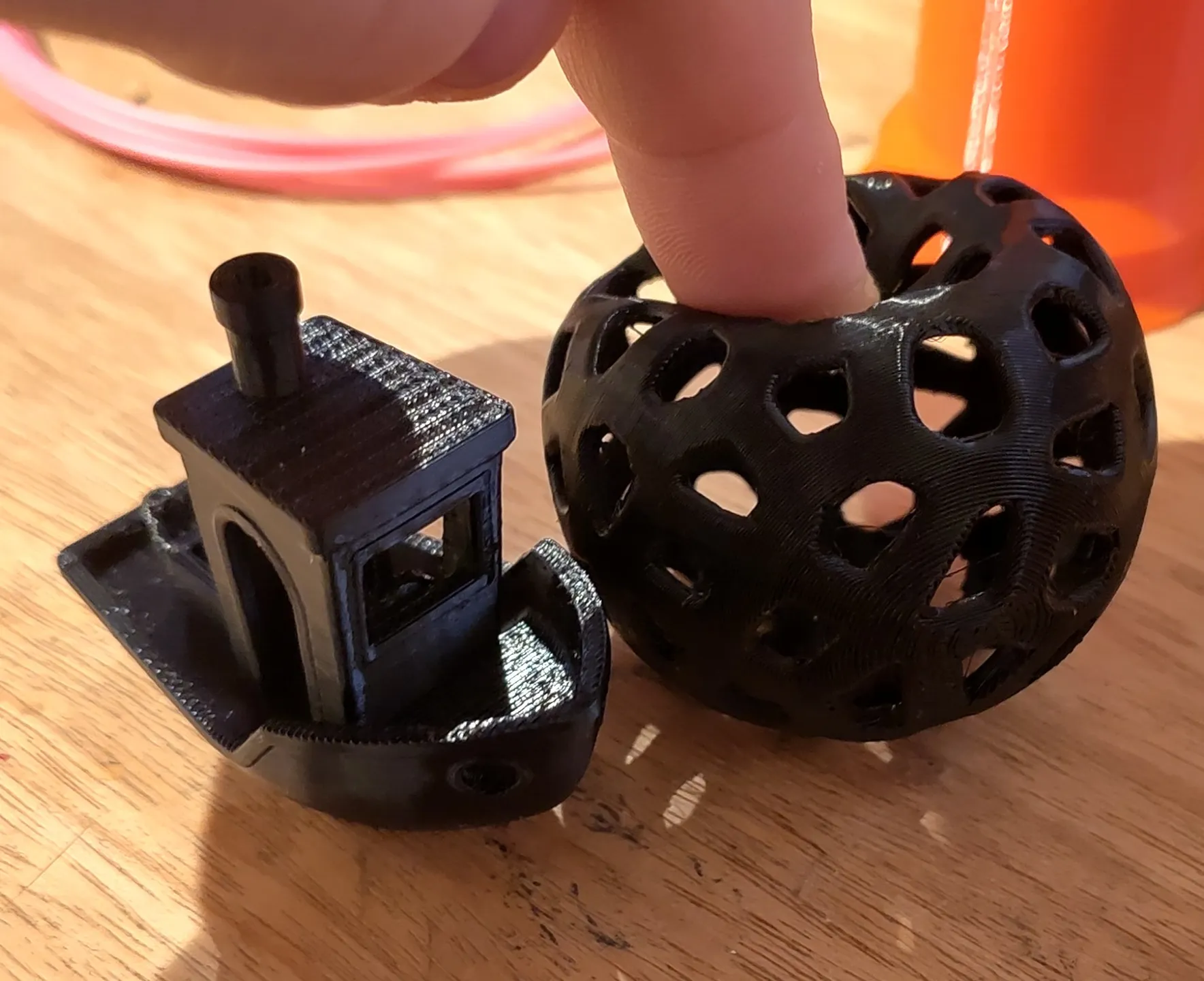
Thats all I experienced, generally I am pretty happy with my Core One! Quite an upgrade from MK2s.. Feel free to add more findings!