
RE: Core One L - Minimal Layer Shift
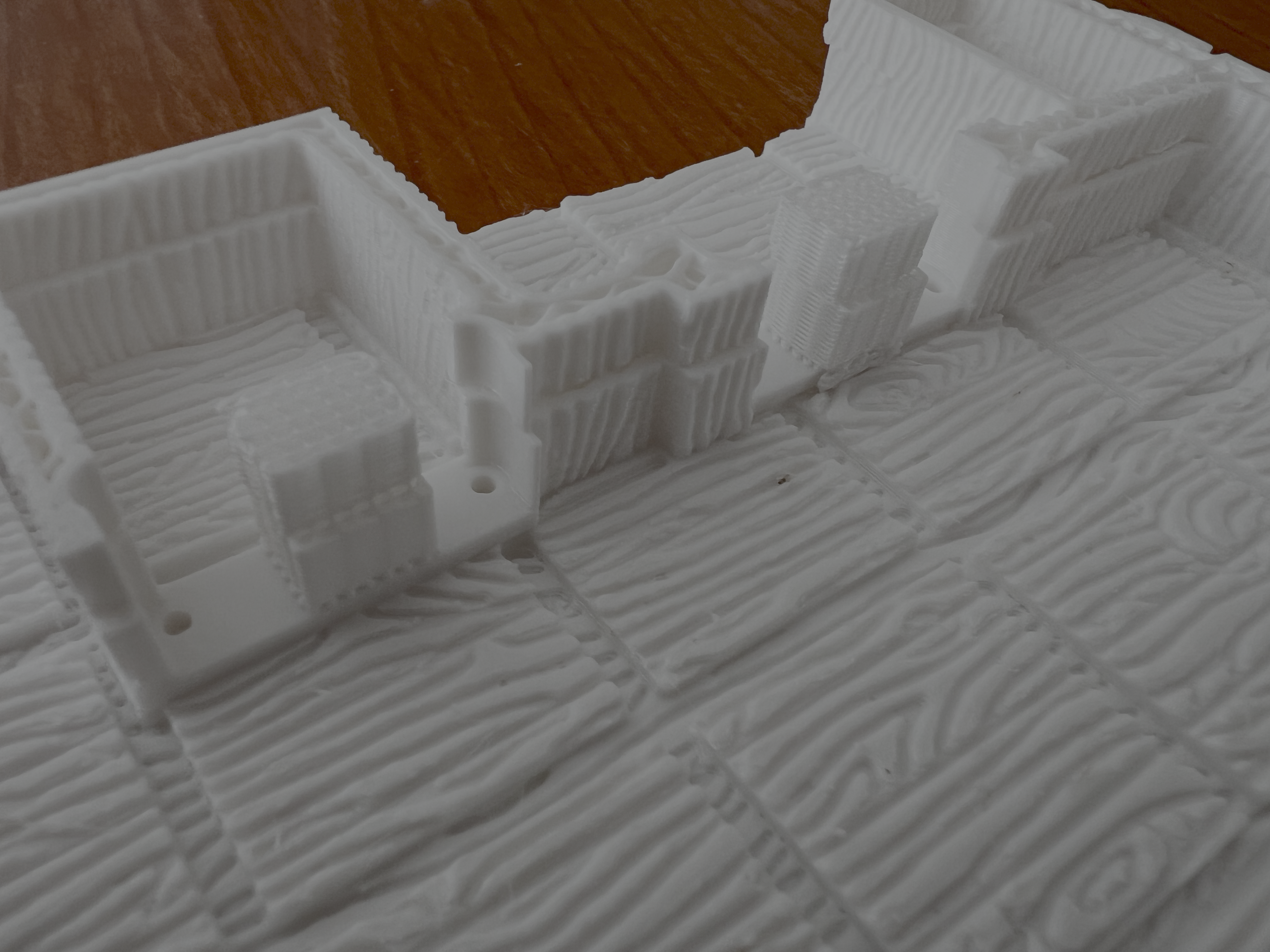
Well, there's the layer shift again. I will contact support. Let me know if you have any new ideas.

RE: Core One L - Minimal Layer Shift
I had layer shift issues with ABS on the Core One (without the L) when printing two circular parts. Slowing down the speed was the only solution that worked for me, but it was probably already suggested.
Well, there's the layer shift again. I will contact support. Let me know if you have any new ideas.
RE: Core One L - Minimal Layer Shift
Can someone share their PETG profiles please? No matter what I adjust, temperatures, cooling, extrusion, nothing seems to work. I would like to start a new series of test while waiting for support to answer. If you could recommend specific settings that work for the core one or core one l and could upload those and or let me know of any test prints you know to be suitable, that would be appreciated. I hope to get a tool delivered that can actually measure small enough to calibrate extrusion more precisely but I am pretty sure that's not the main issue here.
RE: Core One L - Minimal Layer Shift
I have printed this nozzle wipe print. The provided g code works great but it only wipe at the beginning and end of a print. In order to add it into the print g code I tried modifying it. There's a Problem when the print resumes after wiping. the nozzle get very low and sometimes collides with the part. What's the right syntax for "return to print position but don't go below the highest part of the model on your way? I especially want the wipe code to end and than avoid the nozzle to collide with any part of the model. Is this a viable code G1 Z{max_layer_z + 10} to make it go 10mm higher than highest part of the print? how do I tell it to go 10mm above the "resume print" position? I am working with this for now:
G91G1 Z10 F1000G90
G0 X40 Y-1 F8000G0 Z0G0 X0 F6000G0 Y-3G0 X40G0 Y-1G0 X0G0 Y-3G0 X40
G91G1 Z50 F1500G90
RE: Core One L - Minimal Layer Shift
Forgot the link to the nozzle wipe I am using. https://www.printables.com/model/1483284-prusa-core-one-l-c1l-nozzle-wiper