
Slicer skipping a layer (bug?)
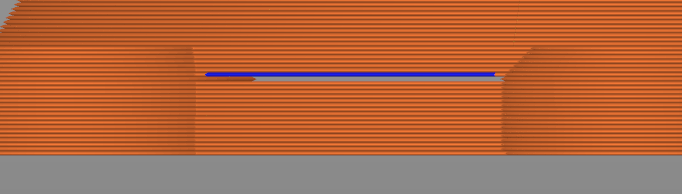
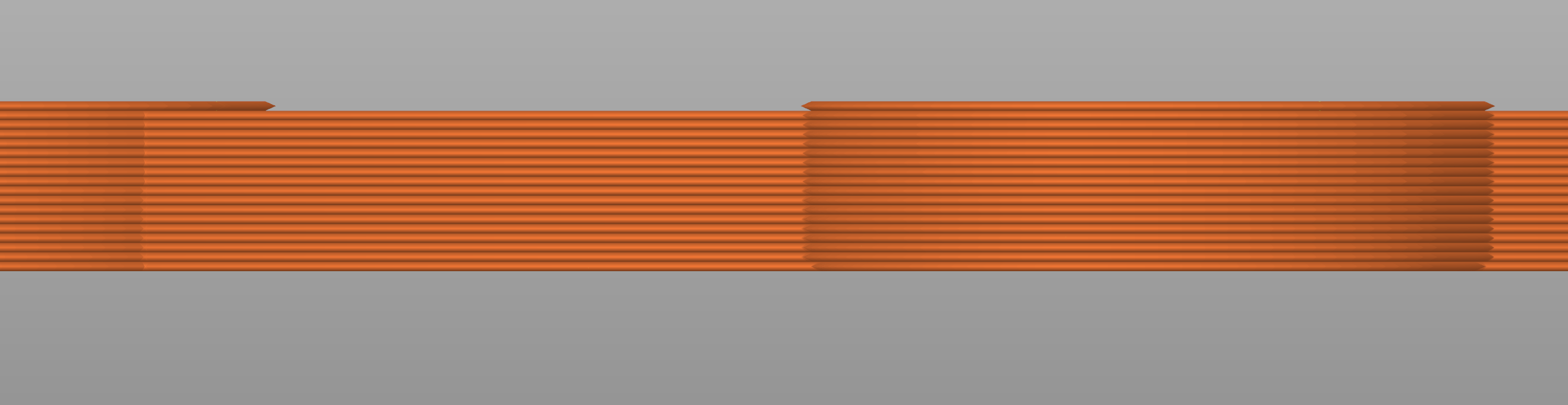
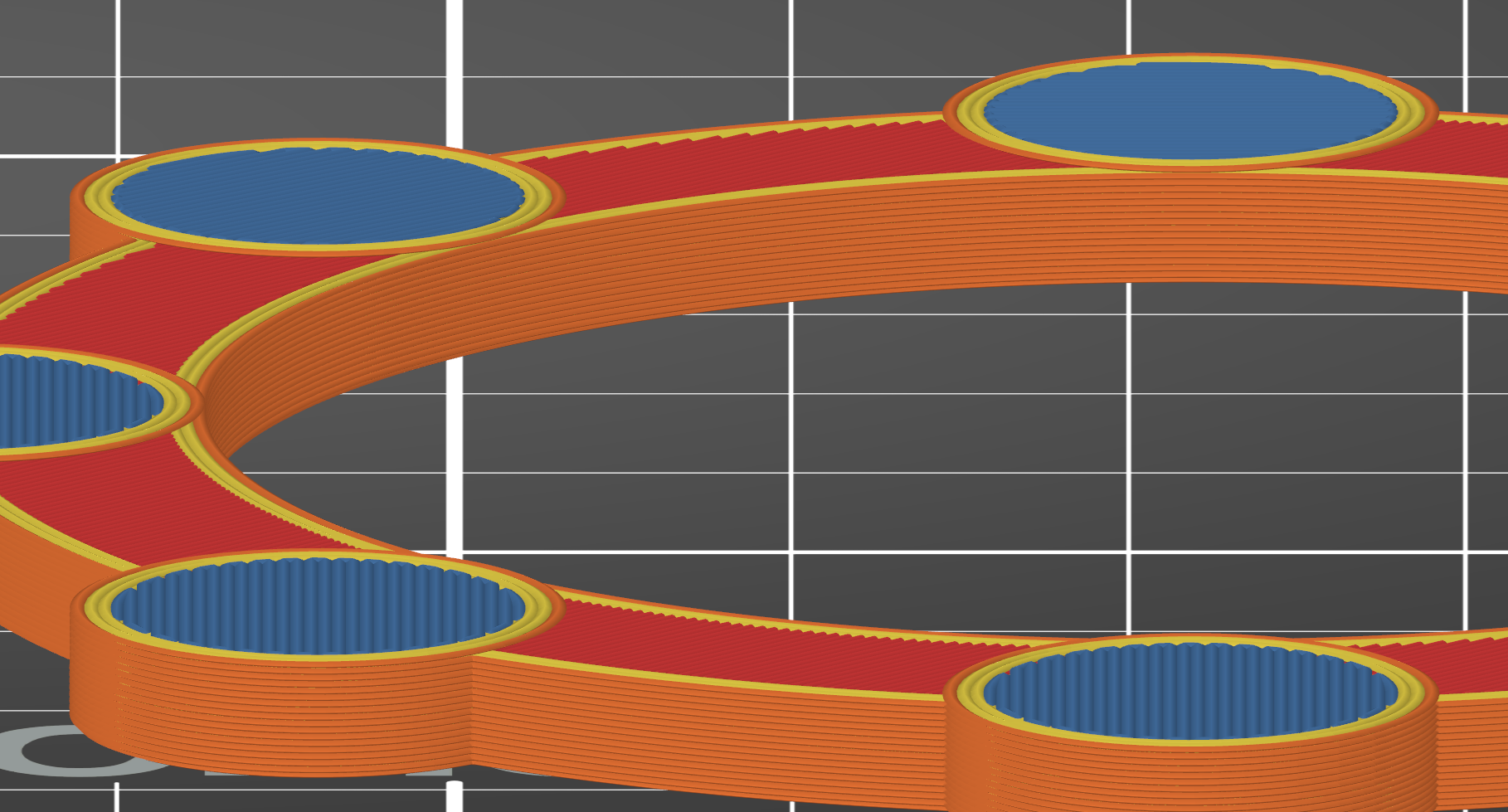
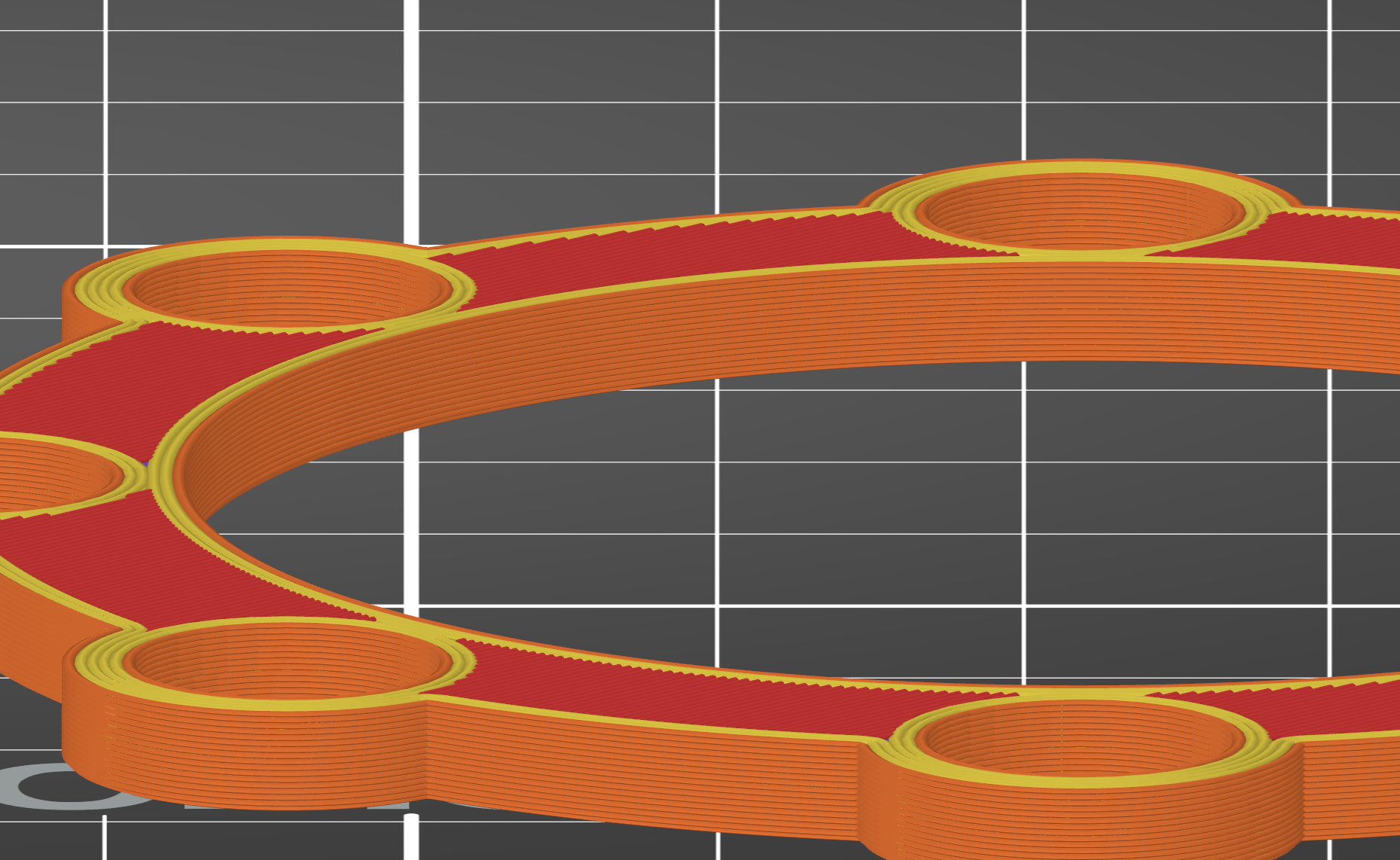
I'm struggling with an issue in prusa slicer. I have an object that appears to be solid, but when sliced, the slicer appears to be partially skipping a layer. I've shared several screenshots below attempting to illustrate the problem.
I've tried hacking my model quite a bit to avoid this problem, e.g. adding some epsilon fudge factor to the two shapes so they actually overlap somewhat, but nothing seems to help. As far as I can tell, the issue is that in this layer, there is bridging over the hollow cylinders. It seems like this layer is *only* bridging and not doing any of the rest of the layer.
I printed a very similar model about a year ago (I believe it was identical for this lower part of the print), with no issues like this.
Is this a slicer bug? Is there maybe a setting I can change to try to work around this issue?

RE: Slicer skipping a layer (bug?)
I found a workaround that I'm not super happy with: the above was with the `0.2mm QUALITY` setting. If I use any other layer thickness (0.15mm, 0.3mm) the issue disappears.