
How to add supports after applying negative volumes?
I am printing this multicolor rocket engine. The print is almost done, but one of the struts failed to print. I want to reprint just that strut and glue it to the model.
I can remove the portion of the model I don't want to print with negative volumes. The problem is that the resultant shape needs support. I can't figure out how to get prusaslicer to apply support to the new shape. I have tried "everywhere", "support on build plate only" and "for support enforcers only" settings. No supports are generated during slicing for any of these options. For the support enforcer option I cannot work out how to paint the surfaces that are exposed by applying the negative volumes, but that is moot because no supports are generated for the surface I can paint anyway.
Does anyone know how to to this and rescue my 70 hr print?
Version is 2.9.4 i.e. latest as of time of writing
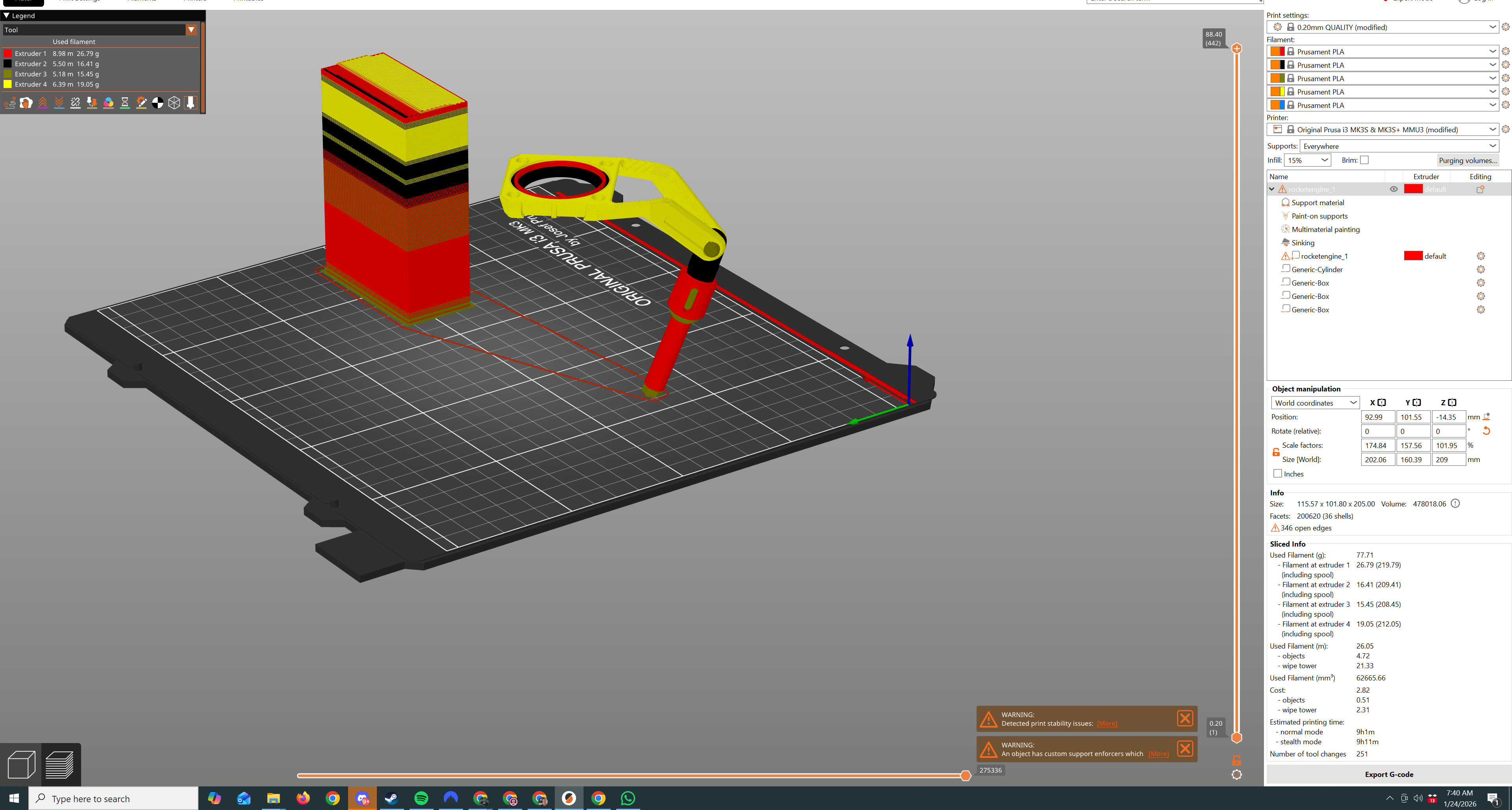


Have you tried flipping it over? If inverted it should require very little support.
Cheerio,

RE: How to add supports after applying negative volumes?
@jweob
Yes you can do this, and I can help you, I will need you to save your project as is exported from Prusaslicer, then Zip the exported project file up and post it here on the forum, the forums file server requires that the project files be Zipped or they will not allow it to be posted. I can see certain aspects of your project in the pictures, for example you sunk portions of the "Object", as a side note you don't need to add negative volumes to areas of an Object that you sink, (they don't print), however the solution for supports added in areas subtracted by Negative Vol, will be specific to your project. That's the reason for needing the project file.
Your new here, and I also suspect that the forums may not let you post files because you haven't posted enough. Normally you have to have a certain number of posts before they let you add files, however these forums are very wacky in functionality, and I don't know if this is true or not any longer.
Just do whatever you have to, to get a link to a project file posted, and I'll try to help you.
Regards
RE: How to add supports after applying negative volumes?
Thank you for the offer @snuffleupagus. Here is the file
RE: How to add supports after applying negative volumes?
My post with the file is awaiting moderation.
Giving it a little more thought, since I have to glue anyway I will print the strut in two unsupported pieces, i.e. I will print the overhang portion flat on the print bed and the strut part separately.
I would still appreciate knowing how you can apply supports to a model when you use negative volumes, but it's not blocking me from completing the model
RE: How to add supports after applying negative volumes?
Quick question? Did you want Organic, or Snug? Snug takes the most time (3 hours of support mat.) and makes the most contact, however offers the most stable support. If you wanted Organic that takes (2 hours of support mat.) you may need a custom Brim which I would add before sending the file back to you, and you may want to consider that you using multi-materials, and sometimes they don't play nice with each other relative to supports, but all that will be on you. I will add the custom brim if you want Organic.

Organic
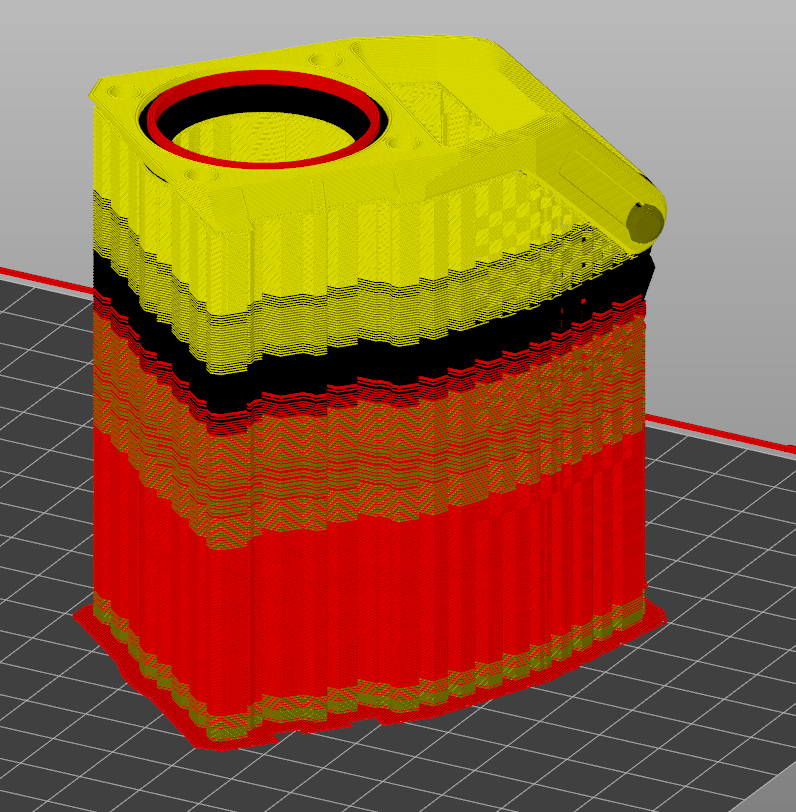
Inside Snug, just so you can see.
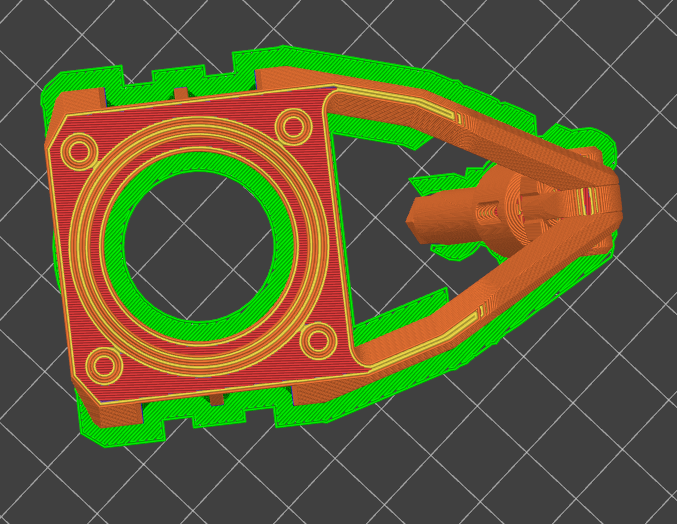
Let me know.
Regards
RE: How to add supports after applying negative volumes?
LOL it actually posted let me show you what Prusa Forums showed me when I hit Add Reply:

RE: How to add supports after applying negative volumes?
Just for your information the forums are still only showing me the post you made several hours ago, once you specify Organic or Snug, Ill post this information to you via Private message, since that doesn't seem to present an issue for me. Hopefully I will be able to receive your answer, these forums have proved to be extremely difficult to communicate real information on.
RE: How to add supports after applying negative volumes?
@jweob
Well even logged in I still am only seeing your post from several hours ago, it's telling me that you aren't worried about this information so I'm backing off. I'm happy you settled on a way, I wont bother trying to explain, as it just takes my time and means nothing.
Regards
RE: How to add supports after applying negative volumes?
Yes thanks I was able to complete the model by printing in multiple parts.
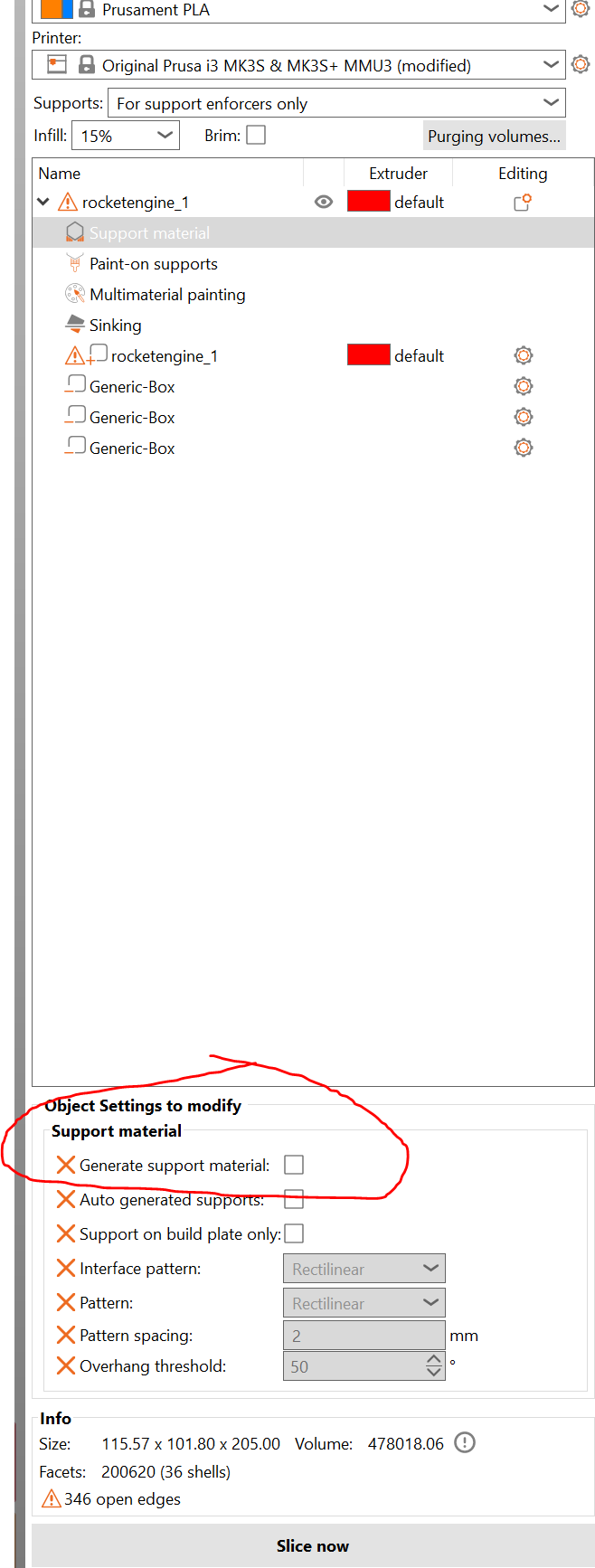
I also found that the step I was missing to generate support material was to not only select the support option from the usual dropdown but to also check the "Generate support material" checkbox in object settings.
RE: How to add supports after applying negative volumes?
@jweob
You were particularly lucky in your example, that your setup was incorrect, and you finally explored and realized that, however it should be noted that you were only lucky in that example. In many cases its not because you didn't have your settings correct, but rather you need a different technique.
Once again I'm happy you realized this.
Regards