
My experience printing Siraya Tech Flex TPU Air on a Core One
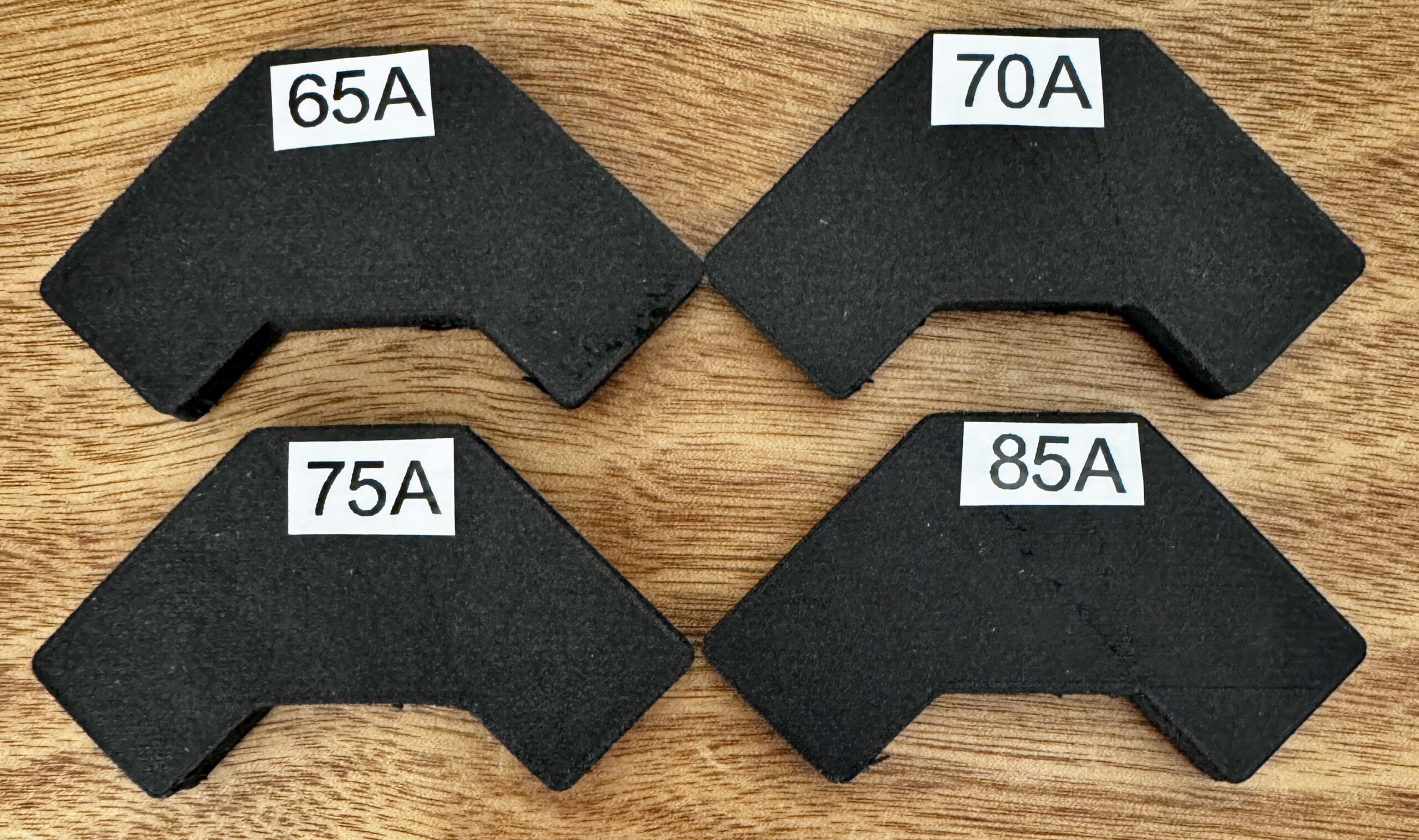
I was intrigued seeing TPU Air on Siraya Tech's website and picked up a roll. It's a foaming filament and "programmable" in that the Shore value (hardness) can range from approximately 85A to 65A depending on what temperature you print it at. I printed samples across the entire range and it has the consistency and feel of foam rubber. The filament has the consistency of overcooked spaghetti so there was no way I was getting it past the nextruder filament sensor.
I started with the following modifications to the Nextruder:
- Nextruder Filament Sensor Magnet Mod - allows softer filaments to pass through the sensor
- MK4S Bogie Idler & Main Plate - prevents flex filaments from wrapping around nextruder gear and all other filaments better guidance into the heat break tube
After making the above changes:
- Disabled the side sensor
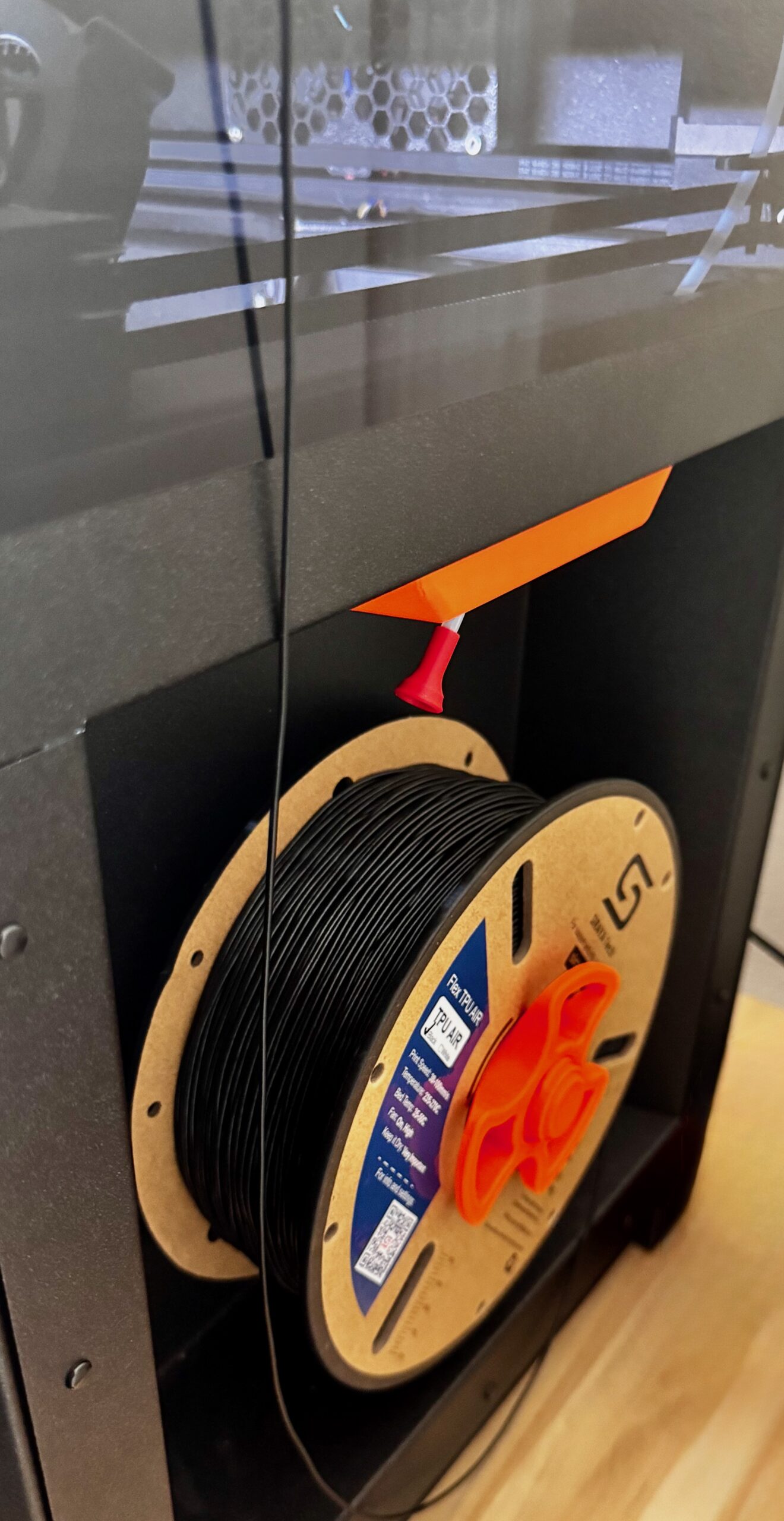
- mounted the filament on the side spool
- Removed top (the rivets were replaced months ago with this: Prusa Core One Magnetic Top Cover
- Removed Bowden tube from Nextruder
- Draped filament over the side and fed into Nextruder
Dialing in the print setting took some trial and error however got a head start with this page: Siraya Tech TPU Air User Manual Key points are that retraction is set to 0, and that for a given temperature the correct extruder multiplier is set. The user manual shows this in a table toward the end. I've attached my profiles for 4 hardness levels. I'm still dialing it in but so far they look pretty good. Just import the config bundle into PrusaSlicer to pick up the filament configurations.
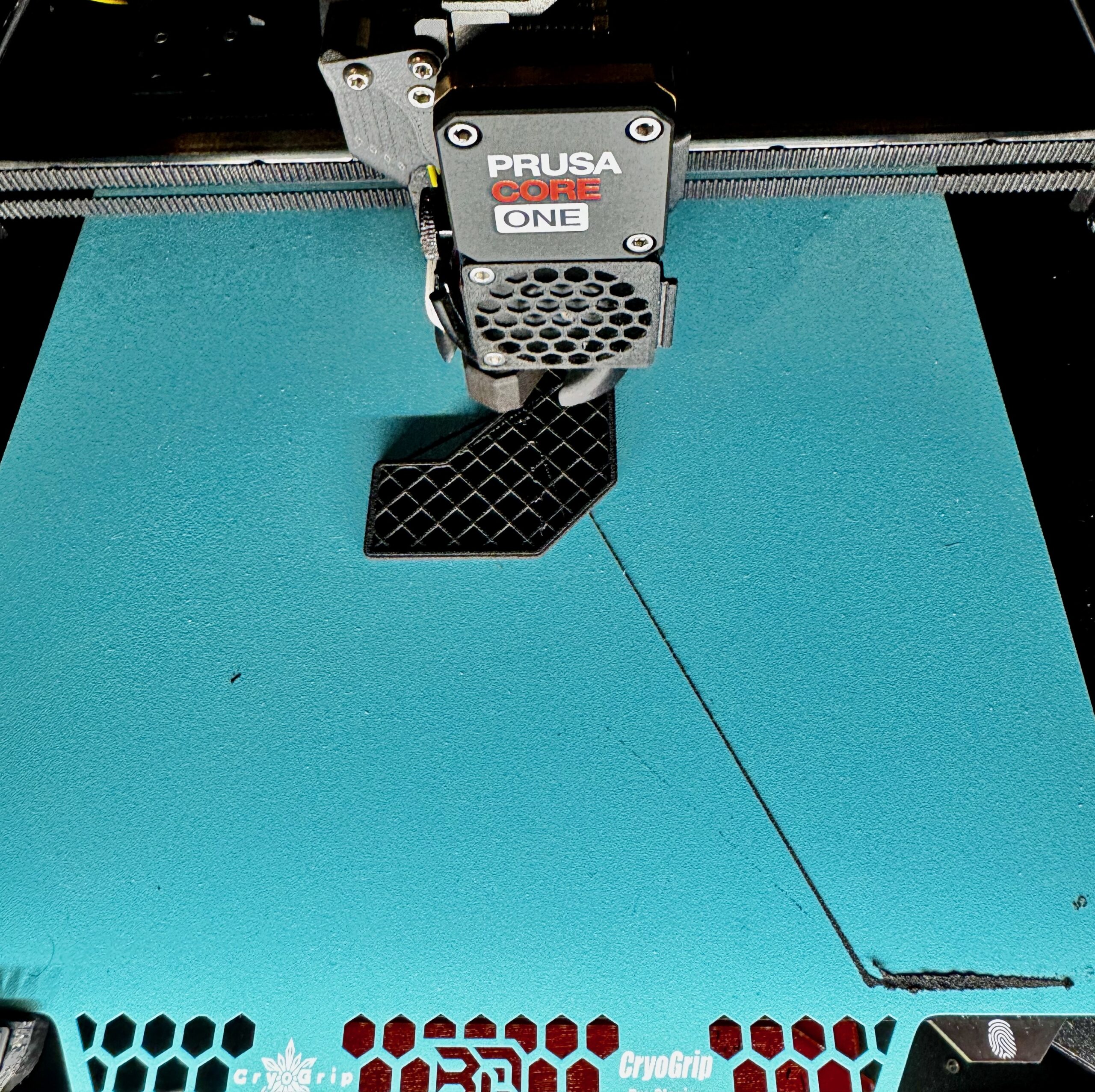
I used the BIQU Cryo sheet and a generic textured sheet. The prints stick too well so I run the bed 35C. I might even try with the bed turned off or even Magigoo as a separation layer for smaller parts. It's kind of a messy filament, it oozes and leaves behind a lots of strings and spots but I was able to easily clean it off of the sheet with 99% IPA and some Kimtech wipes.

RE: My experience printing Siraya Tech Flex TPU Air on a Core One
Thank you for sharing your config and experience. I just got a roll of this and I am eager to try it out...

RE: My experience printing Siraya Tech Flex TPU Air on a Core One
Independently, I came up with the same setup, essentially bypassing everything and drop the black spaghetti from above directly into the extruder. I also needed to switch off the sensor in the settings and convince the Core One to have FLEX loaded.
I started off at 270C with 55% flow rate. Worked pretty good, just had some dripping during travel, but that could possibly dialed in better.
I'm using the Satin build plate and the stuff is sticking pretty (very, very) well. So I sprayed some IPA around it and let it crawl under the print. After a half a minute, it was getting off easily.
RE: My experience printing Siraya Tech Flex TPU Air on a Core One
I dialed it in today and had to reduce the flow rate quite a bit.
Here's my settings:
1. Reduce the density to 1.15
2. Flow Rates:
240C -> 0.61
250C -> 0.55
260C -> 0.51
270C -> 0.45
This was done at 240C:

RE: My experience printing Siraya Tech Flex TPU Air on a Core One
I've since switched to PEBA Air. It's more expensive but I prefer it's properties over TPU. Especially for things like vibration pads.

RE:
Thanks for the info! I got a roll, worked out of the box with "generic flex", 260..265 °C and around 55 % extrusion multiplier (per their manual). Mk's table may be better tuned, I'm just noting down the numbers I used.
And restating the manual, humidity is critical so keep it dry. Foam or not, it tolerates quite harsh drying temperatures (up to 80°C)