
RE: CORE One and soft TPU
Hello,
I have printed without problems the shoe uppers with Polyflex TPU 90A Clear. I use a standard nozzle because otherwise it would be impossible to print TPU on my Core One
My personal experience with flex filament on the Core One:
- I had a really great experience printing with Prusament TPU 95A!
- Then I tried Polyflex 90A… what a nightmare !
I dried the filament as much as possible, tested a bunch of settings, and in the end, I just gave up. but I’m still curious if anyone else had luck with this specific filament...

RE: CORE One and soft TPU
Hello,
I have printed without problems the shoe uppers with Polyflex TPU 90A Clear. I use a standard nozzle because otherwise it would be impossible to print TPU on my Core One
Thanks Daniel, I will change the nozzle, I tried with a CHT/HF...

RE: CORE One and soft TPU
I had not considered that HF hardened nozzle would make a difference. That's what I'm using.
RE: CORE One and soft TPU
Is your printer modified with the improved idler?

RE: CORE One and soft TPU
I am looking forward to INDX because that will allow you to actually print TPU onto other materials while you’re actually doing the print job.
one of the most ironic things was me printing up a coreboxx on an H2D so that the pulley could be printed directly with a soft material on them for the filament spools…
with INDX the path to the intruder will be far better and easier to use than even the AMS 2
RE:
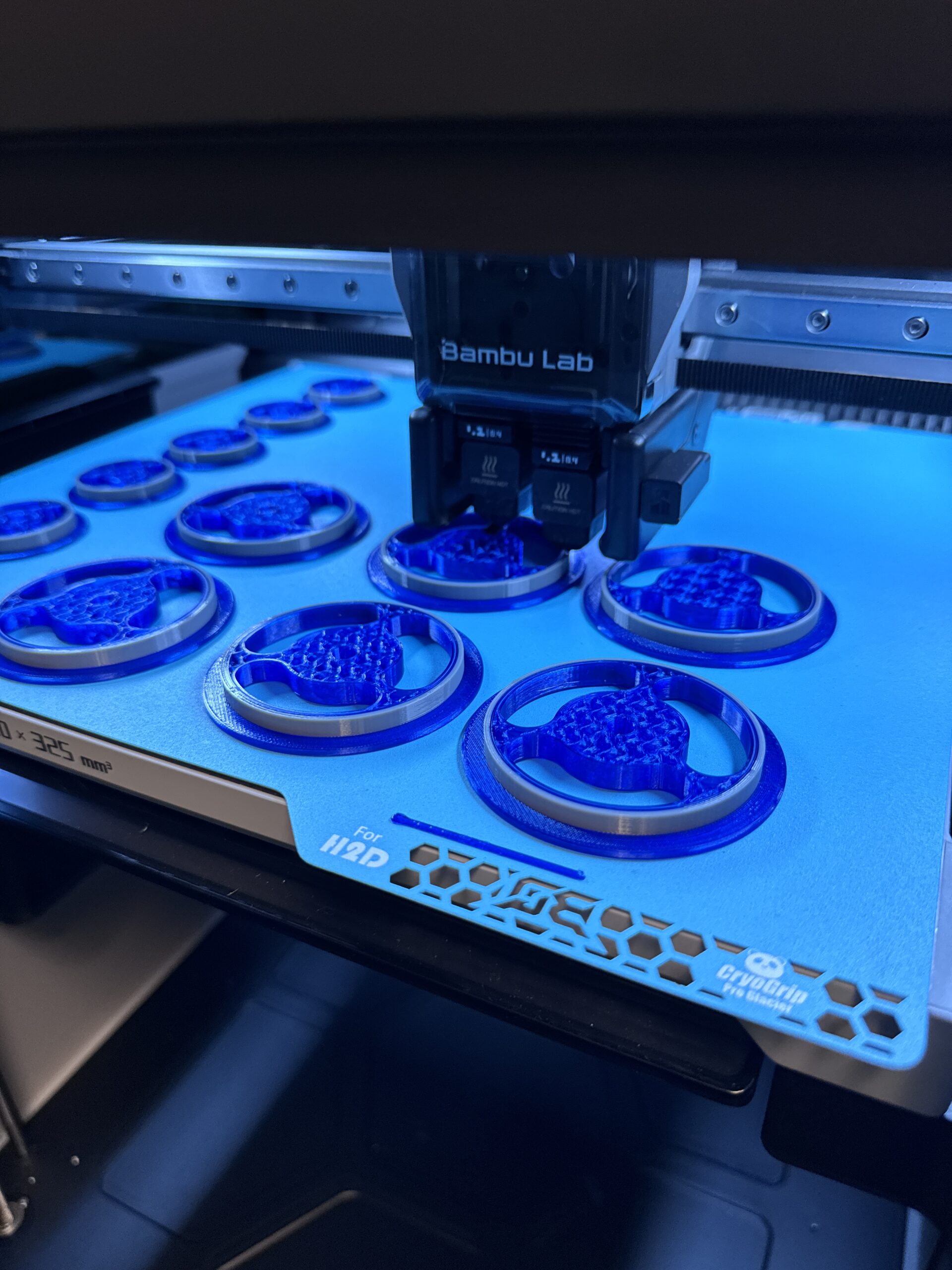
This is an example of what I was talking about… and with INDX this will actually be possible. Whereas with my core one, before I sold it because of my complete and utter dissatisfaction with the MMU3 and the horrible support from Prusa, this type of printing was completely impossible.
(and yes, I did attempt to get the military to blow it up… And they were willing to use 100 g of high explosive… But the university was unwilling to risk their high speed camera… I was THAT annoyed with support….)

RE: CORE One and soft TPU
hahaha, having many hundreds of hours on a MMU2S on MK3, I never ever expected TPU to work in it. TPU prints fine on the XL and I can do multi color/multi filament things. PLA works pretty well as a support material for TPU things. I'll wait to see what experience others have with the INDX before I consider dipping a toe in those waters.
RE:
no, in my case it was all specifically core one.
printing TPU in the core one worked like a dream for me. It was more a matter of the multimateria aspect of things which just was never gonna work. in the case of the MMU3 with the core one it just sucked in general… plus it’s usually limited when it comes to multimaterials that are not TPU (you’re only supposed to use PLA or PETG with the MMU3). I really have high hopes for INDX
RE: CORE One and soft TPU
yes, the MMU was never more than a kludge at best. the 3.x firmware really helped a lot, but at that point I had a 5T XL and never looked back.
RE: CORE One and soft TPU
Ok, I forgive the Ninjaflex. I am getting much better results from the brass nozzle. I didn't think it would make a difference if the temp was a little increased on the hardened one.
There's room for improvement but the filament is flowing at least (with the mods).
RE: CORE One and soft TPU
With all of them, I found it had to be dried beyond belief…. and then the core one would work beautifully. I would just get it manually started by pulling the PTFE tube from the print head and then once I got it started just it worked.

RE: CORE One and soft TPU
Thank you. These steps were incredibly helpful. I had instant success with Fillamentum 92A Flexfill. I dried the filament first and set filament temps and speeds according to your instructions and got all the printing I needed done first shot each time. Thank you for sharing these tips!
Ok, so here is my "tuto" to be able to print 60A TPU.
Modifications:
- Filament sensor: replace spring by magnets as explained HERE.
- Main plate: link of printable parts HERE.Preparations:
- First, disable filament sensor to be able to bypass autofeeding, it's important for softest TPU.
- Unscrew a little tensionning screws of the extruder.
- Remove PTFE coupler to feed the filament manually and closer to the gear:- Cut a pointy tip of the filament:
- I advise to only close the extruder door only just before the print start, to not compress the filament before.
Inserting filament:
Maybe the most difficult part, you have to slowly and manually insert the filament little by little until you see the tip of the filament. Always push less than 5mm of filament or it will bend.
Continue to push while turning the filament so the tip of the filament is facing the gear (so it enter the nozzle more easily):
Continue to load the filament manually until you can't go further, still little by little, 3-4mm by 3-4mm.When you can't go any further, heat the nozzle to 200°C, close the extruder door and start to move E motor mm by mm until the filament is extruding.
=> DON'T MAKE IT TURN TO MUCH OR YOU WILL TANGLE THE FILAMENT AROUND THE GEAR.When the filament is extruding, retract 5mm of the filament with the screen while pulling it a little by hand (you just need to help it getting out and prevent it wrapping around the gear).
This step is crucial as TPU will oose like crazy at the start of a print.
Slicer settings:
You can find filament settings from Recreus HERE. I didn't tune it more than what they give.
For the print settings make sure to:
- Add skirt (at least 2) to be sure the filament will be extruding before printing your part. The start of the print is the most tedious part.
- Reduce print speeds (even if it's override by max flow speed in filament settings)
- Change extrusion width to 0,35mm (for 0,4mm nozzle)I think that's it, I hope it will help you!


