
RE: My new core one is having WiFi issues
Upon trying to get WiFi working, the status of the WiFi is "Gone" meanwhile there is the WiFi signal on the screen showing that WiFi is there; although it's not working ?

RE: My new core one is having WiFi issues
OK, are you saying that you printer cannot connect to your home WiFi? I'm not sure what "Gone" means here. Is that the message it is displaying? Was it working before and now it's stopped? Or has it never been working?
RE: My new core one is having WiFi issues
Upon trying to get WiFi working, the status of the WiFi is "Gone" meanwhile there is the WiFi signal on the screen showing that WiFi is there; although it's not working ?
So Butters... Please explain clearly what is not working. Is it because you cannot send a file to the printer over Prusa Connect?
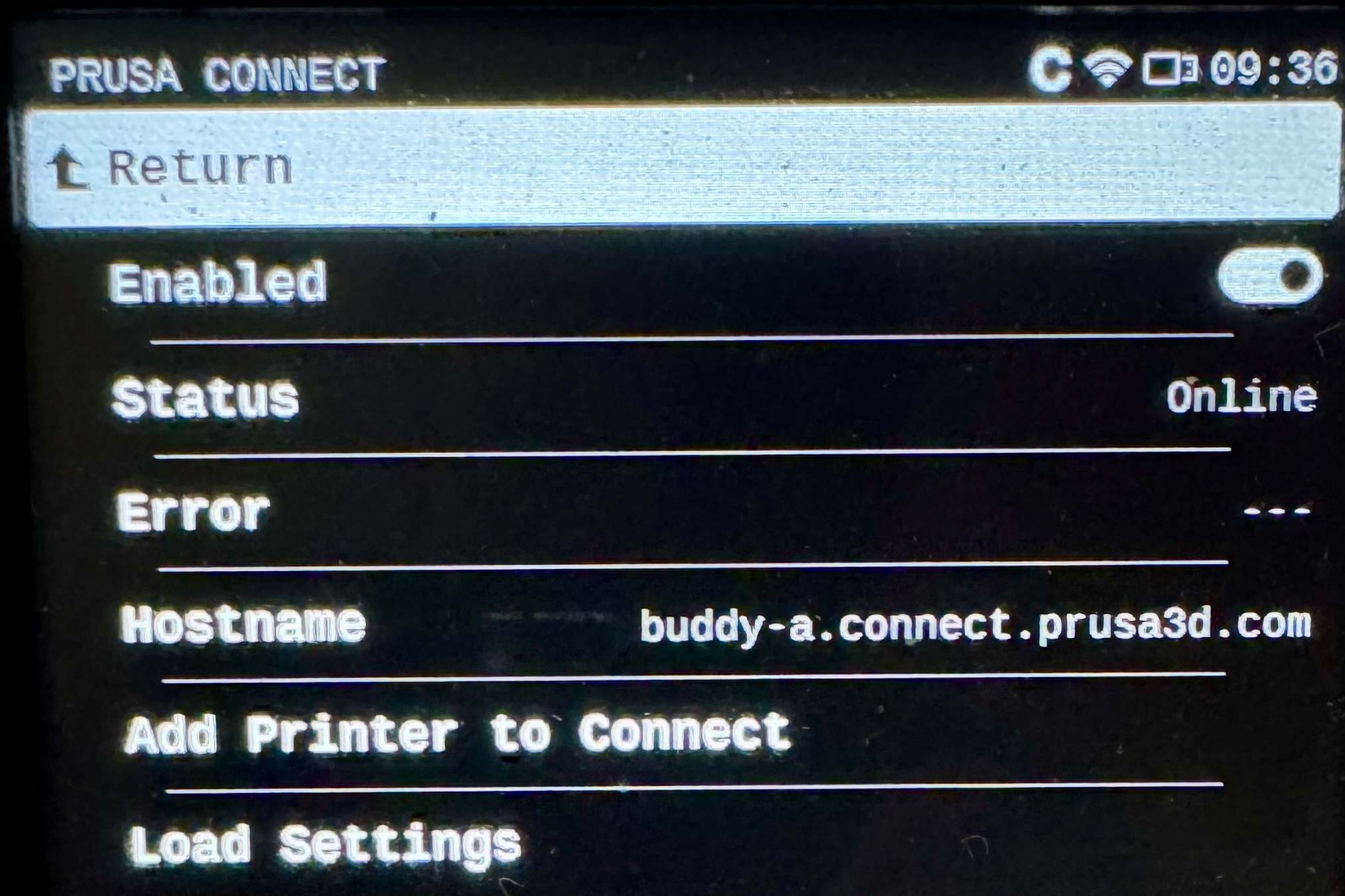
If you go to Settings -> Network -> Prusa Connect can you take a photo of the screen? Does it look like this?
RE: My new core one is having WiFi issues
WiFi was never working, this is only my WiFi settings ?
https://ln5.sync.com/dl/af1d01230#crcz8jw9-ffsqjutb-i7g67kqh-8pzirkfk
RE:
WiFi was never working, this is only my WiFi settings ?
https://ln5.sync.com/dl/af1d01230#crcz8jw9-ffsqjutb-i7g67kqh-8pzirkfk
I would suggest resetting your network settings and then rerunning the WiFi Wizard. Start with:
Settings -> System -> Factory Reset -> Ownership Transfer -> Execute Factory Reset
This will only erase your network settings. Then you will need to rerun the WiFi wizard to reconnect to WiFi. There could be an issue with the ESP WiFi module and reflashing it might solve it. If this doesn't work, try a full factory reset.
RE: My new core one is having WiFi issues
I get the error; No Network Interface ?
RE: My new core one is having WiFi issues
I get the error; No Network Interface ?
When do you get this error? After running the reset?
RE: My new core one is having WiFi issues
After running the reset, I got the error.
I get the error; No Network Interface ?
When do you get this error? After running the reset?
RE:
What happens when you try to run the WiFi Wizard? Are you able to run it? If not, then the issue might be that the wifi module is incorrectly installed or it's damaged in some way. I would suggest removing it an reseating it. Pay close attention on how the pins are lined up with the connector. If it's still an issue then you will need to contact support for a new module.
RE: My new core one is having WiFi issues
My WiFi settings related to something not syncing with my router; all is working now.

RE: My new core one is having WiFi issues
Double check that delicate little plug on the NFC board to the main board.
Extra HAM (and eggs some say) Radio - N4MCC
RE: My new core one is having WiFi issues
Double check that delicate little plug on the NFC board to the main board.
Butter’s resolved his issue already. It was his home router.