
Core One L - Minimal Layer Shift
Hey,
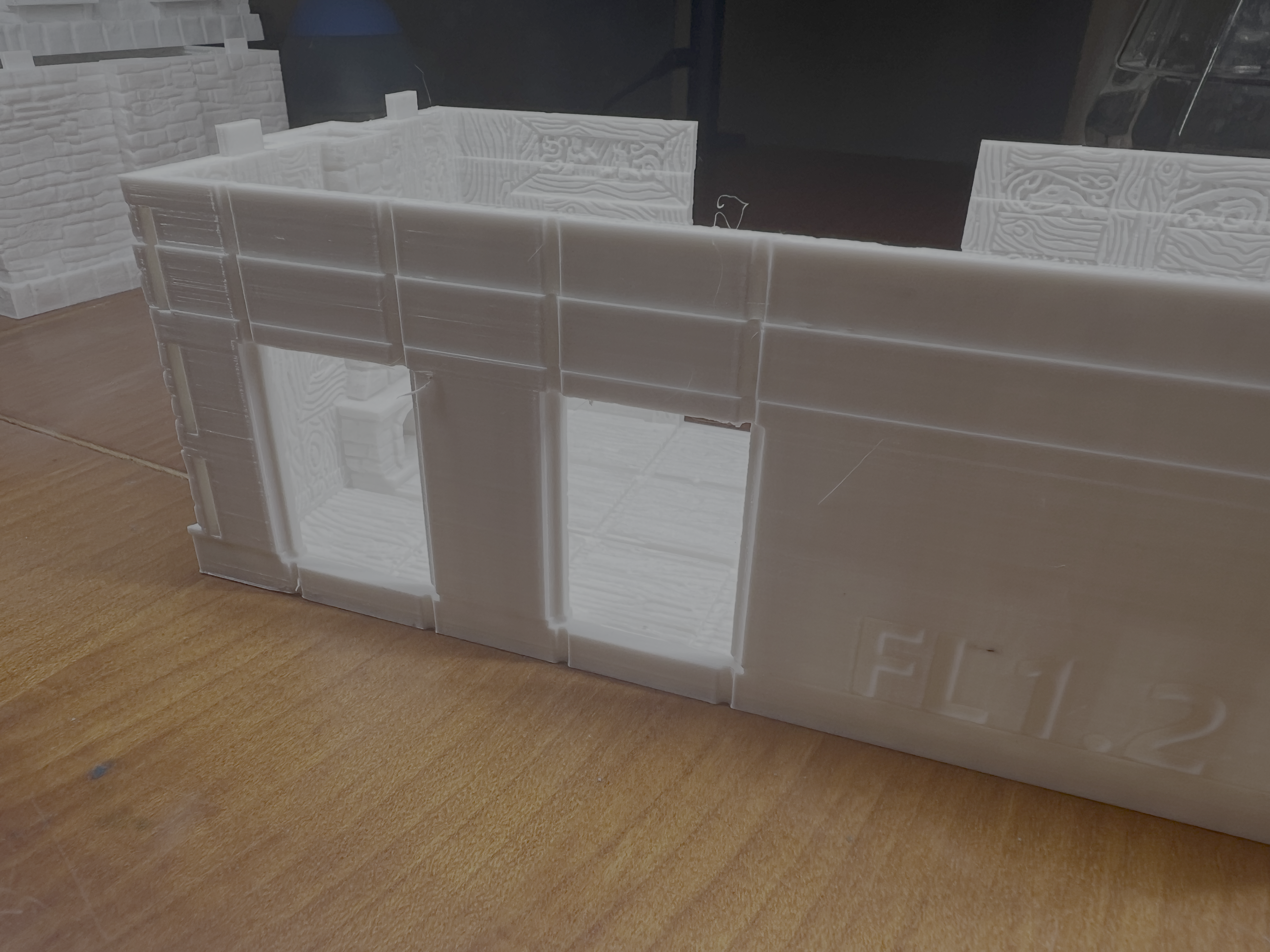
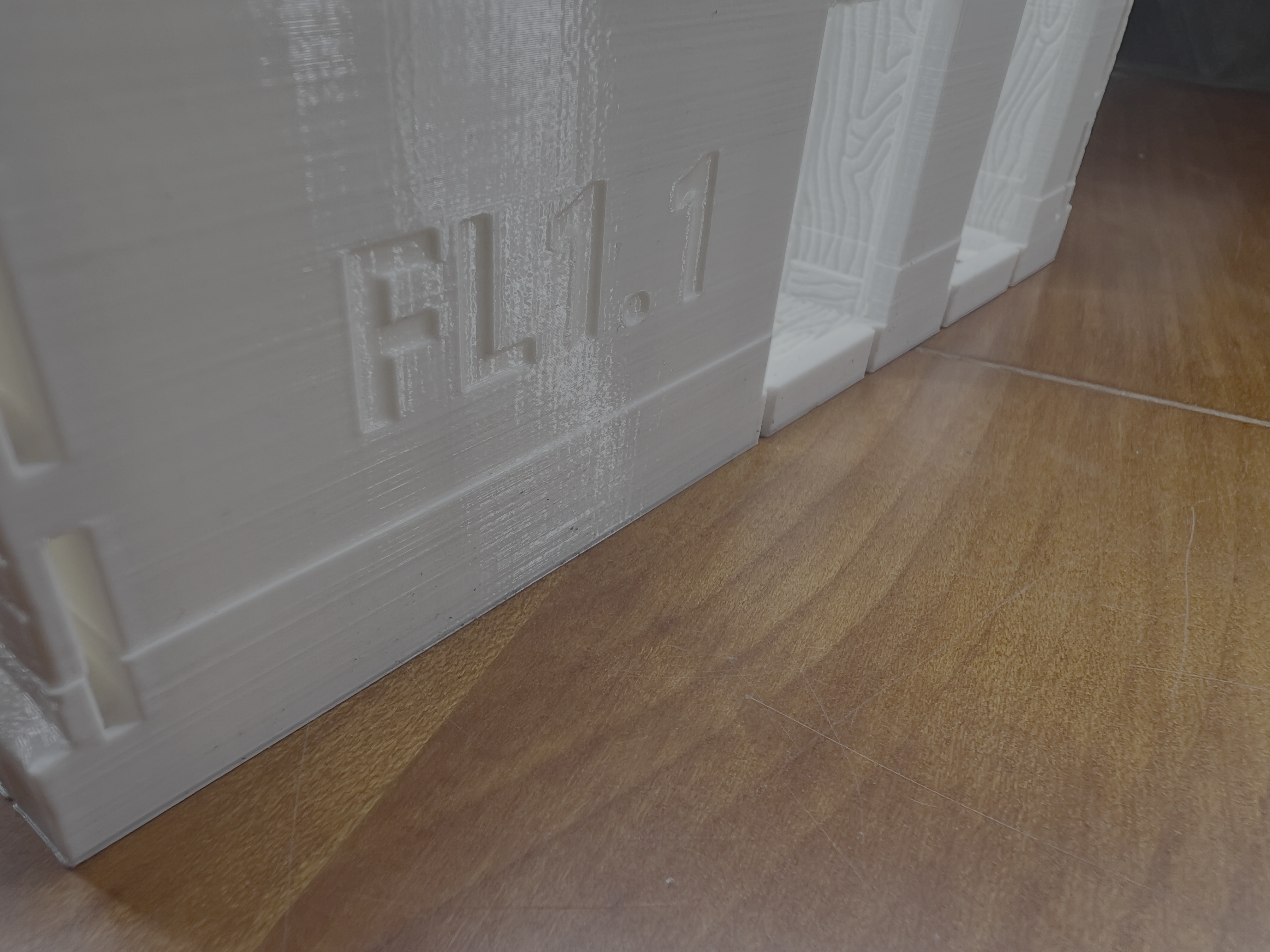
My Prints experience very minimal Layer shifts. It's not consistent with any print profile or settings since I startet Working through a lot of options during the last Weeks with some prints coming out flawless and others having two to three of these shifts.
Any hints on next steps for troubleshooting are very appreciated.
I am experiencing 1-3 layer shifts during long 24h prints on my new Prusa Core One L. This happens in about 60% of my prints. The shift is a few millimeters and remains constant afterwards. In one instance, a support structure was hit/toppled and the Layer shift occurred afterward.
Setup & Material:
Printer: Prusa Core One L
Filament: Prusa PETG Signal White
Infill: 10% Gyroid / 15 % Gyroid
Environment: Enclosed, printer placed on a very stable base.
Steps already taken / Troubleshooting performed:
Mechanical Check: Both belts are tuned to 90 Hz
Gantry parallelism checked; X-axis is square to the frame.
Grub screws on motor pulleys are tight.
Slicer Adjustments (PrusaSlicer 2.8+):
Style: Switched from Organic to Snug and back to Organic
Support Stability: Enabled Support Brim
Z-Lift (Ramp): Increased Lift Height to 0.4 mm.
Ramp Angle: Increased Ramp Slope Angle from 1° to 5°
Avoid Crossing Perimeters: Disabled to simplify travel paths.
Firmware: Latest version installed.


RE: Core One L - Minimal Layer Shift
First of all try to bump PrusaSlicer to at least 2.9.3, because in previous versions Avoid Crossing Perimeters + firmware for core one was causing such issues.
If that does not help then 8 would check if you don' have wobbling in the nextruder and nozzle area.
Also cables - sometimes cables without ferrite filters can cause issues that propagate to another motors.
See my GitHub and printables.com for some 3d stuff that you may like.
RE: Core One L - Minimal Layer Shift
also see https://github.com/prusa3d/Prusa-Firmware-Buddy/issues/4573#issuecomment-3390257470 where they suggest disabling Arc Fitting and Avoid Crossing Perimeters...
See my GitHub and printables.com for some 3d stuff that you may like.
RE: Core One L - Minimal Layer Shift
Sorry the Version Number from my original post was wrong. It's 2.9.4 on Mac.
RE: Core One L - Minimal Layer Shift
Both arc fitting is enabled and avoid crossing perimeters is disabled.

RE:
The collision with the support structure is a lead, but why?
Does the print detach from the print sheet at a corner, or otherwise warp, causing movement in Z that results in collision with the nozzle? This happens frequently at overhangs that curl up while cooling. But this should be less of an issue with PETG.
A time lapse video might give some insights.
Severe overextrusion could cause the nozzle to get stuck in the print, unlikely though.
Can you double-check that the print sheet will not slide on the bed e.g. because of debris in-between? The layer shifts I've seen from motors skipping steps were nowhere near as subtle. If the print sheet slides too easily, I could imagine some hair spray, glue stick etc. on the bottom side would help to make it more robust.