Core One L - Minimal Layer Shift
Hey,
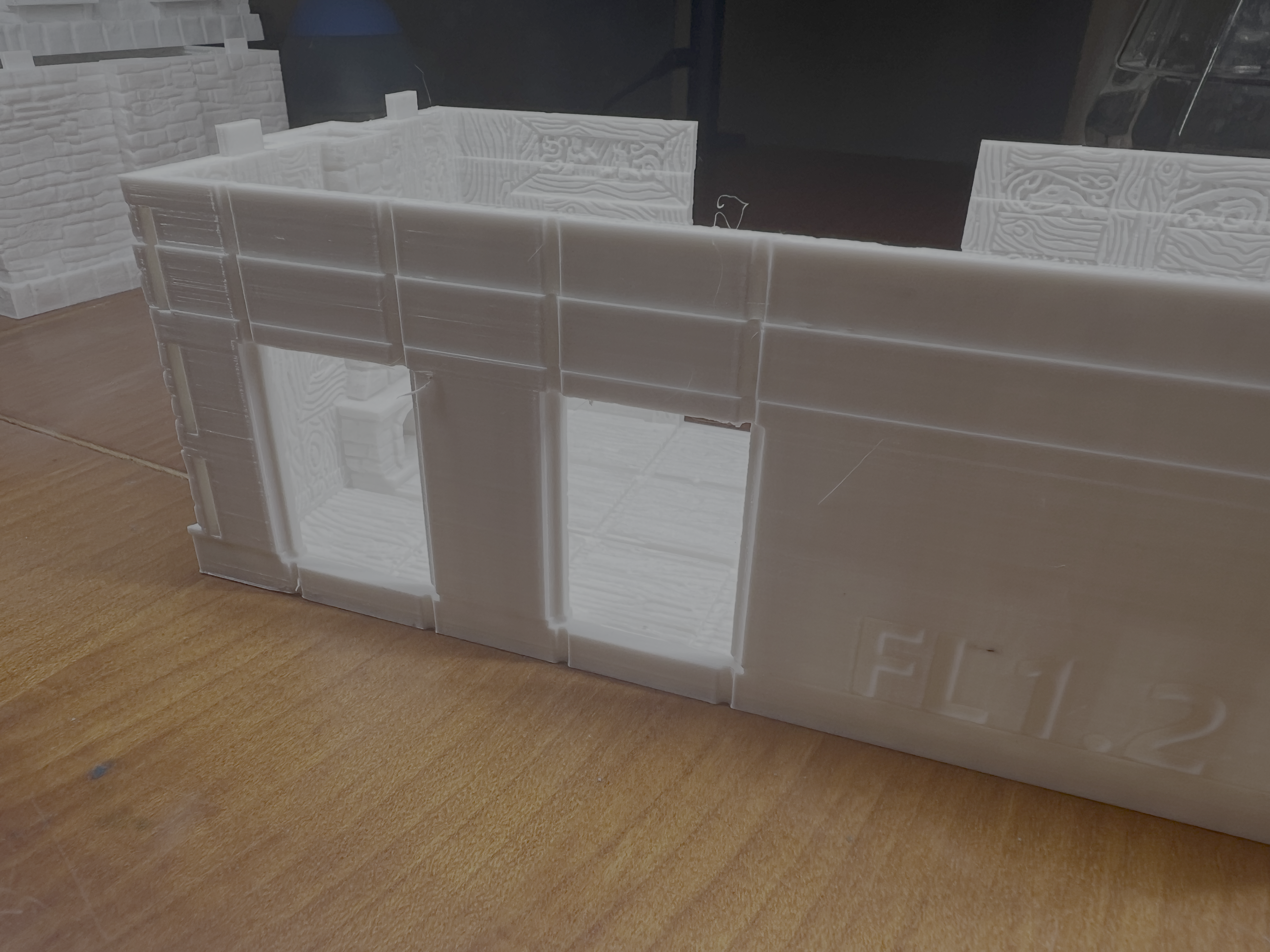
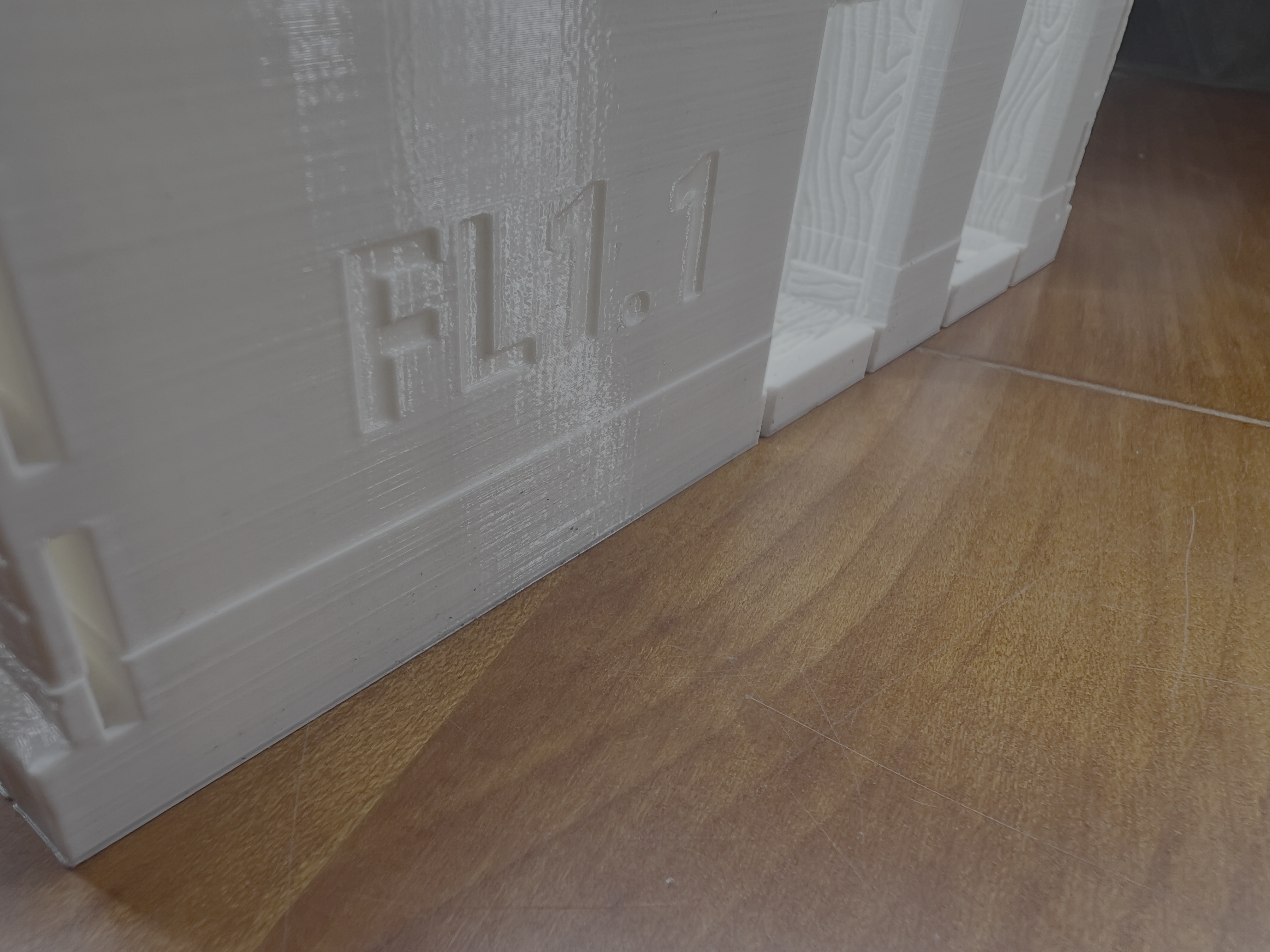
My Prints experience very minimal Layer shifts. It's not consistent with any print profile or settings since I startet Working through a lot of options during the last Weeks with some prints coming out flawless and others having two to three of these shifts.
Any hints on next steps for troubleshooting are very appreciated.
I am experiencing 1-3 layer shifts during long 24h prints on my new Prusa Core One L. This happens in about 60% of my prints. The shift is a few millimeters and remains constant afterwards. In one instance, a support structure was hit/toppled and the Layer shift occurred afterward.
Setup & Material:
Printer: Prusa Core One L
Filament: Prusa PETG Signal White
Infill: 10% Gyroid / 15 % Gyroid
Environment: Enclosed, printer placed on a very stable base.
Steps already taken / Troubleshooting performed:
Mechanical Check: Both belts are tuned to 90 Hz
Gantry parallelism checked; X-axis is square to the frame.
Grub screws on motor pulleys are tight.
Slicer Adjustments (PrusaSlicer 2.8+):
Style: Switched from Organic to Snug and back to Organic
Support Stability: Enabled Support Brim
Z-Lift (Ramp): Increased Lift Height to 0.4 mm.
Ramp Angle: Increased Ramp Slope Angle from 1° to 5°
Avoid Crossing Perimeters: Disabled to simplify travel paths.
Firmware: Latest version installed.


RE: Core One L - Minimal Layer Shift
First of all try to bump PrusaSlicer to at least 2.9.3, because in previous versions Avoid Crossing Perimeters + firmware for core one was causing such issues.
If that does not help then 8 would check if you don' have wobbling in the nextruder and nozzle area.
Also cables - sometimes cables without ferrite filters can cause issues that propagate to another motors.
See my GitHub and printables.com for some 3d stuff that you may like.
RE: Core One L - Minimal Layer Shift
also see https://github.com/prusa3d/Prusa-Firmware-Buddy/issues/4573#issuecomment-3390257470 where they suggest disabling Arc Fitting and Avoid Crossing Perimeters...
See my GitHub and printables.com for some 3d stuff that you may like.
RE: Core One L - Minimal Layer Shift
Sorry the Version Number from my original post was wrong. It's 2.9.4 on Mac.
RE: Core One L - Minimal Layer Shift
Both arc fitting is enabled and avoid crossing perimeters is disabled.

RE:
The collision with the support structure is a lead, but why?
Does the print detach from the print sheet at a corner, or otherwise warp, causing movement in Z that results in collision with the nozzle? This happens frequently at overhangs that curl up while cooling. But this should be less of an issue with PETG.
A time lapse video might give some insights.
Severe overextrusion could cause the nozzle to get stuck in the print, unlikely though.
Can you double-check that the print sheet will not slide on the bed e.g. because of debris in-between? The layer shifts I've seen from motors skipping steps were nowhere near as subtle. If the print sheet slides too easily, I could imagine some hair spray, glue stick etc. on the bottom side would help to make it more robust.
RE: Core One L - Minimal Layer Shift
After some thought, check whether the print sheet is slightly bending upwards at edges and corners (not necessarily detaching from the magnetic base, but just building up enough force to overcome friction, when the nozzle causes small lateral force on the print that would otherwise be tolerated).
I don't own the L version - just a hunch. As said PETG should be less prone to warping than e.g. ABS and it's safe to assume the Core One "L" generally works on large prints.
RE: Core One L - Minimal Layer Shift
Other thoughts:
1. If you reprint the model, does it happen in the same spot of the model, or is it random? I would also try with another pendrive, that is more reliable than the one that come with the printer.
2. Do you happen to have other issues like problems with homing/calibration?
3. Any sources of radio signal emitters around the printer such as wifi routers, LTE modems or phones, microwaves, radio emitting devices such as cb-radio etc?
See my GitHub and printables.com for some 3d stuff that you may like.
RE: Core One L - Minimal Layer Shift
The sheet is not moving or warping. The last print was fine until the last 2 hours. While it always sucks to loose that much time and resources I might have figured it out. Thanks for all the help so far.
I suspect the root cause is filament accumulation on the nozzle. This starts when a support structure fails or partly fails due to the filament not connecting. The extruded PETG then sticks to the nozzle exterior or parts of the print, eventually growing into a blob that causes some stringing or debris in various quantities and sometime a mechanical collision and the subsequent layer shift. At least that's the working theory.
I will print the model with snug reinforced supports and limit them as much as possible. I will pauses to the print at certain intervals and clean the nozzle manually. Will have to add a silicone brush for automatic nozzle cleaning later if I am on the right track. might tweak some extrusion setting also but I am very happy with the print quality and wouldn't like to loose any of that just due to random blobs.
Still will keep you all updated and thank you so much for the very good ideas on where to look next. Troubleshooting alone is a struggle sometimes.


RE:
One more thing, somehow with low infills I am getting very unlucky, so I started to set it to 20 or 25% using rectilinear (I literally cannot look at the printer moves when it does gyroid...), moreover Organic supports were always for me a hit and miss so I switched to snug - with those two options I have no issues whatsoever, even if it causes more filament usage. Anything else it pretty stock profiles.
See my GitHub and printables.com for some 3d stuff that you may like.
RE: Core One L - Minimal Layer Shift
UPDATE: Persistent Layer Shifts & Support Failure on Core One L (PETG)
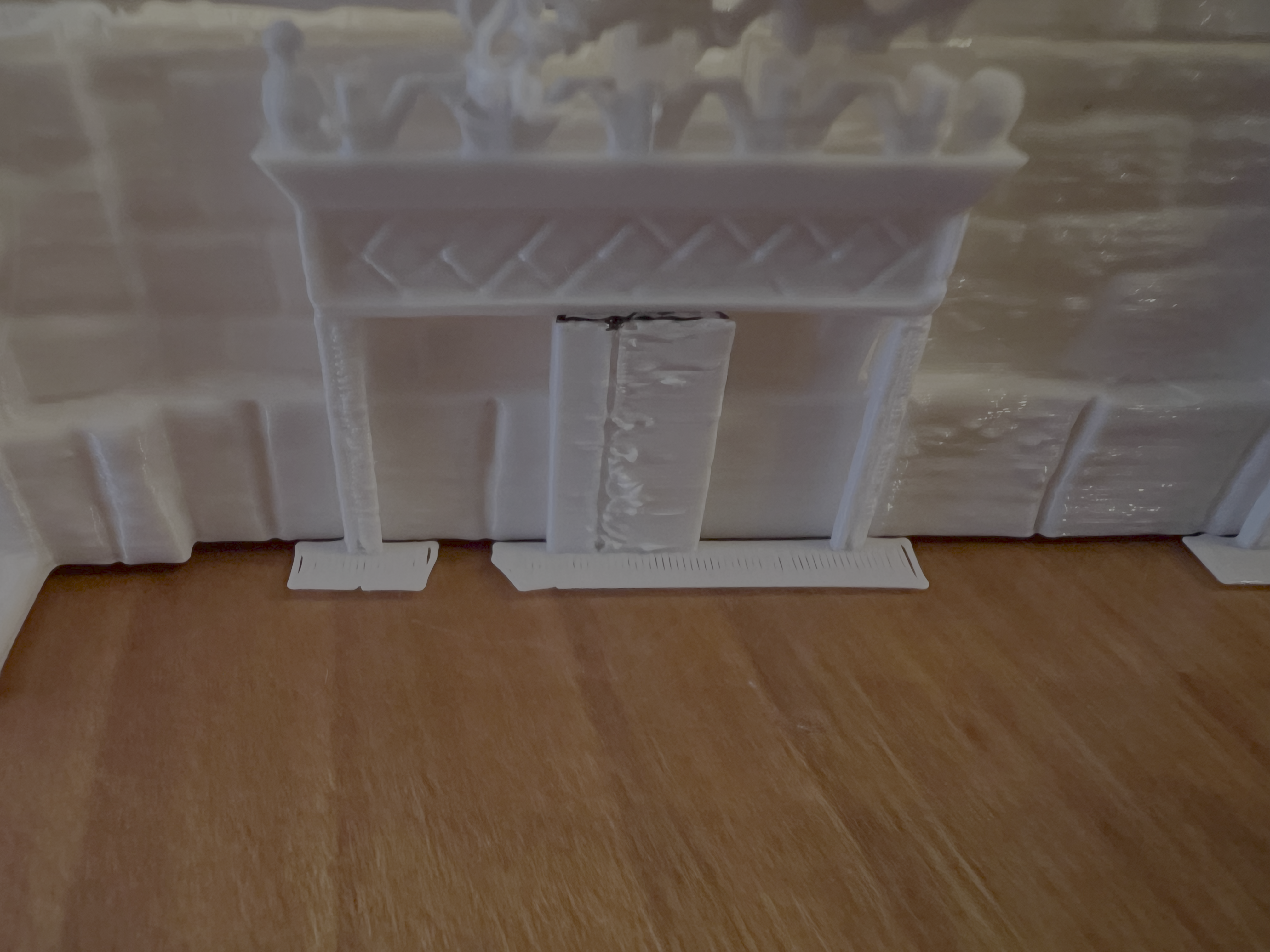
Update on my previous issue: Unfortunately, the adjustments (Snug supports, manual nozzle cleaning in intervals) did not solve the problem. In my latest print I had one Layer Delamination for the first time and again two supports failed while all of them where showing since of poor quality.
Support Failure: Even with Snug settings, supports collapsed. As suspected, once a support failed, the nozzle started collecting "spaghetti" filament. This formed a blob on the heater block, which eventually caused a mechanical collision and a layer shift.
It seems the default "Prusament PETG" profile on the Core One L might be pushing the material too fast or cooling it too aggressively for this specific geometry, leading to brittle supports and poor adhesion.
Updated Troubleshooting:
Belts/Gantry: Re-verified at 90 Hz, everything is square.
Nozzle: Cleaned, but PETG keeps accumulating once a part of the print fails.
Settings used: Snug supports, 10% Gyroid infill. rest standard Prusa PETG, PETG went directly into the drying box after unpacking.
Does anyone have a proven PETG Filament Profile specifically tuned for the Core One L? I am looking for settings that prioritize reliable Supports. Settings that prevent PETG from becoming brittle and snapping under the high accelerations of the Core One or any other suggestions. While it wasn't a problem before I just want to make sure the layer adhesion thing is coped with as well probably going for higher temps in the chamber and lower print head fan speeds?


RE:
Have you calibrated the filament extrusion? Instructions below.
I found the Prusa PETG profile poor for thier own PETG.
The default speeds are way too fast for quality prints.
The auto 1st layer is fine for PLA, I use the textured sheet for PETG, had to adjust the printer profile for a z offset -0.035. Peform a live z test for your build plate
I have used the galaxy black petg, so this could differ some for white. See the Zip, Cal cube, Live Z and all my filament and print settings. Cal cube is just for the cube, my structual in the live z is for everything else. Hope this helps
Calibrate extrusion for the filament profile.
Measure diameter of the filamentMultplier, by using hollow cube, measure the wall thickness, See Precise Method --> https://help.prusa3d.com/article/extrusion-multiplier-calibration_2257
Print the Cube with 1 perimeter, 2 bottom, no top so you can measure wall thickness.
RE: Core One L - Minimal Layer Shift
Thank you for the detailed suggestions and the settings!
I just finished the calibration cube test, and the results are interesting: The print quality is actually perfect. Even under magnification, the layers are barely visible on the inside and bottom of the cube. It seems the Core One L is mechanically very capable, but the settings for long-duration prints remain the issue.
Regarding the Extrusion Multiplier I found that minimal changes below 5% is not changing anything and when going to 10% changes its over or under extruding. I still think all the cues lead to something being wrong with the supports. While the model never gets finished the parts that actually print before and after the shifting layer / low adhesion layer are perfect. Both regarding structural integrity and optical appeal. at the same time even the supports that don't fail, just don't look like they print right.
Can you spot any indication for wrong settings on this print?

RE: Core One L - Minimal Layer Shift
I can't tell from the pic if you got the extrusion set correctly, your calipers only will tell you that, it should avg .44/.45 Your 1st layer has issues, also the cube is warped, you don't have straight flat sides. This should be a perfectly square and even cube. Temp and fan settings for the filament profile.

RE: Core One L - Minimal Layer Shift
Getting massive layer shifts on every print. Not that I have done many, new printer just got it. I will try disabling Arc fitting & avoid crossing perimeters, both I enabled. What I really want is a supported Orca slicer profile for the core 1L. 😉
RE:
Getting massive layer shifts on every print. Not that I have done many, new printer just got it. I will try disabling Arc fitting & avoid crossing perimeters, both I enabled. What I really want is a supported Orca slicer profile for the core 1L. 😉
RE:
Ruebarb, how is that supposed to help in that layer shift issue?
See my GitHub and printables.com for some 3d stuff that you may like.
RE:
The print head, if getting caught up on the fan, because of the wire harness causes, print issues, the print head is basically hit with spring of energy . Go shove the print head while it is printing, see what happens. So it is worth checking. As I posted in the thread. https://storage.googleapis.com/prusa3d-content-prod-14e8-wordpress-forum-prod/2025/12/d0d078a4-hitting-fan.mp4
RE: Core One L - Minimal Layer Shift
I fixed my layer shift by removing the Arc fitting and avoid crossing perimeter walls. Resliced and sent the job soon after my post above and it has been running fine ever since. All the other attempts shifted within 40min of print start.
RE: Core One L - Minimal Layer Shift
I have solved some of my issues while getting some new ones. First tweaking the nozzle temperature overall improved the prints at 0.2mm. Not going back to 0.16mm Layer hight for now. The Supports went form almost total failures to easily removable solid structures. 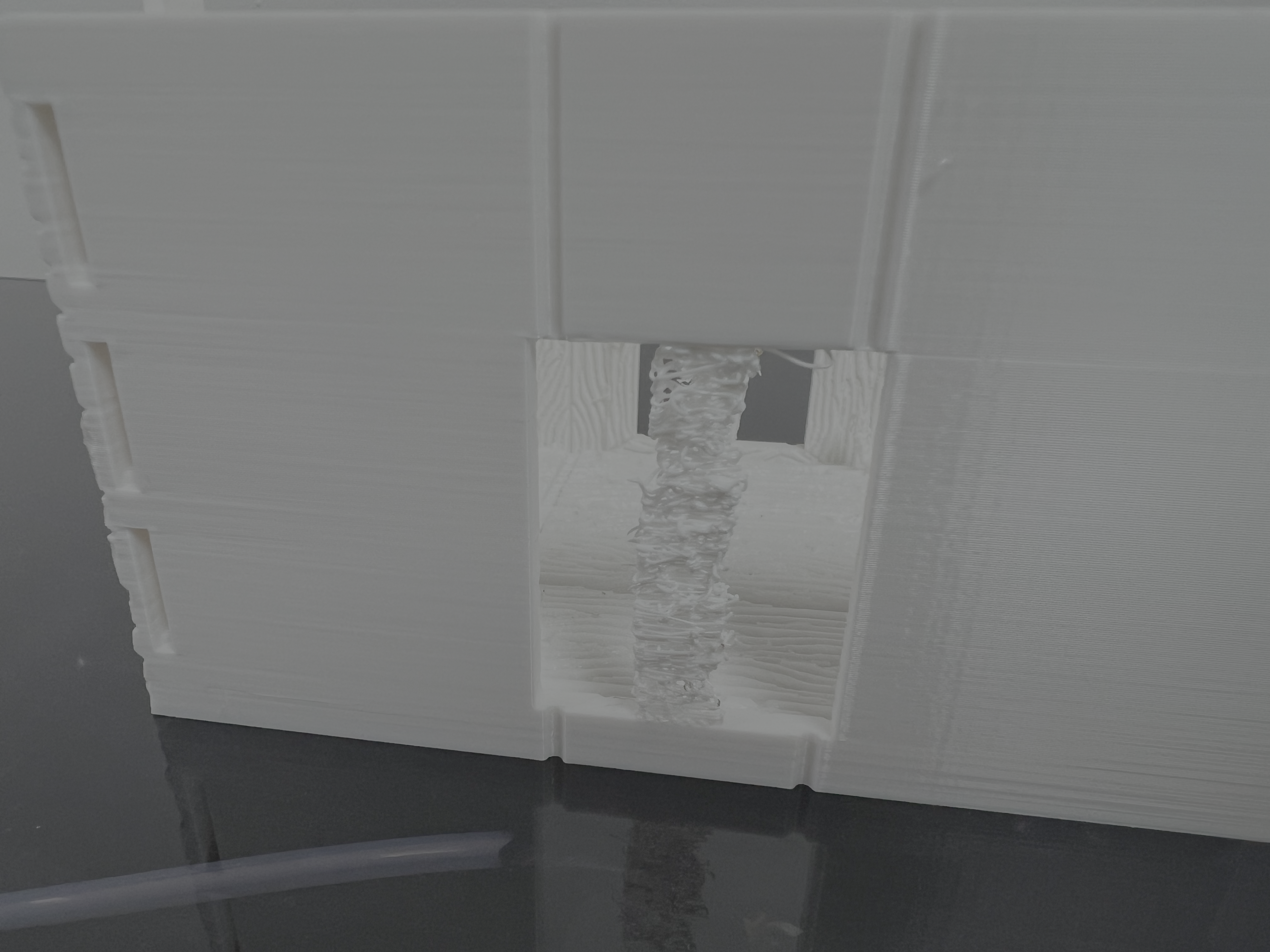
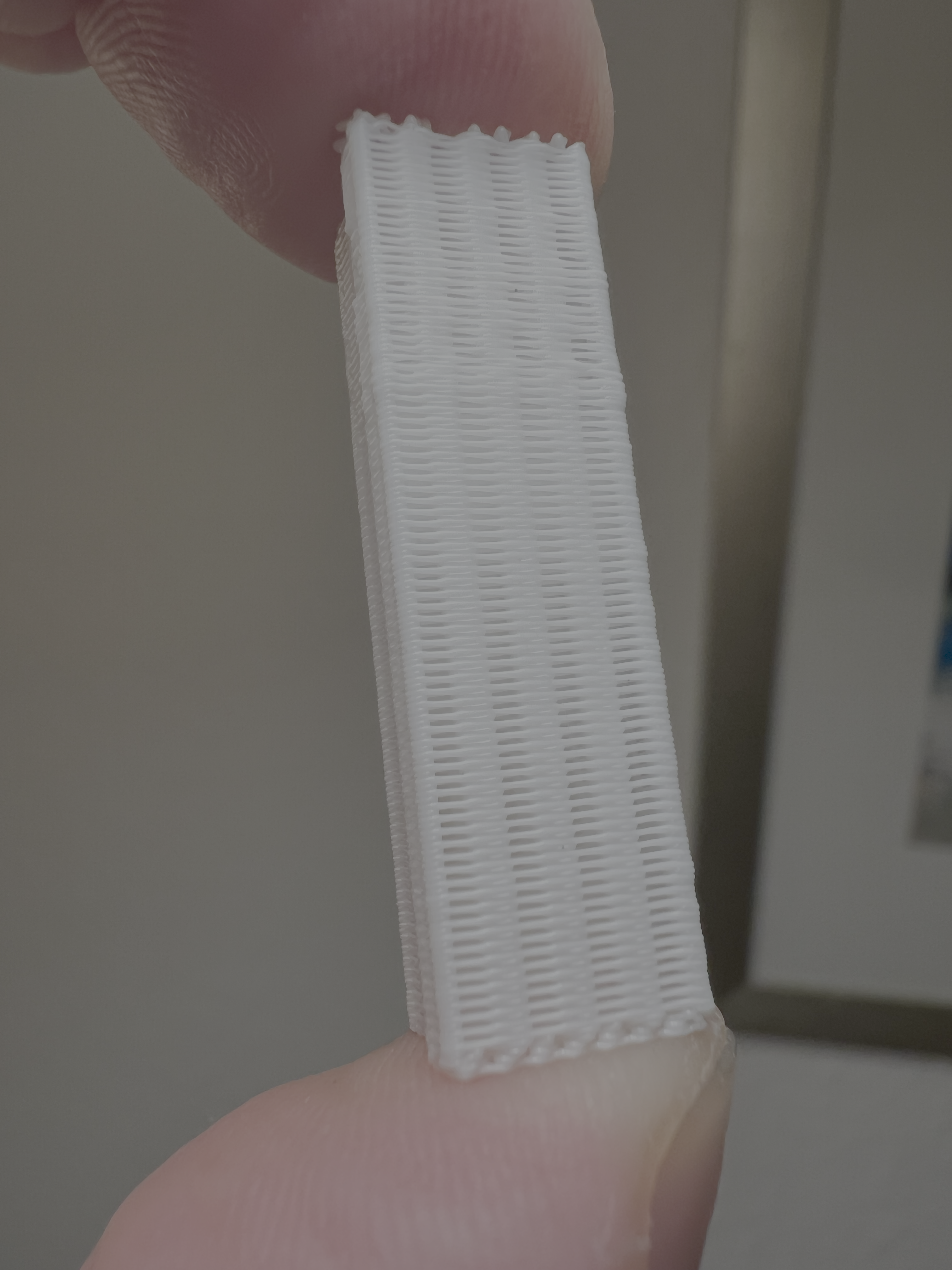
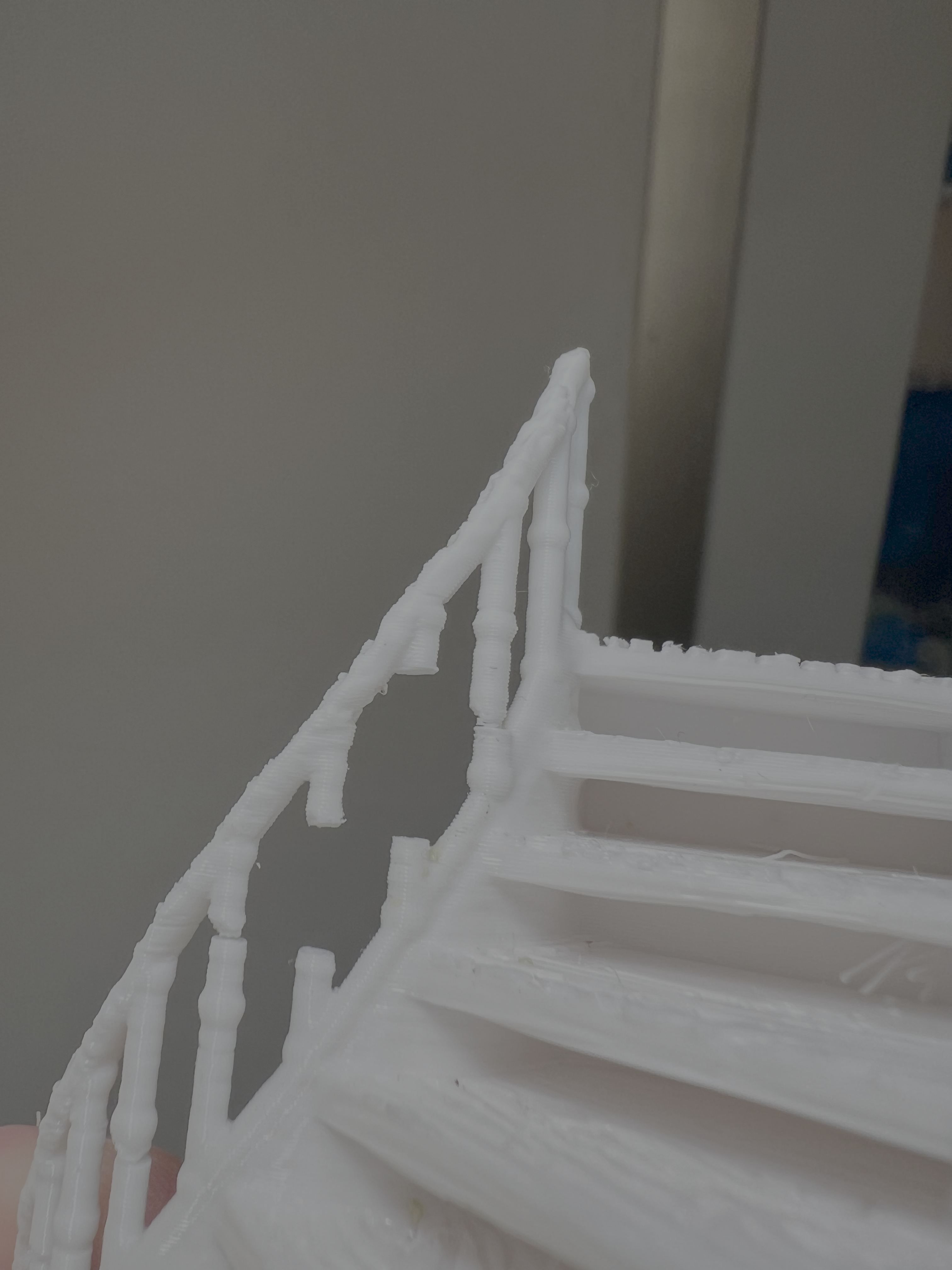
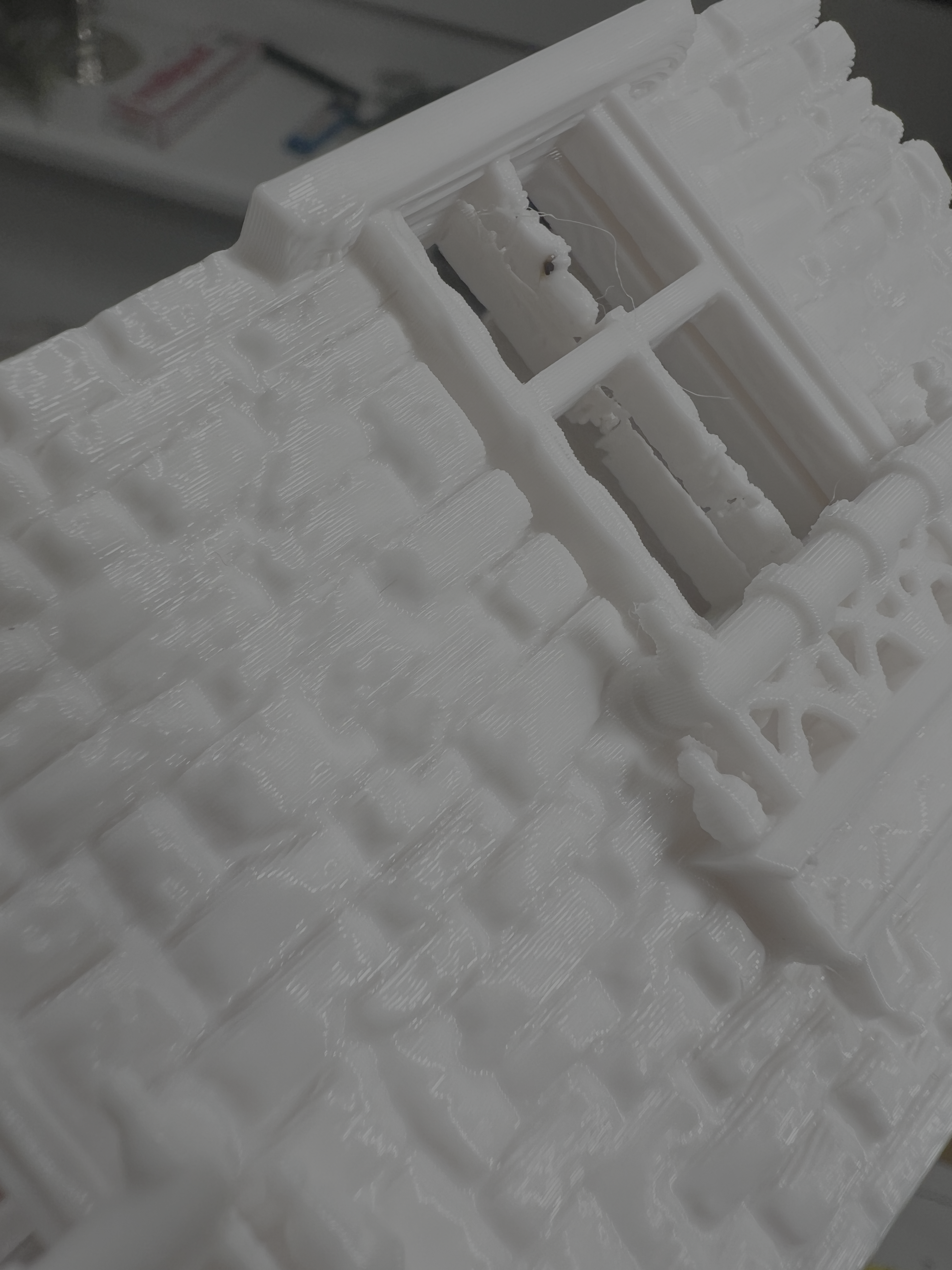
Now there seems to be an issue with narrow or slim structures. Like the vertical struts on this handrail. That printed well before and doesn't now. Also the struts inside the windows. I know it's possible to put a box around a specific part of the model and have it printed with different settings. im ist not sure what the problem is is here? Layer adhesion due to cooling? Printing speed? Thank for any help!