
Initial Calibration and Print
I've been using this printer for a couple years, and then had to update firmware and install a new board. Now I'm back at square one, but when I start to calibrate and follow those steps, my Z axis goes below zero and does this angle thing stressing the frame and motors. I am not sure what to do next. Any help would be appreciated. This printer is a part of my mis-matched fleet of 3D printers in a middle school STEM class.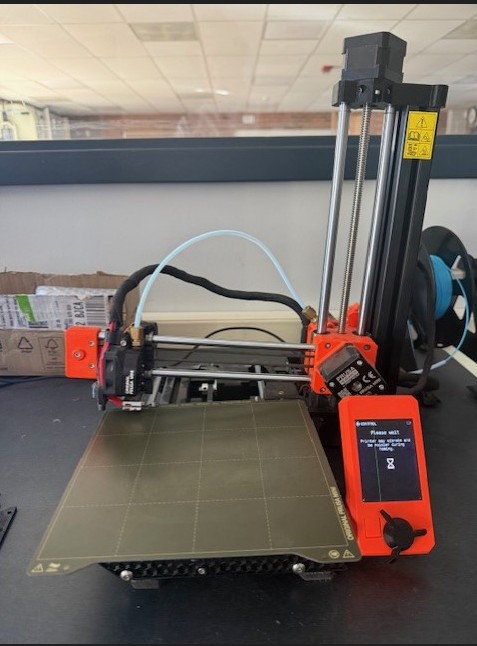

RE: Initial Calibration and Print
I would check the pinda probe on the mini to make sure that its working correctly.
If not you might need a replacement, if the probe is fine you can contact support for assistance.
https://help.prusa3d.com/article/m-i-n-d-a-superpinda-sensor-testing-mini-mini_134021
Shane (AKA FromPrusa)
RE: Initial Calibration and Print
Thank you for that, it looks like my PINDA is functioning properly.