
Solution for top layer 'holes'
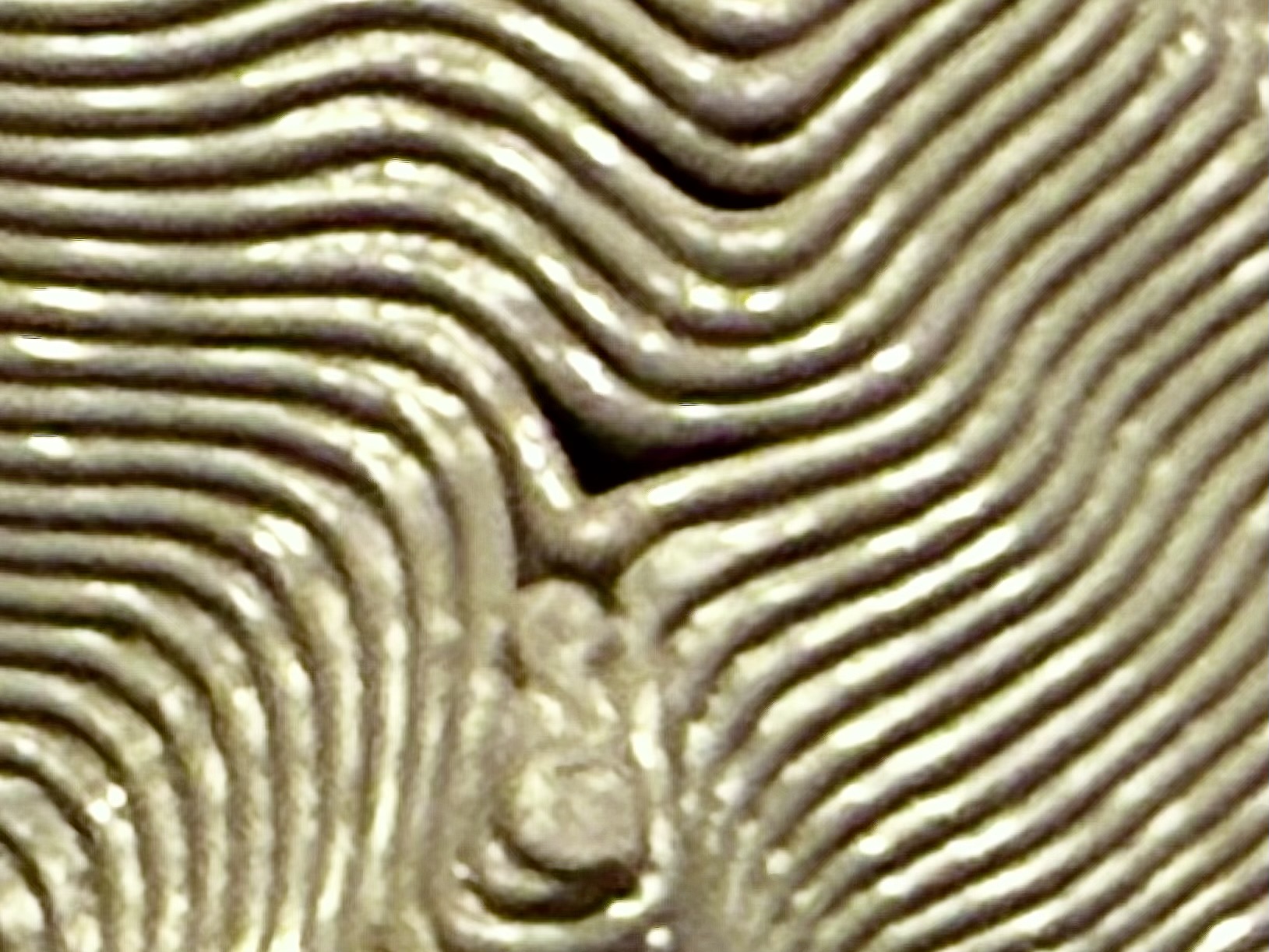
I have a large project (16 each 300mm x 300mm) topographic terrain sections where I'm trying to fix 'holes' that occur in the top layer. The holes seem to occur because there is no solid infill under the layers. I have attached closeup photos.
Printing notes
- I'm printing using an OPXL5H, .4 nozzles, 3 perimeters, Polymaker PETG, .2 or .25 layer heights
- I'm trying to reduce printing times (which are minimally 12 hours, extending to 24+ hours as I adjust infill and layer height)
- I've experimented with support cubic (30%) and zig-zag (15%) and others, all seem to show solid infill printing 'on air' since the infill isn't bridging to the infill support 'walls' and there is no bridging material placed
- I've toggled vertical shell thickness enabled and partial
- ...and other tweaks per forum recommendations...
I'm trying to avoid variable layer heights as the print times exceed 26 hours. With 16 to print the likelihood for print errors, power glitches gets high.


RE: Solution for top layer 'holes'
Without seeing your project file its going to be hard to debug but the obvious one is how many top layers do you have configured ?
RE: Solution for top layer 'holes'
I no longer have a version of that model as the rectilinear or zig-zag infill, at .1 layer height, resulted in very, very rough infill as the nozzle was dragging across the top of the infill layers. I'm retrying support cubic, at 30% with variable layer heights, but with vertical shell thickness enabled the print times are 26+ hours. I switched to partial. In both instances this is an example of what I interpret as 'printing on air'. This is just a random area of the model.

RE: Solution for top layer 'holes'
I may have stumbled on a solution that might work better. With 30% support cubic, variable layer height and vertical shell thickness disabled I'm now seeing bridging layers being created, that span across the infill supports so they're not printing 'on air'. I'll give this a try and see how it works, but print time is 20 hours. A lot more than I wanted, but better than 26+ hours. Here's a screenshot of the same approximate area with the bridging appearing (instead of the squiggly solid infill that printed 'on air'):

RE: Solution for top layer 'holes'
I may have stumbled on a solution that might work better. With 30% support cubic, variable layer height and vertical shell thickness disabled I'm now seeing bridging layers being created, that span across the infill supports so they're not printing 'on air'. I'll give this a try and see how it works, but print time is 20 hours. A lot more than I wanted, but better than 26+ hours. Here's a screenshot of the same approximate area with the bridging appearing (instead of the squiggly solid infill that printed 'on air'):