
Warpping
Been printing away happily and now I am constantly getting the corners of my prints lifting from the bed. Any hints or tips?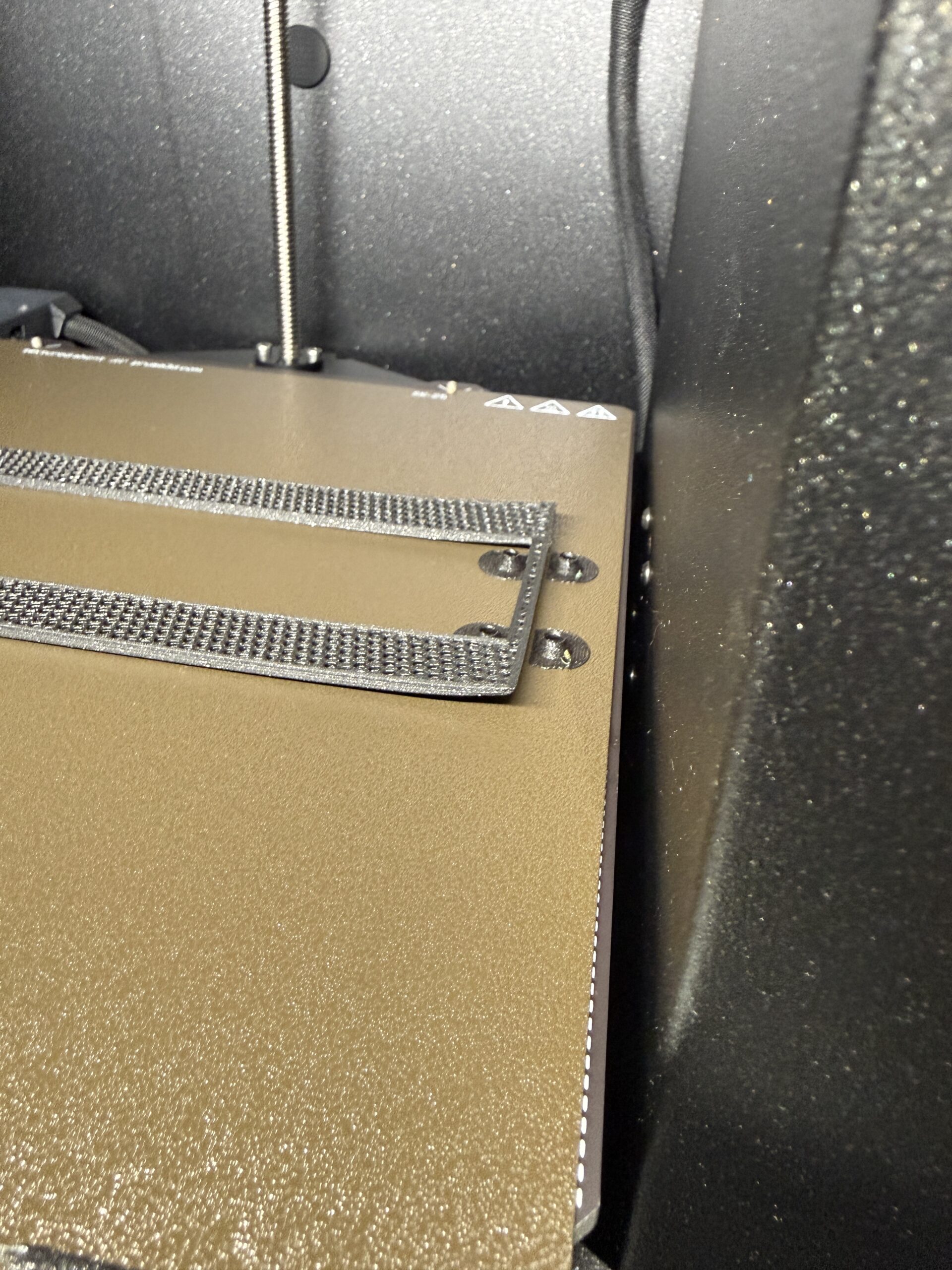


RE: Warpping
- What filament is this?
- What are the print settings?
- Have you cleaned the sheet recently? Just IPA is not good enough. Try dish detergent and hot water.
Start by cleaning the sheet. If it is still warping off the plate then attach your zipped 3MF project file.
When asking others to diagnose these issues, there is no such thing as "too much information". It's like going to the doctor and simply saying "My body hurts. What's wrong?"
RE: Warpping
The filament is Prusa PLA +
I have been using IPA and will try a proper clean before my next attempt.
I'm new at this and thought it might be a simple setting change!!!!

RE:
PLA is not a material that warps often. Warping is caused by two things: lack of bed adhesion and/or materials that need to be printed at a hot temperature shrinking before end of print. PLA is not printed at a relatively hot temperature, so I would assume that this warping is due to lack of bed adhesion. To increase bed adhesion, there are several things you can try:
1. Clean the bed with isopropyl alcohol (it’s fine to put it on the bed while it’s still on the printer and wipe it across the bed) or if you don’t have that, take it off and clean it like you clean dishes by hand. Be careful to dry it after cleaning (if cleaning like the dishes) and no matter how you clean it, touch the surface of the bed with your fingers as little as possible.
2. I see that you are using the textured bed for your printing; unless you want the texture of the textured bed under your print, I would recommend using the smooth bed. PLA is a surface that generally has low adhesion to the bed, and the textured bed is a bed that has low adhesion itself so that materials with high adhesion (PETG, TPU, etc) can be removed easily. If you want the texture on your print, I recommend putting a few layers of glue from a glue stick on the bed before printing.
3. When slicing the print on the computer, you could add a brim to the print; this makes the first layer larger than the actual model, giving a layer that grips the model in place (see the picture). 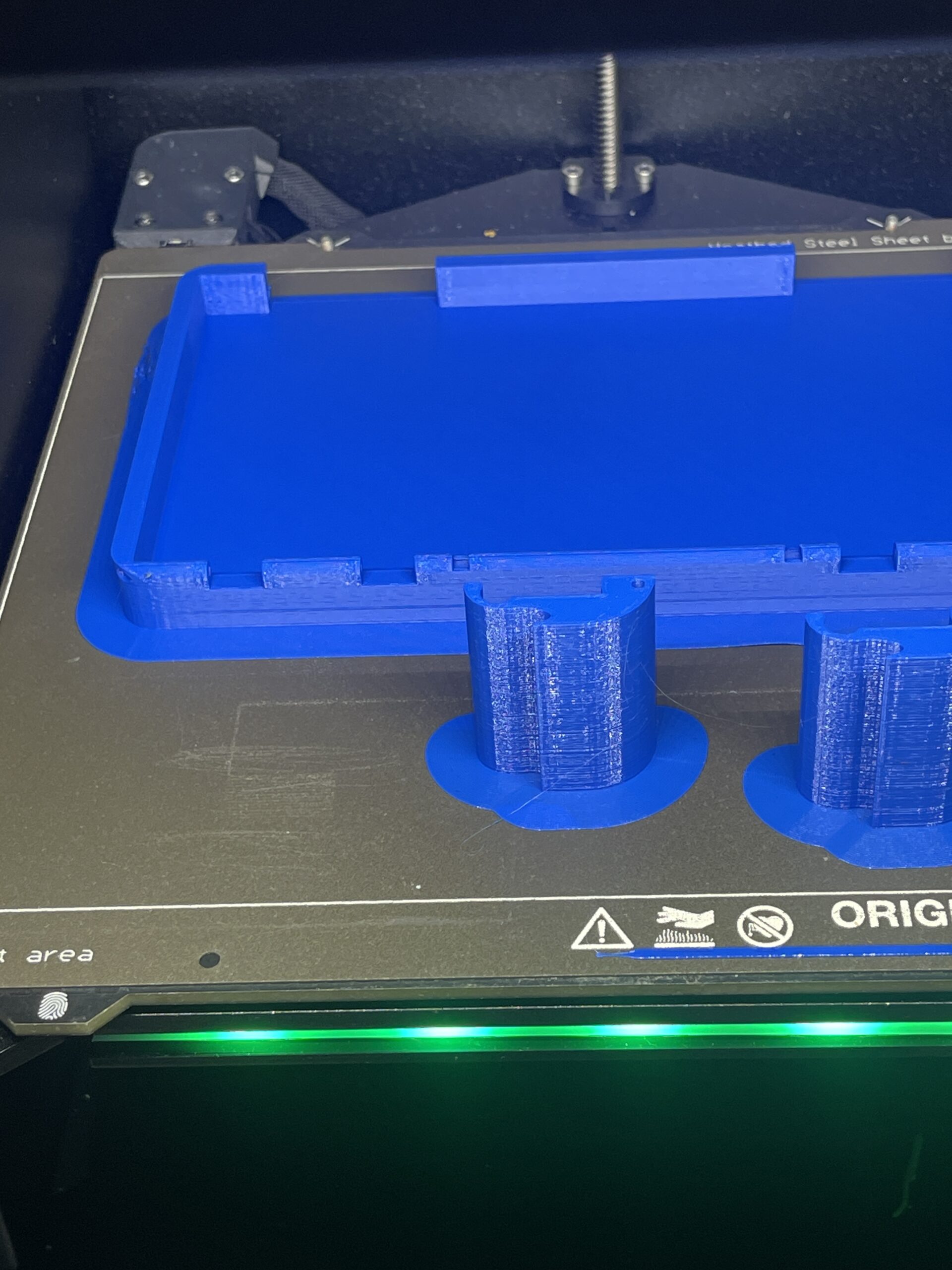
Hope this helps 😉!