
Bad ribbed models. (prusaslicers fault)
Goodday,
I am trying to print an model of an designer that has a lot of models with ribs.
Everytime it will fail or it does not looks at nice as it could when it is printed with bambu studio.
What is prusalicer doing to the model when it decides to make such jumps in layer time / speed / vol flow rate. It is just ridicioulus and i see it on more of my prints.
I have tried layer time in filament settings to 2 seconds or even 0 seconds.
Perimeter generator arachne to --> classic
Cooling slowdown logic consistent surface to --> uniform cooling.
Turn of enable dynamiuc overhang on speeds.
The funny thing is the models walls are even (thickness) all around with no inside, but prusaslicer just decides it need to slow down 7 seconds the next layer.
If it were even al along the model it would nog be noticable.


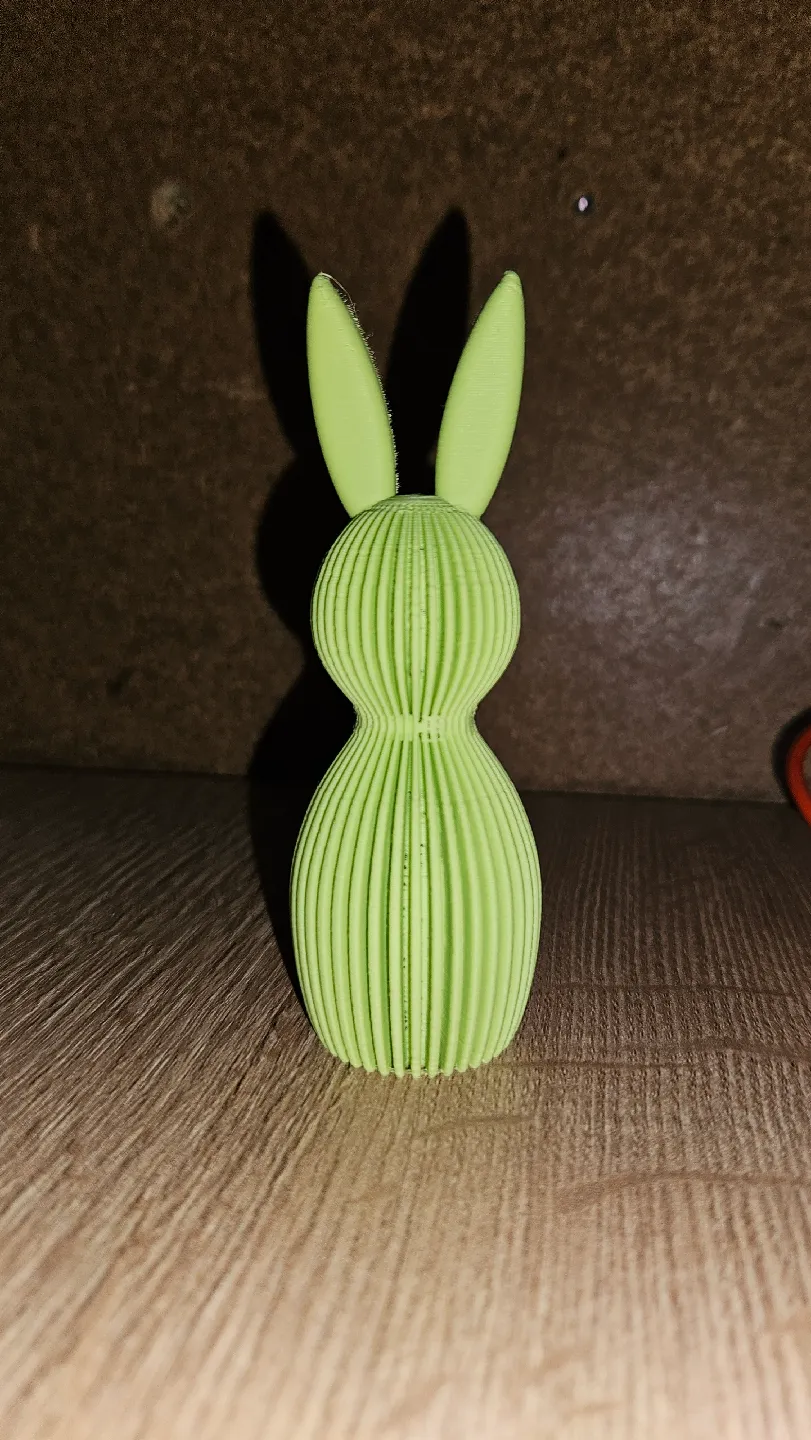
Thank you in advance for helping.

RE: Bad ribbed models. (prusaslicers fault)
Try this (no idea what the tips of the ears will look like though, but if you want uniform speed) :

RE: Bad ribbed models. (prusaslicers fault)
Look in the filament settings for a 'slow down if layer time is below' setting. Compare how long those layers are taking to that value. Its the usual one people miss when wondering about slowdowns like that.
RE:
Yeah i copied every setting from Bambustudio (i know this perosn prints in Bambu studio) and now the preview looks almost the same as in bambu studio.
Prusaslicer vs Bambustudio


Very frustrating when there is no .3mf for prusaslicer with the correct settings.
It only happens on these ribbed models.
RE: Bad ribbed models. (prusaslicers fault)
did u check out the 3mf I posted ?
RE: Bad ribbed models. (prusaslicers fault)
Yes, i had already tried these settings
RE:
Prusaslicer just refuses to print this right.
Another model, i just can't get it to slice right.
Stock settings:

Classic perimeter generator:

Bambu just perfect touching nothing:

RE: Bad ribbed models. (prusaslicers fault)
Yes, i had already tried these settings
Im confused, how can you have 'already tried these settings'... when they solved the problem ?
RE: Bad ribbed models. (prusaslicers fault)
Anyway, your latest issue can be solved by using stock setting, Arachne generator, and reducing 'minimum perimeter width' to 25%

RE:
Well those settings in your file i already tried earlier.
Without classic generator like bambu these models just dont orint nice.
RE: Bad ribbed models. (prusaslicers fault)
Honestly you're not making any sense.
The first 3mf I posted solved the first issue (speed changes)
If you do as I suggested for the second problem, it solves the second issue.
I'm out.
RE: Bad ribbed models. (prusaslicers fault)
Well this is the result


RE: Bad ribbed models. (prusaslicers fault)
Looks good !