
Red error message keeps appearing in the app
I have an error on my C1 that appeared after a few misprints. I didn't notice it until the next day when I checked the app. There was no error on the printer itself.
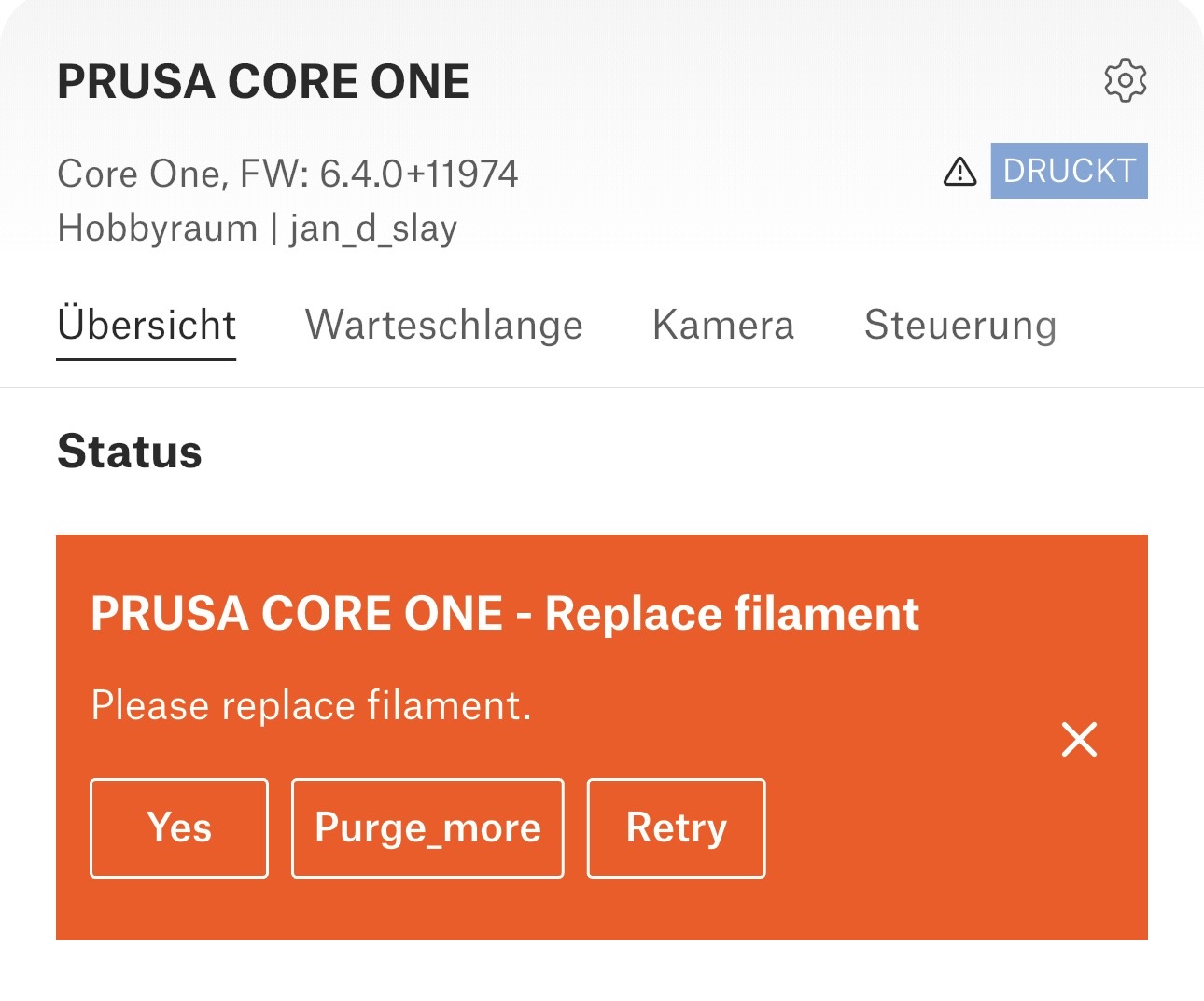 Screenshot
 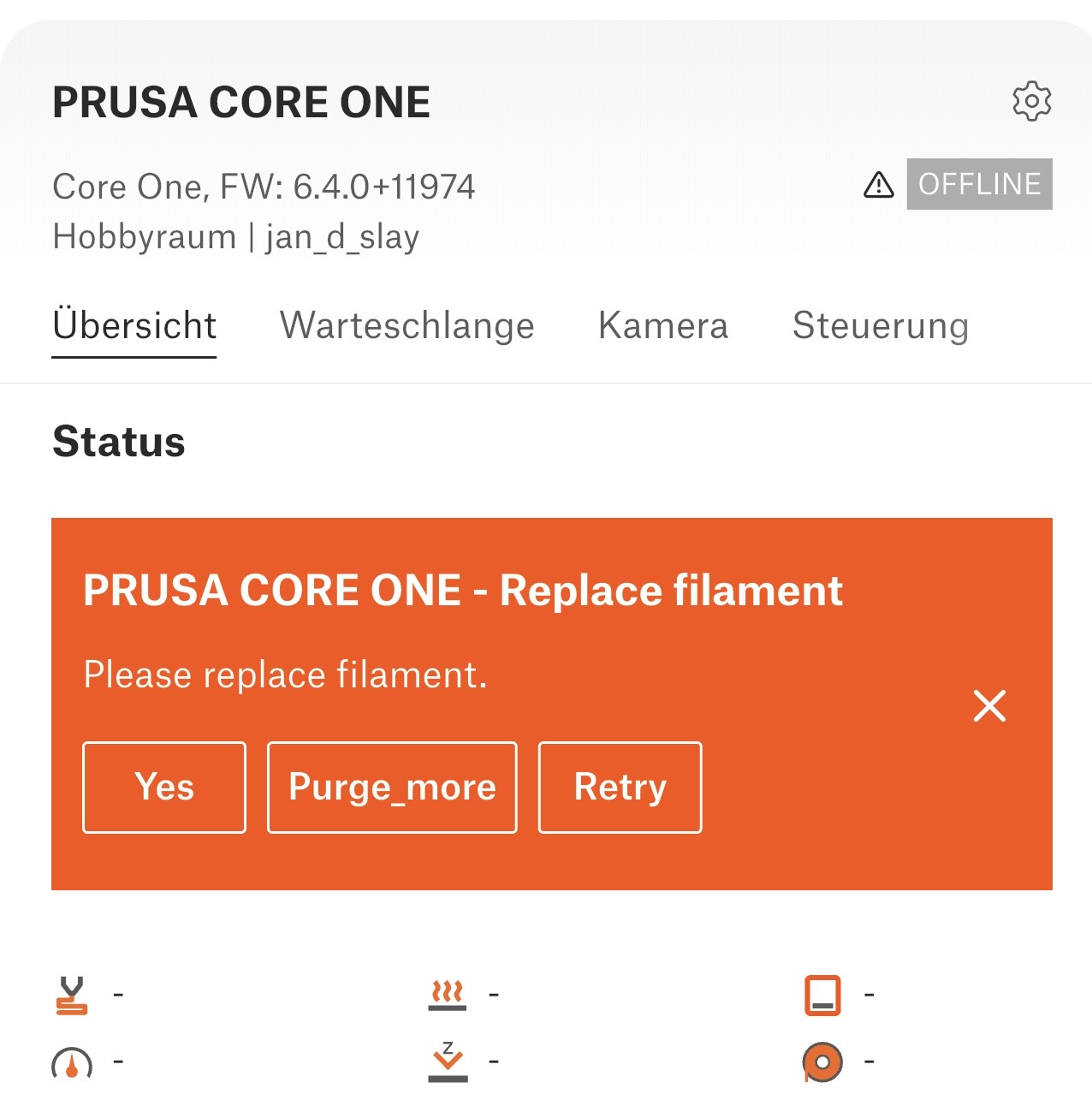 Screenshot
No matter what I click on, nothing happens.
Has anyone else experienced this?
Mods for Core One: Core One HT 450 degrees, Comfortable display , Very fast print start and Reducing noises
Mods for Prusa XL: Very fast print start

RE: Red error message keeps appearing in the app
Had the same yesterday on one of my Core Ones (but not the others). No error on the printer which was humming along nicely.
Probably worth reporting on GitHub as a bug.
Formerly known on this forum as @fuchsr -- https://foxrun3d.com/
RE: Red error message keeps appearing in the app
I am currently in contact with support. I will get back to you as soon as I know anything.
Mods for Core One: Core One HT 450 degrees, Comfortable display , Very fast print start and Reducing noises
Mods for Prusa XL: Very fast print start

RE: Red error message keeps appearing in the app
Is this with the Android or iOS app?
RE: Red error message keeps appearing in the app
I use the app on an iPhone. However, it also appears on the website, regardless of which computer I connect to. The message does not appear around PrusaSlicer.
Mods for Core One: Core One HT 450 degrees, Comfortable display , Very fast print start and Reducing noises
Mods for Prusa XL: Very fast print start
RE: Red error message keeps appearing in the app
Support hasn't responded to my email yet, but something has happened. The red message has disappeared.
I hope I'll find out what has been reset here.
Mods for Core One: Core One HT 450 degrees, Comfortable display , Very fast print start and Reducing noises
Mods for Prusa XL: Very fast print start

RE:
I had the same, and it kept showing while I was using only the app to monitor the machine.
Example is the message that show up after 30 minutes of inactivity.
It disappeared when I used the machine panel to suppress it. It even cleared another identical message that piled up on the app screen.
This is a bug, because the app should behave the same as the lcd panel in front in the machine.