
Camera settings icons disappeared
Hi,
today I started my Prusa App as usual, wanted to check on my Buddy3D camera. I can see the image, rotate it or go fullscreen, but other options disappeared. There were a few icons under the image, e. g. the option to choose between Auto, Day, Night mode. It's all gone! What happened? Is it a known bug?
Thanks for any info...

RE: Camera settings icons disappeared
Still here for me on latest version of iOS app.
On camera tab click settings icon (gear)

In camera settings you can change the mode. 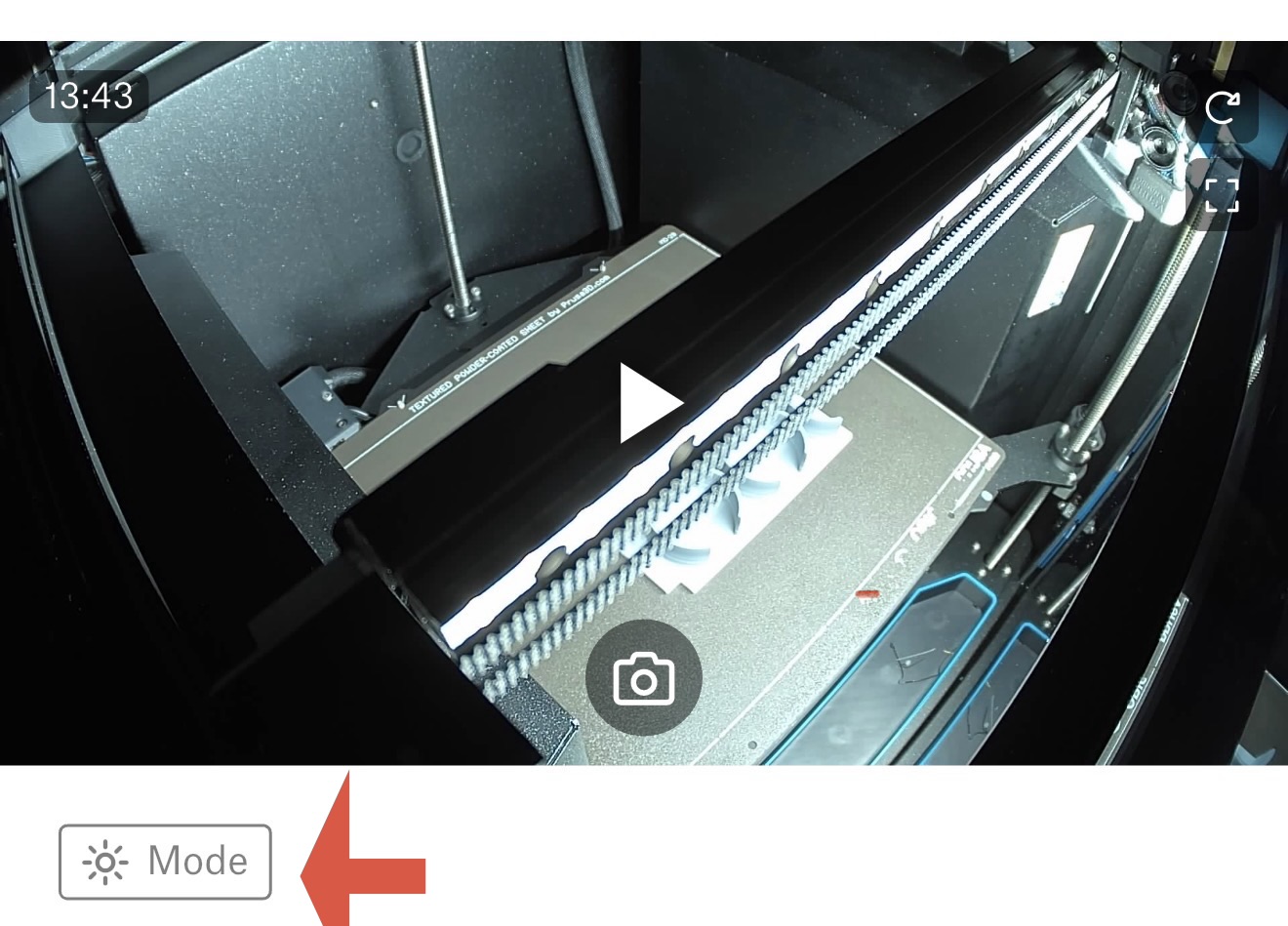
Formerly known on this forum as @fuchsr -- https://foxrun3d.com/
RE: Camera settings icons disappeared
I had to uninstall and re-install the app to get the icons back. After the new installation, I've noticed some new bugs - "the picture is older than 1 hour" (known bug as I can see here in the forum) - solved by unpairing the camera and pairing again. A few times the app showed "connection with camera failed", but that is solved by turning the app off and on again. At this point, I'm glad I can see at least something sometimes...