
Wipe tower issues - Jumping
why does this keep happening?
Not sure what needs to be changed, prints work sometimes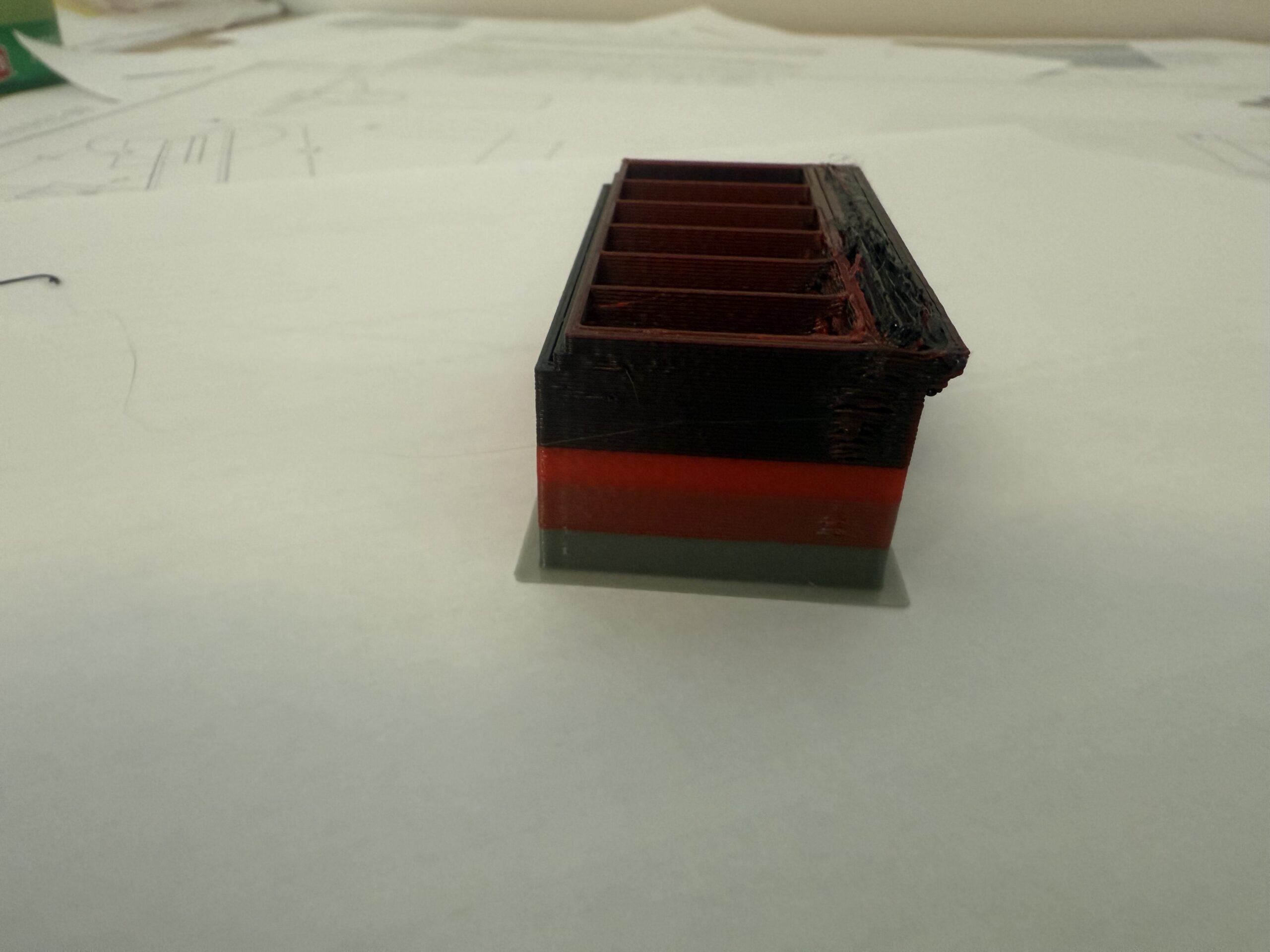
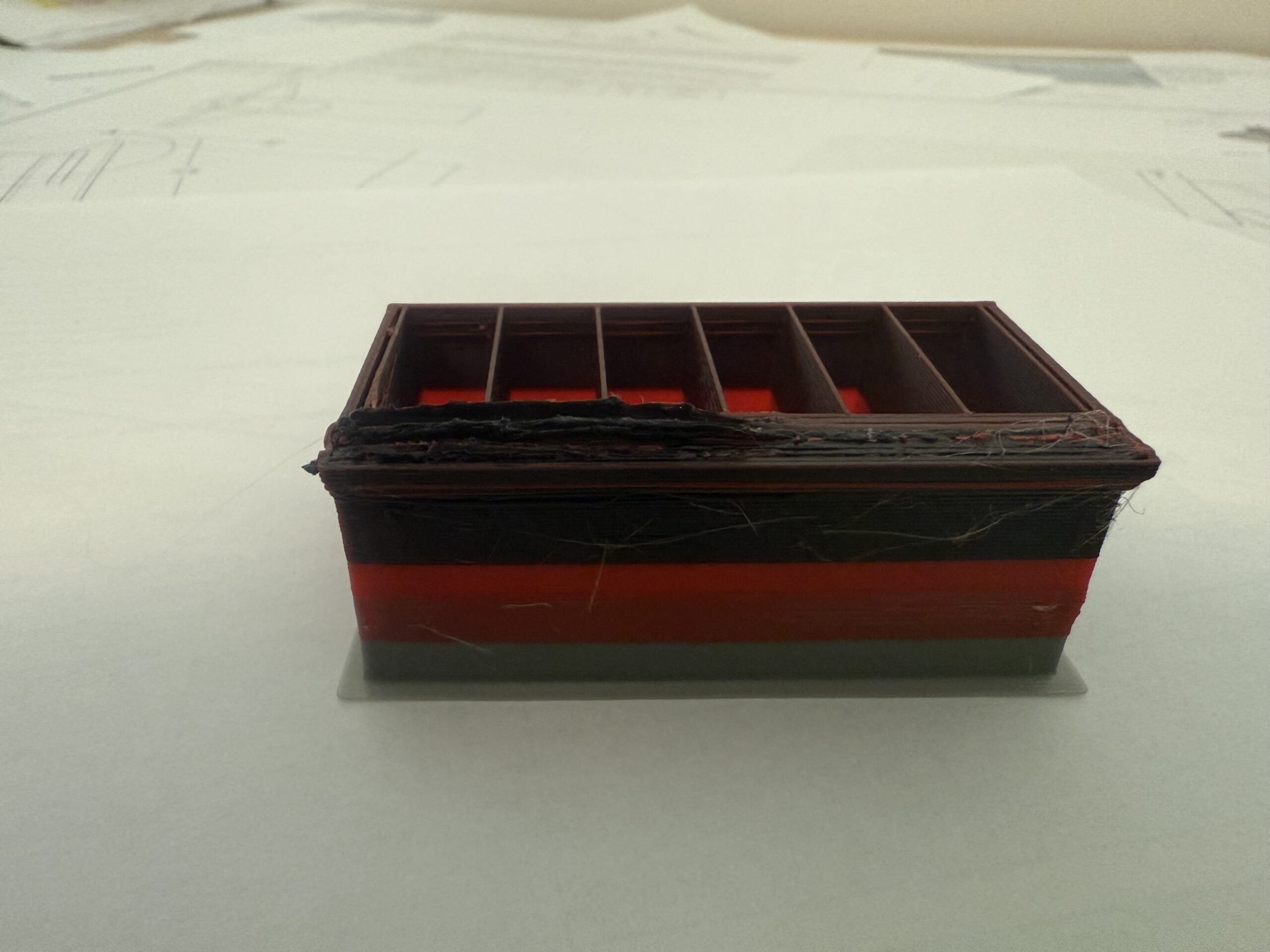
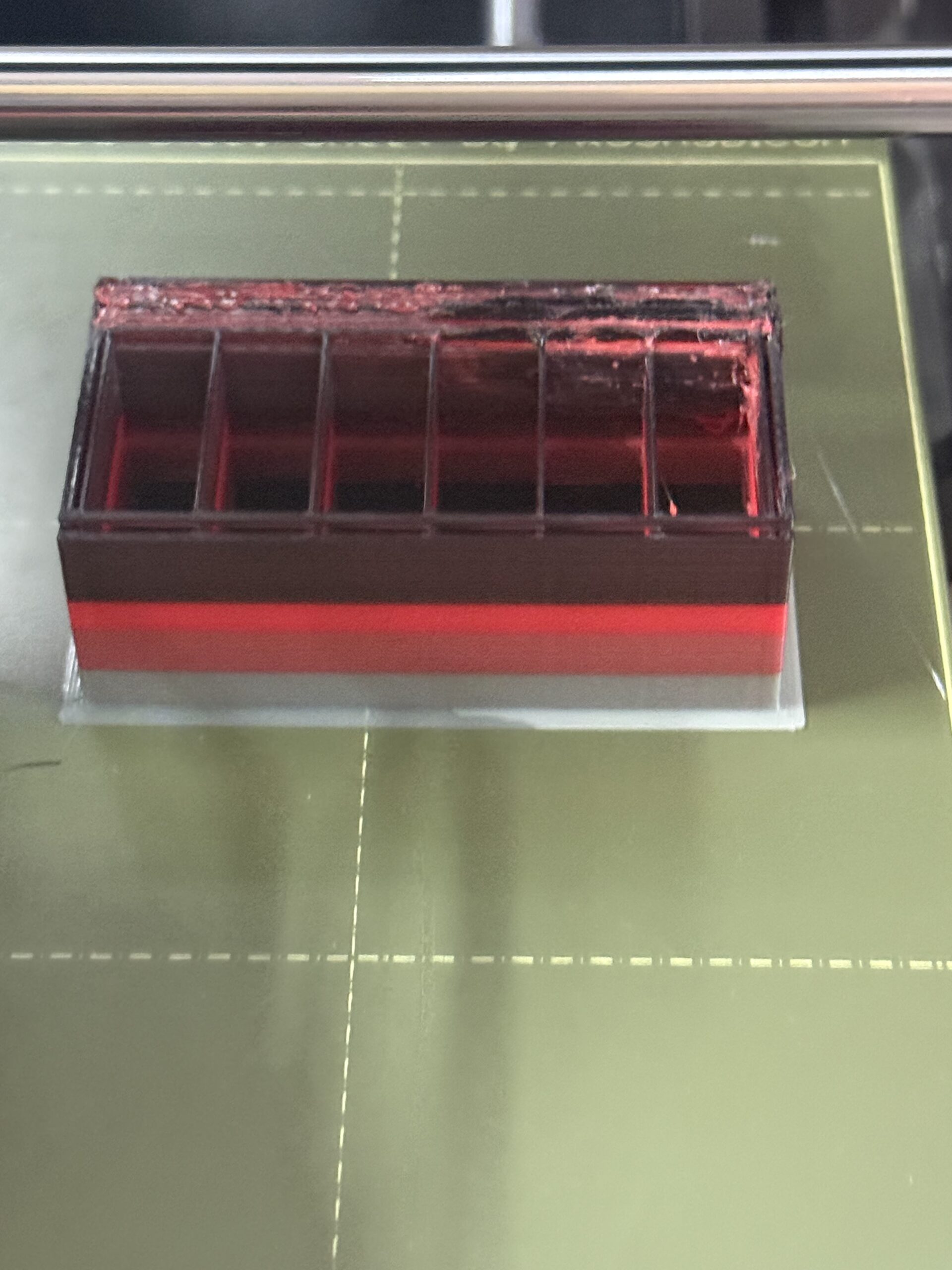
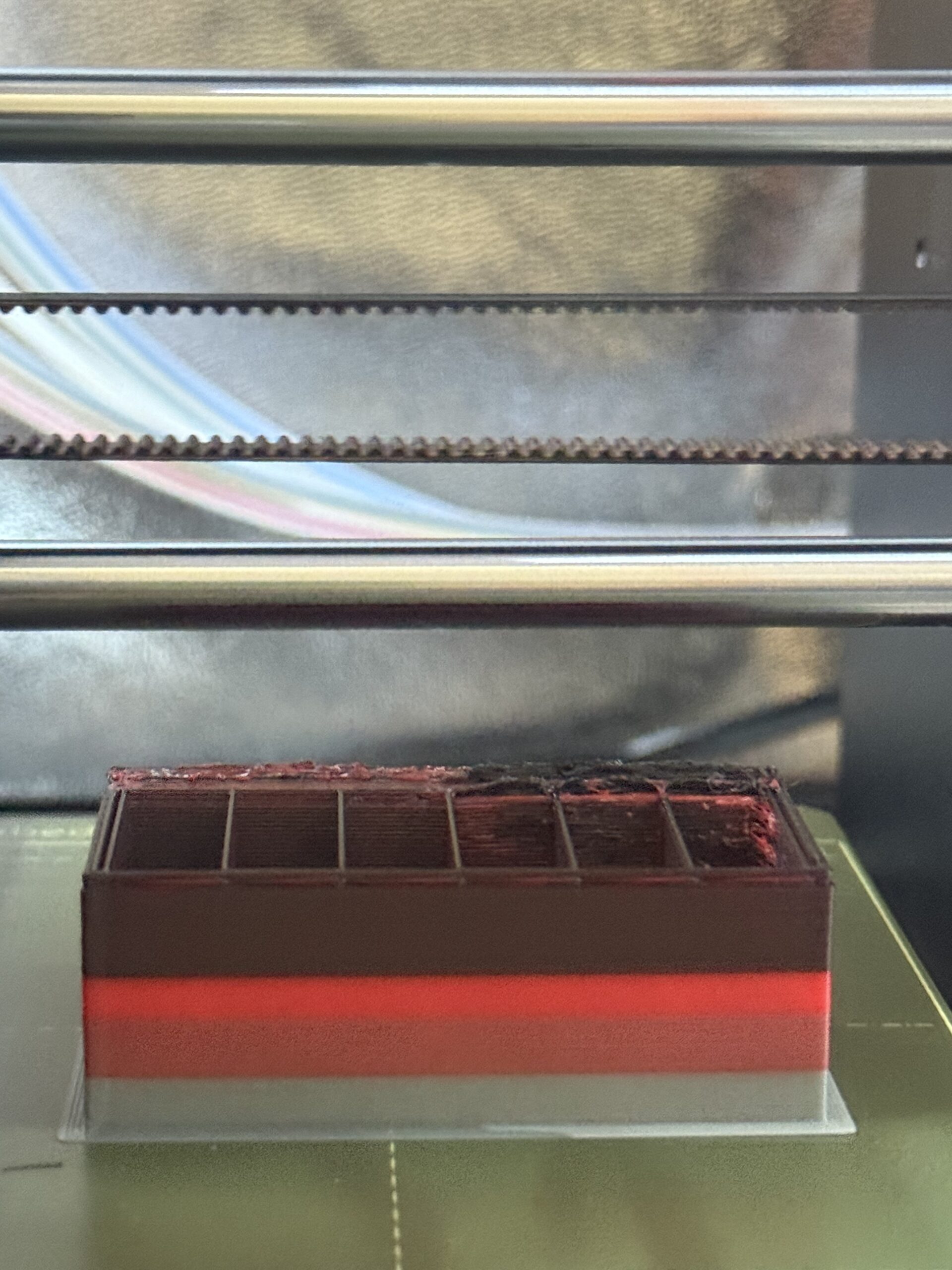 but not others
printing with PETG @ 230

RE: Wipe tower issues - Jumping
I have the same issue on some prints. Have you determined what the cause was?

RE: Wipe tower issues - Jumping
+1. I've seen the same lumpyness "issue", sometimes its impactful, sometimes its not. Its obviously where the filament change occurs, but I've got nothing...
RE: Wipe tower issues - Jumping
Stumbled across this while googling..
https://github.com/prusa3d/PrusaSlicer/issues/14784
Seems relevant, haven't tried the cooling moves recommendation at the end however.

RE: Wipe tower issues - Jumping
One similar problem I've seen repeatedly: The nozzle stays too close for the wipe tower during filament change, melts the material, causes lumps and eventually gets stuck.
Result: Layer shift.
Solution: Put this into Printers / Custom G-code / Tool change G-code:
G1 X10 Y100 F5400
and make sure X=10 Y=100 (e.g.) is an empty spot (use toolpath previewer to confirm, avoid traveling over objects).
I've seen the above failure mode with all-stock settings and consider it a bug.