
Hyper Speed TPU - printing problem
I have a challenge when printing with Eryone Hyper Speed TPU.
I designed the part in Fusion 360 and set up my slicer according to the recommended settings.
I reduced the print speed to 200 mm/s, set the nozzle temperature to 210°C, and the bed temperature to 50°C. The Flow Rate is set to 5%.
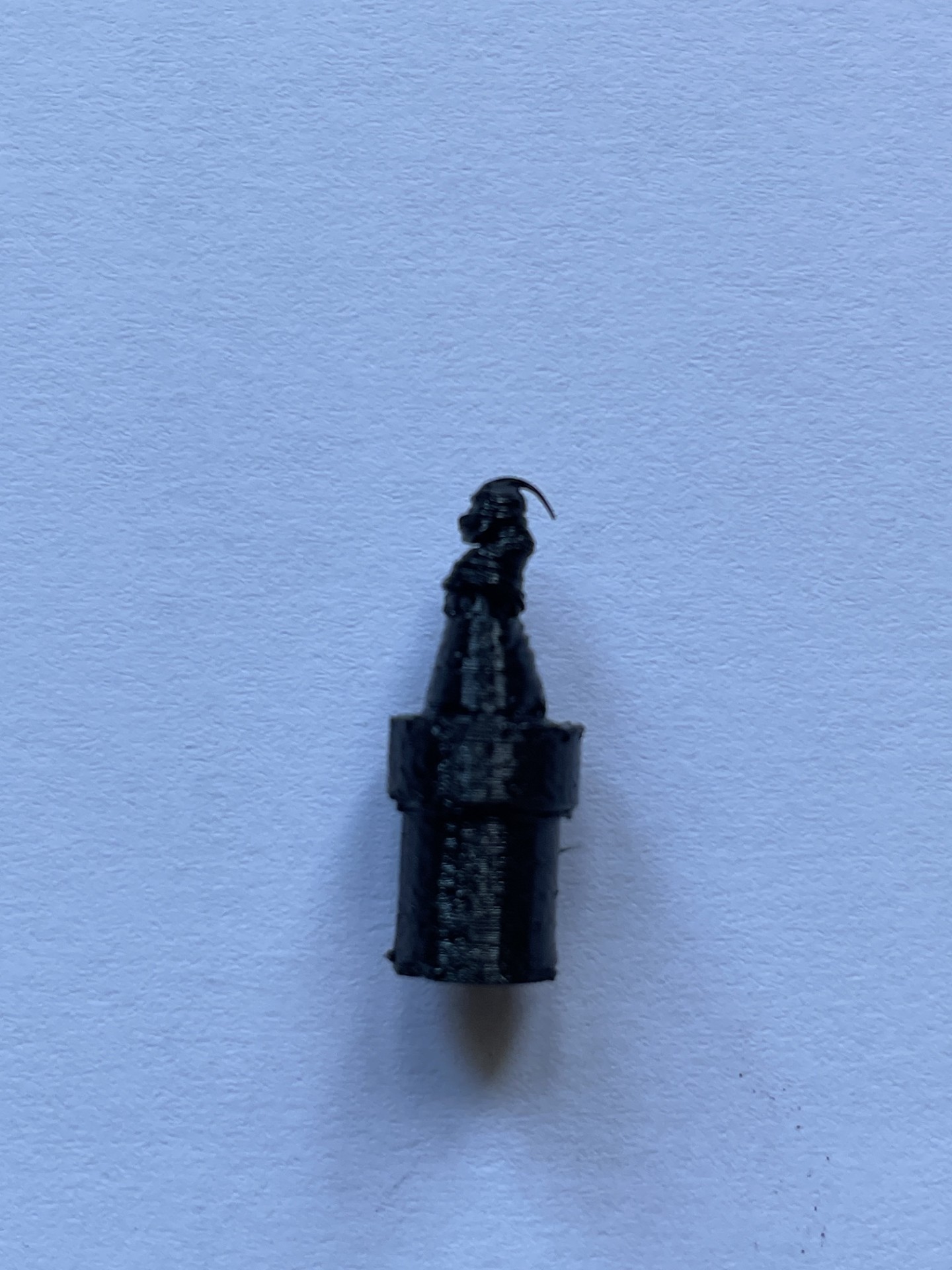
I also changed the infill pattern to Cubic, but my print still looks like the attached picture. It seems as if the material does not have enough time to cool down while the cone is being printed.
Any advice would be greatly appreciated.


RE: Hyper Speed TPU - printing problem
The part is tiny so I'd think it needs to be printed much slower. It's still hot when the print head comes around again. Be sure the fan is turned up.

RE: Hyper Speed TPU - printing problem
The whole print looks not so great, TPU really needs to be dried. But the bad tip of the cone is from printing too fast and not allowing the filament to cool down enough. You can try to slow everything down by reducing maximum volumetric speed (in Filament settings>Advanced or Print Settings>Speed) or you can increase minimum layer time (filament settings>cooling>cooling thresholds>slow down if layer print time is below)
Formerly known on this forum as @fuchsr -- https://foxrun3d.com/

RE: Hyper Speed TPU - printing problem
I never print TPU faster than 40mm/s

RE: Hyper Speed TPU - printing problem
"Hyper" and "TPU" don't belong in the same sentence. Everyone's advice is spot on. You need to slow things down. So I'll only add that another thing you can try as well is add a cylinder of the same height a few CM from your part to give the layers time to cool.