
Layers after infill are not flat or smooth
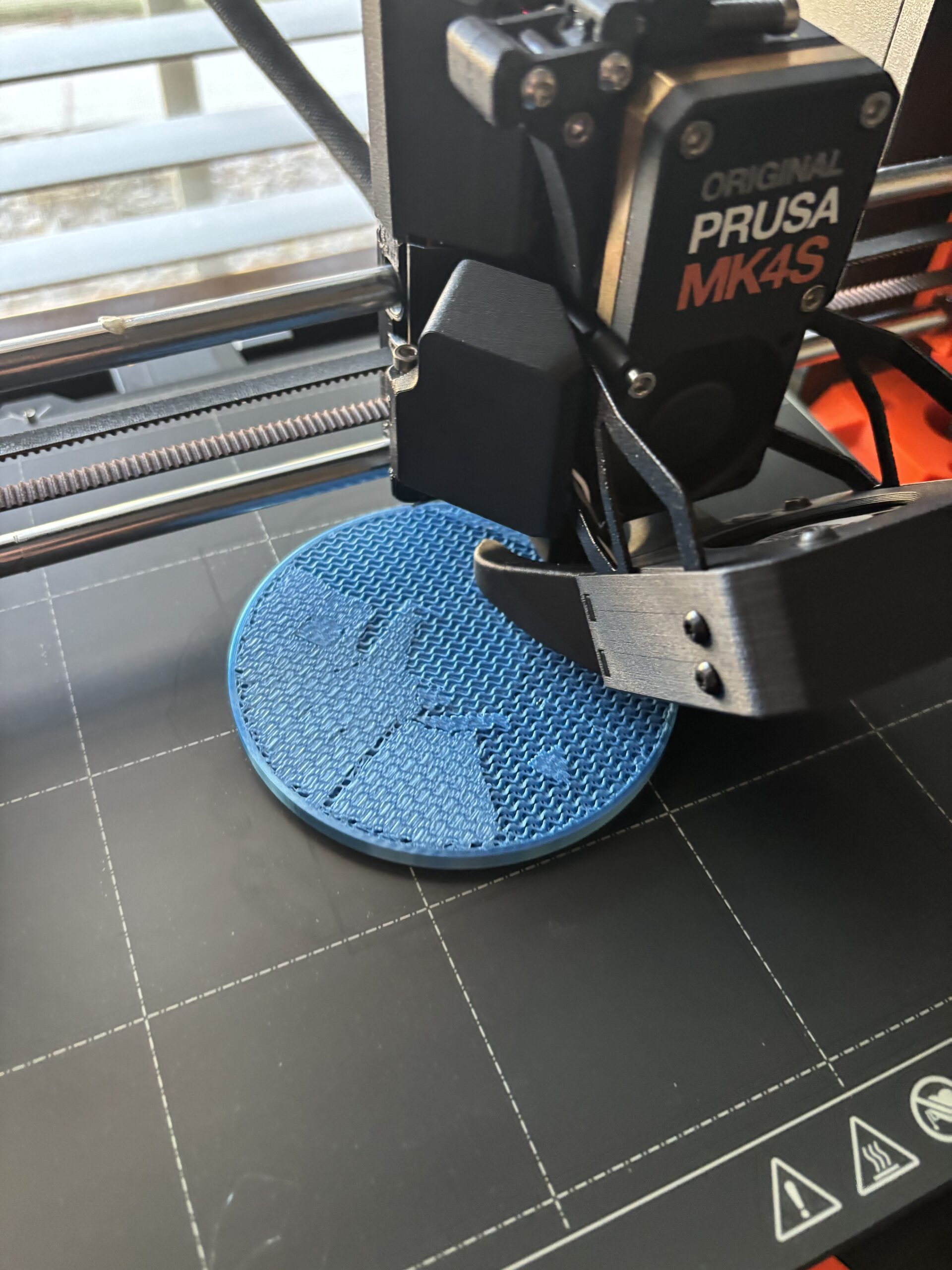
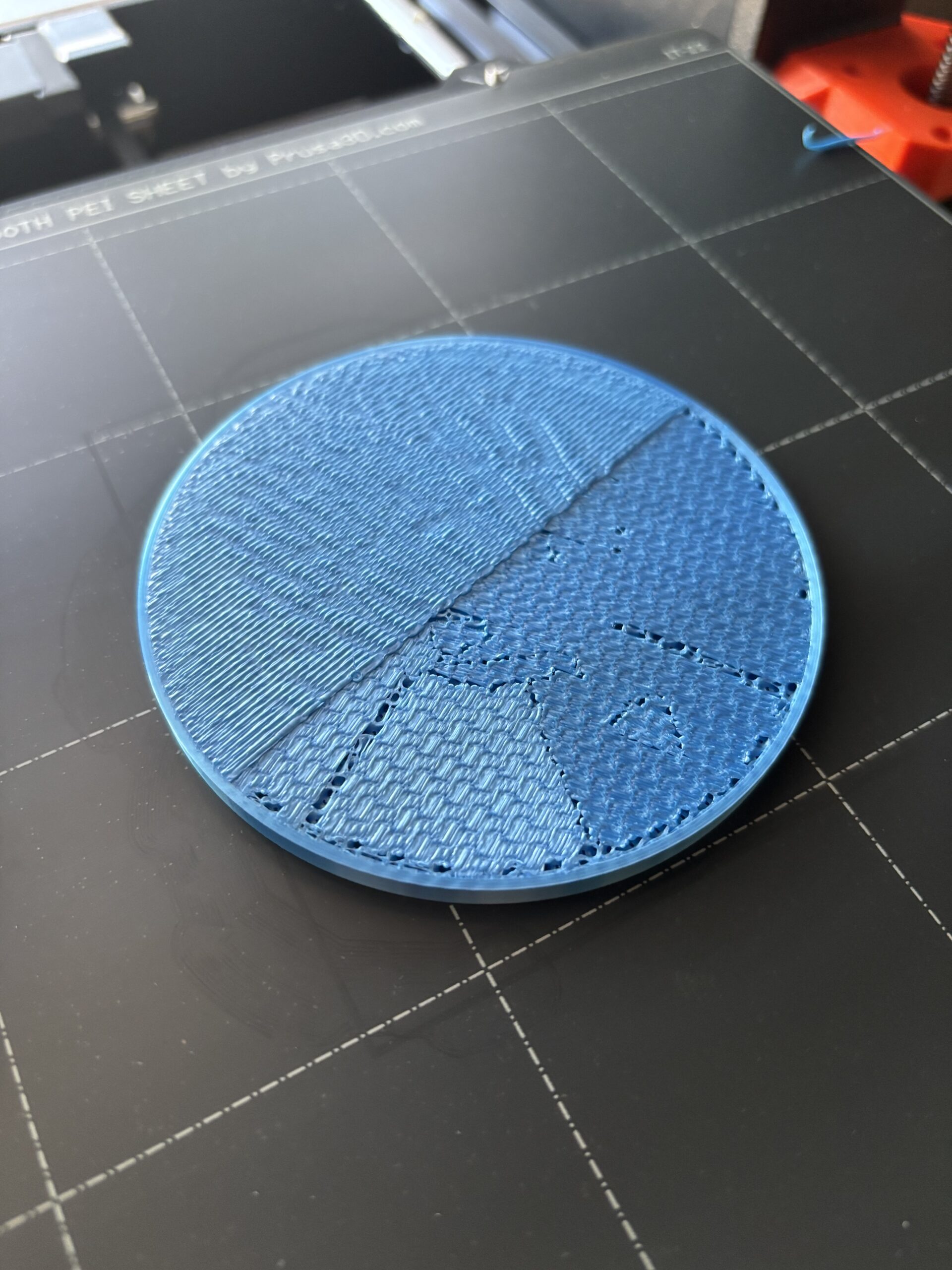
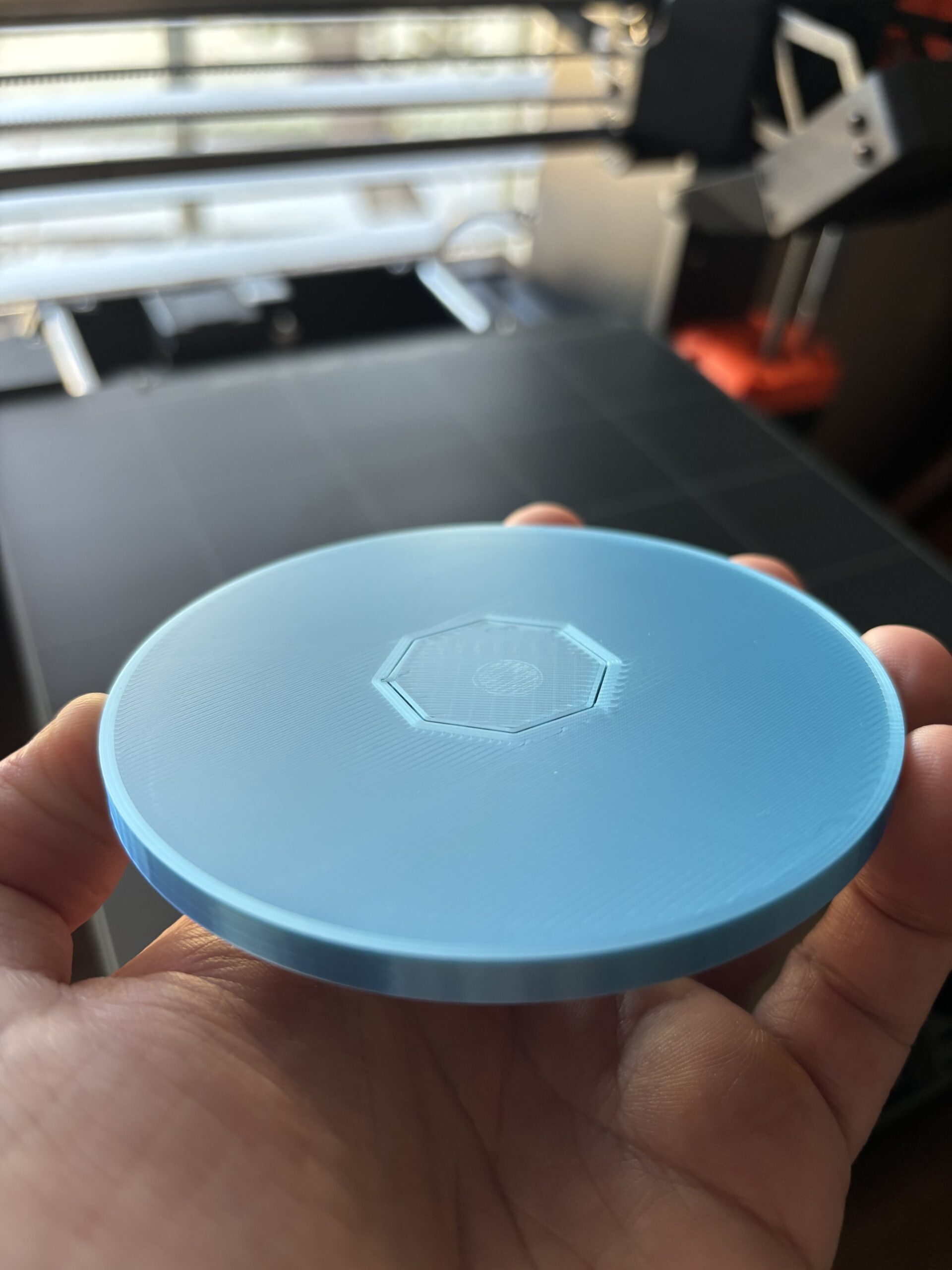
Right after the last layer of infill is finished, the next layers are not lying flat. Surface is very rough, almost like I've purposely scraped it with something. Bottom of the print is perfectly flat and smooth, and I observed no other issues during printing until it gets to that first layer after the infill. I stopped the print after a layer and a half of this, as I could just barely start to hear the nozzle scraping against the uneven surface.
Model is basically a disc about the size of a coaster - just under 95mm across. The print gets to a height of about 5mm when this starts to happen. Oddly enough, the layers in the slicer show this same weird patchwork pattern that's visible in the very first layer after the infill. I'm printing this on an MK4S with the 0.4HF nozzle, using 0.1mm fast detail, "Overture PLA" for the filament (silk PLA to be exact), and 30% gyroid infill. Everything else is basically the stock settings with no other changes.
What am I missing here?
Best Answer by Neophyl:
Theres something funky going on with your slice in that project. If you look at the preview and select layer height then the bridge infill layers are being printed at 0.4mm layer height. Layers 63/64. Normally that would only happen if you have "Thick Bridges" selected. However it is Unticked. Its still slicing as if it is enabled though.
Fundamentally its that which is causing your 'over extrusion' Basically 2 layers of bridge infill at 0.4mm height so giving you 0.8mm of height on those areas. And you have a total top layer height of 0.7 so its not enough for it to recover and smooth back out.
You need to figure out why the bridge thickness setting isn't being applied. I've seen similar things in the past with settings when the profiles used get corrupted in Prusa Slicer. For example if the thick bridges setting was duplicated in the printer profile then it wouldn't matter what you set in the print profile as the second duplicate setting would always be used and as you cant see it you cant edit it.
Thats only one possibility. Could be a bug in PS. Could also be some particular combination of settings.
I will say that in general you should probably also change your minimum top thickness to around 1mm. 0.7 isnt really enough. Not that that will help in this case due to the massively thick bridge layers.
Edit just found this on the PS github https://github.com/prusa3d/PrusaSlicer/issues/11268 - bloody stupid decision

RE: Layers after infill are not flat or smooth
Can you upload the (zip-compressed) 3mf project file so we can see what your settings are? My gut feeling is that that the object is not totally flat on the pint bed in Slicer but it could be other things.
Formerly known on this forum as @fuchsr -- https://foxrun3d.com/

RE: Layers after infill are not flat or smooth
From your description, please locate in:
https://github.com/OrcaSlicer/OrcaSlicer/wiki/flow-rate-calib
the following picture and check whether any of this looks familiar:
"Examine the blocks and determine which one has the smoothest top surface."
Hypothesis: Overextrusion. Makes no difference in infill (as the filament has somewhere to go) but kills flat surfaces. My own go-to value on Core One is 94 % but that only as background info.
RE: Layers after infill are not flat or smooth
Couldn't find an "upload file" button, so hopefully this will take you to the 3mf: 3e8062e0-alchemistscube2_multi_color_plates_test.zip
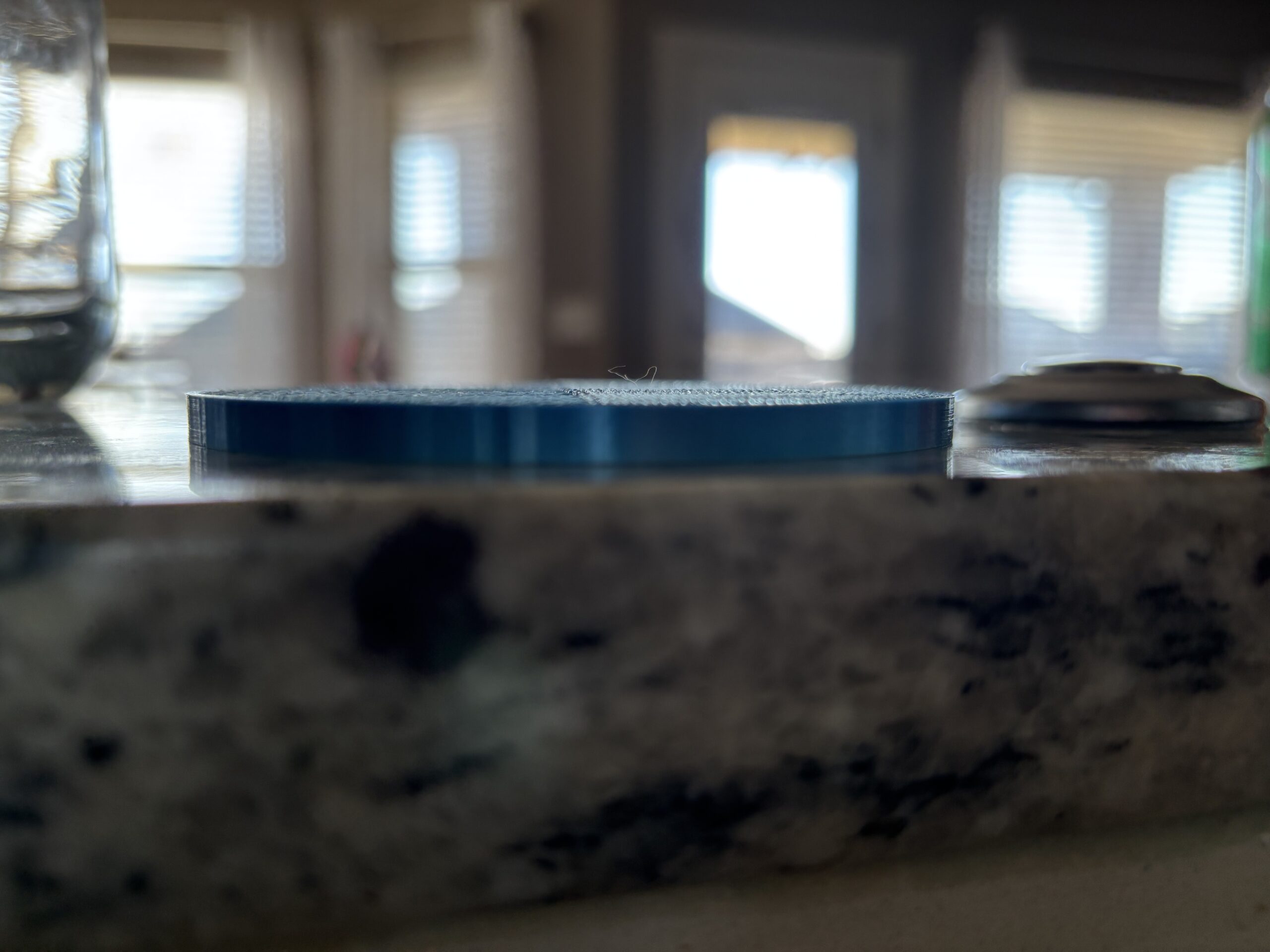
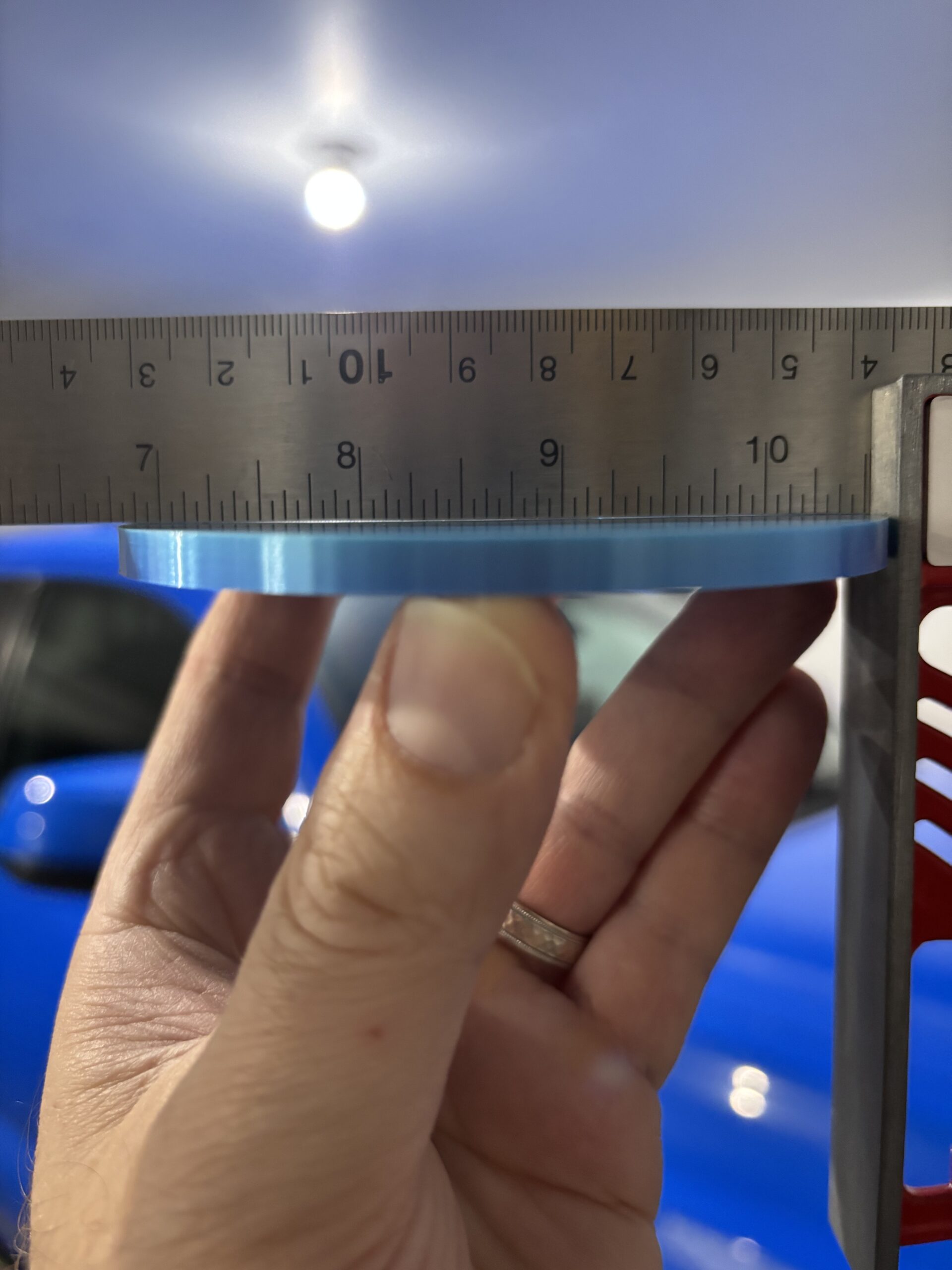
Sitting on a stone countertop, the bottom of the print seems to be nice and flat. Checking it with a square shows only the tiniest bit of deflection right across the diameter...
What's odd to me is that in the sliced model, that same "patchwork" weirdness that's visible in the prior pics of the print shows up in layers 61 and 62, finally levelling out at layer 63. Is that supposed to be like that?
If it truly is overextrusion, would I not have seen that show up prior to layer 61? Is the slicer increasing the extrusion rate when it gets to layer 61? Up to that point, everything else about the print seems to be completely normal - the bottom, sides, and infill all look exactly the way I would expect them to.


RE: Layers after infill are not flat or smooth
So just for grins, I cranked the infill up to 90%, and at layer 61 the "patchwork" pattern I described earlier has changed so that it now looks like the beginning layer of the design on the uppermost layers of the model. Is the slicer having trouble figuring out how to transition to the raised design with these settings, perhaps?


Changing to rectilinear and 100% infill, the issue seems to clear up with layer 61 looking much cleaner, and clearly showing the very start of the top design:


RE:
Theres something funky going on with your slice in that project. If you look at the preview and select layer height then the bridge infill layers are being printed at 0.4mm layer height. Layers 63/64. Normally that would only happen if you have "Thick Bridges" selected. However it is Unticked. Its still slicing as if it is enabled though.
Fundamentally its that which is causing your 'over extrusion' Basically 2 layers of bridge infill at 0.4mm height so giving you 0.8mm of height on those areas. And you have a total top layer height of 0.7 so its not enough for it to recover and smooth back out.
You need to figure out why the bridge thickness setting isn't being applied. I've seen similar things in the past with settings when the profiles used get corrupted in Prusa Slicer. For example if the thick bridges setting was duplicated in the printer profile then it wouldn't matter what you set in the print profile as the second duplicate setting would always be used and as you cant see it you cant edit it.
Thats only one possibility. Could be a bug in PS. Could also be some particular combination of settings.
I will say that in general you should probably also change your minimum top thickness to around 1mm. 0.7 isnt really enough. Not that that will help in this case due to the massively thick bridge layers.
Edit just found this on the PS github https://github.com/prusa3d/PrusaSlicer/issues/11268 - bloody stupid decision
RE: Layers after infill are not flat or smooth
Thanks everyone for the advice. I'll play around with the slicer settings and see what I can figure out. A quick fix may be to just set to 100% infill since the model isn't very big height-wise. That's kind of a cheap way out, but in this case it may be OK if there's no other way around this.
Thanks again!
RE: Layers after infill are not flat or smooth
I'd set your top layers to something like 2mm thick as well as reducing the infill percentage back down actually. That way with more space between the infill at the lower level where it will start doing that thick bridge infill it will have room to be flattened out into the gaps and the extra top layers will have time and space to even out the level.
If you do go for solid then instead of 100% infill you usually get a better result with cranking up the perimeters to a large level so that its just filled with perimeters instead.