
Nozzle is ramming print at 40 degrees overhangs and above
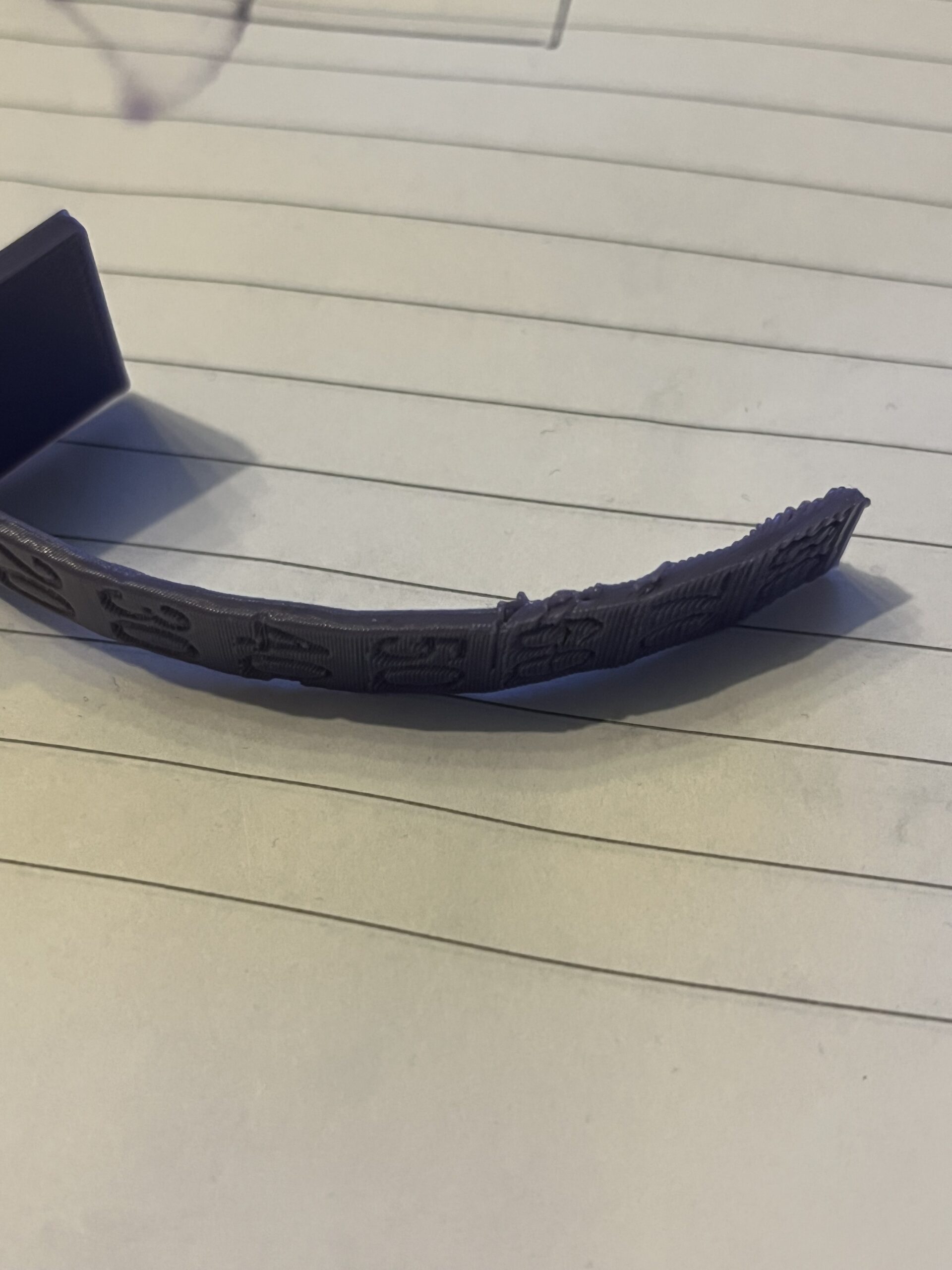
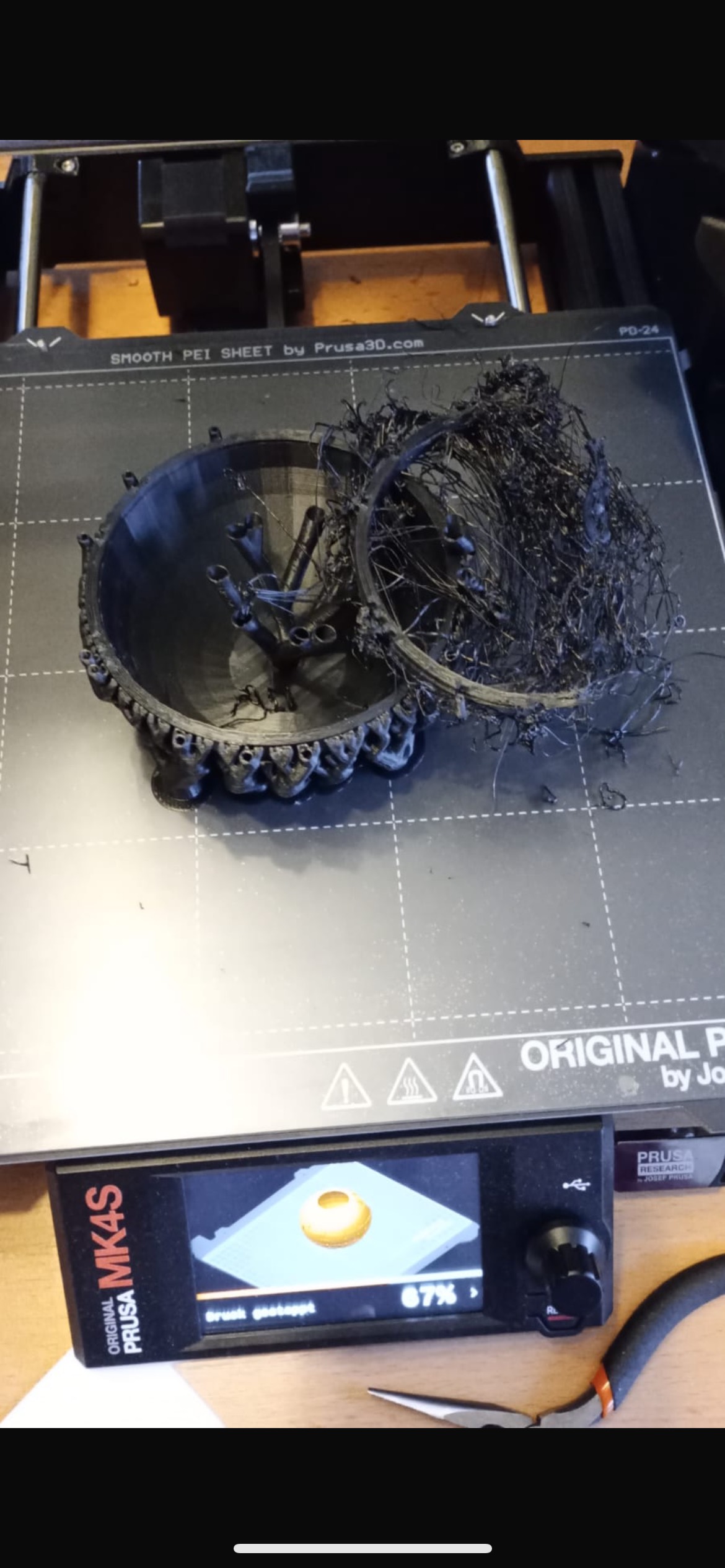
At an overhang of 40 degrees, the 0.4 mm HF standard nozzle on my MK4s starts to ram into my printed parts after finishing the layer. This causes ugly scratches and has already completely ruined one of my models. I am working with the default settings; the printer is a kit. Where could the error be?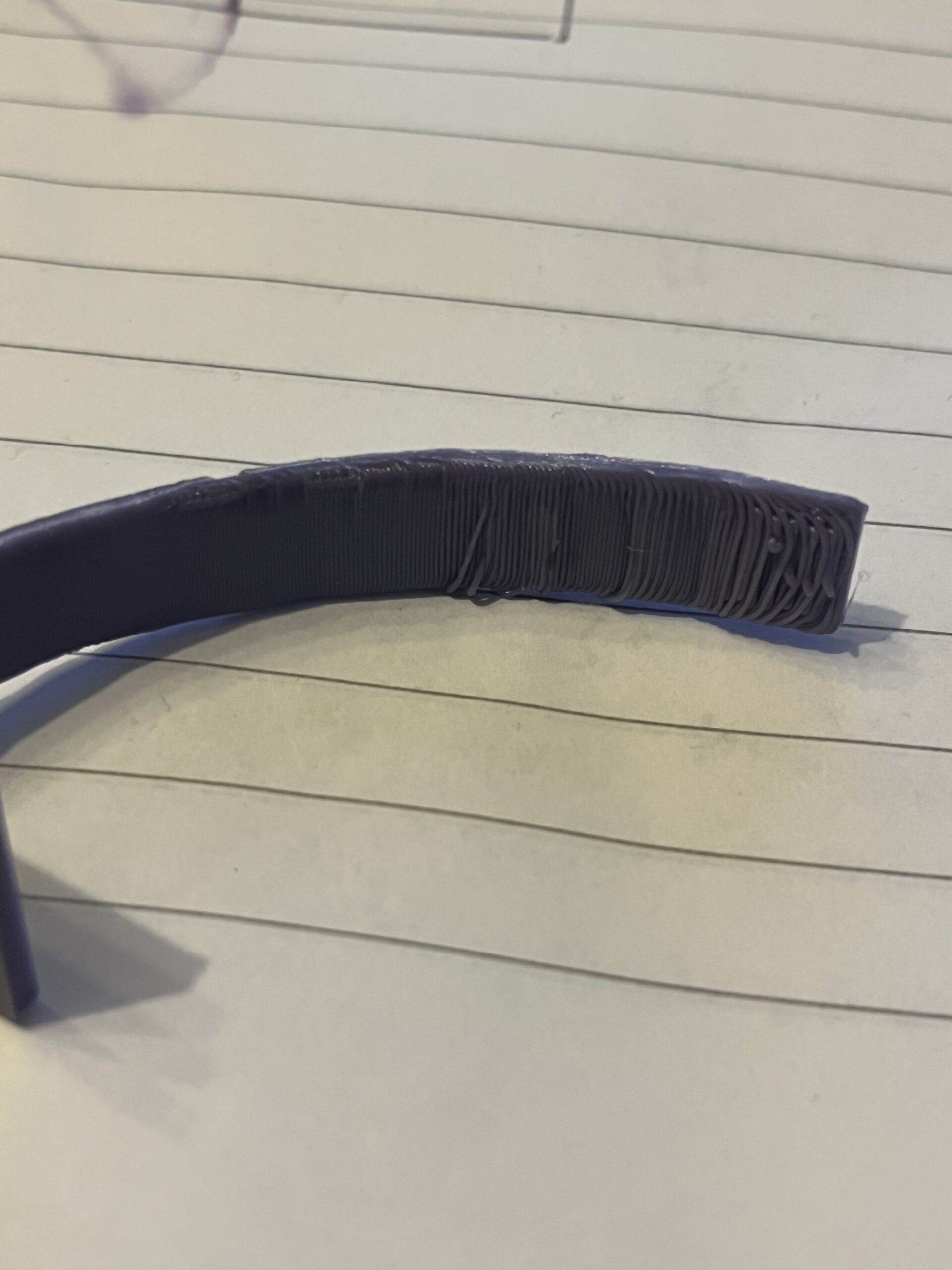

RE:
I suspect you'll find the root cause in the material, not the printer. The overhang simply curls upwards when cooling.
For an overhang test structure, why not split it into multiple, low-height segments?
You didn't say which material you're using, they shrink / warp by different amounts.
A heated chamber would help (depending on the material - not for PLA), disabling the print fan might also help. But superficially this looks like an issue best fixed in the design, not the printing process.