
Error #13608 following a blank screen
Hi all,
My first post and I think a difficult one. I have a pre-assembled Mk4 from july 2023. Since a couple of weeks the LCD display doesn't lite up after power up. Wiggling the flat ribbon cable and disconnecting and reconnecting the red connector on the back of the LCD and that helped some times. Yesterday however during flashing the firmware (USB stick inserted and powered up) the display went blank again making flashing impossible. so tried reset, switched off and on again, removed USB, reconnected USB etc. but to no luck. Display remained blank. removed the flat ribbon cable completely and reconnected it and wired it outside the frame away from the motor cables. Now display is showing again. BUT.... Now the display shows error code #13608
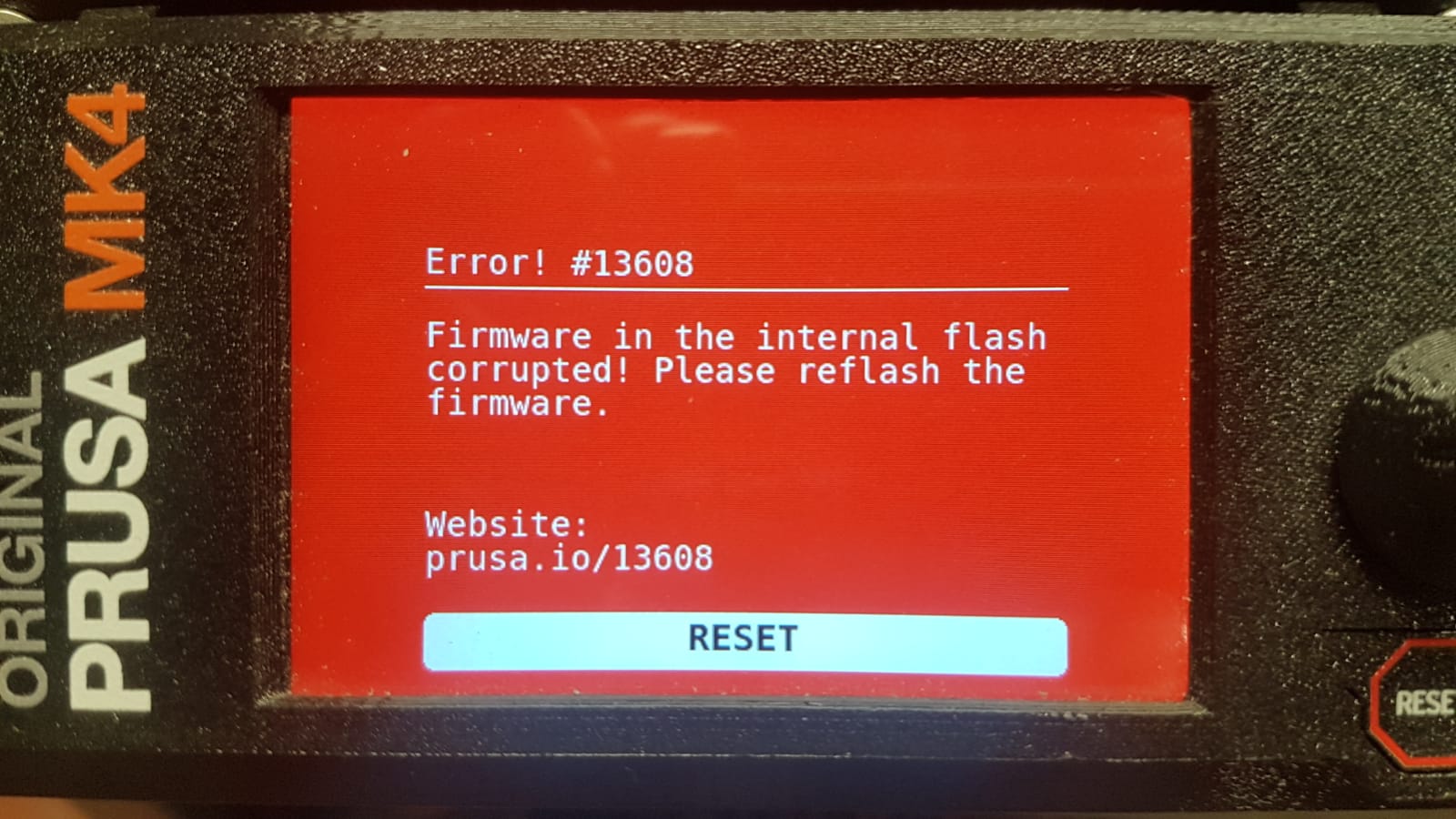
I tried to reflash using the same USB stick as always, but keep getting this error after switching on again and the bootloader runs. Pressing the knob while bootloading doesn't make any difference. keep getting the same error.
Tried 3 different USB sticks. All formatted to FAT32 (formatted on both windows and mac). tried three different versions of firmware (6.4.0, 6.2.6, 6.2.4). No result. always the same error message.
When switching on the system without a USB stick (and pressing the knob once during bootloading) I get a different messega:
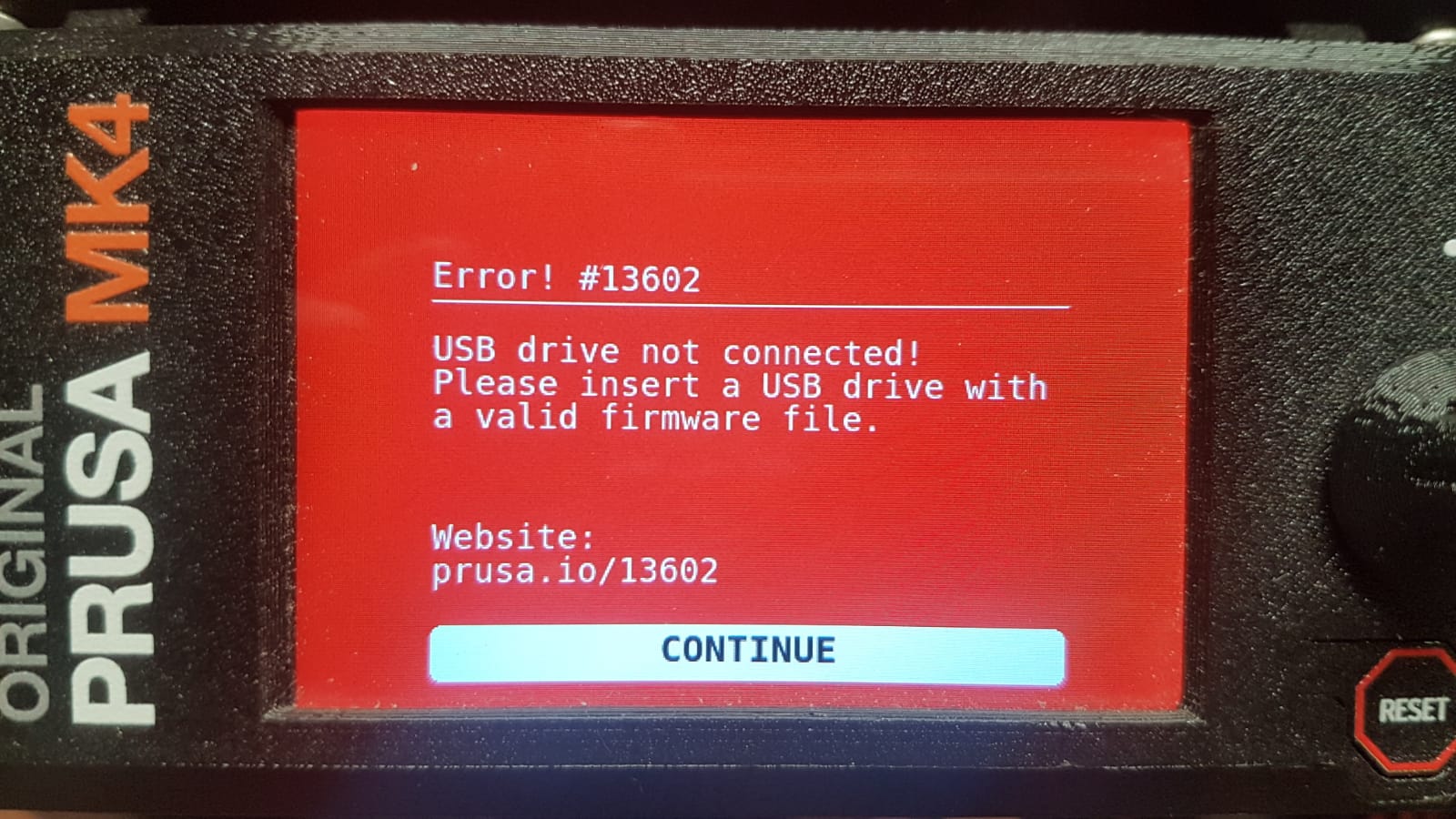
So upon this message I insert the USB stick again and press "continue" the system goes back to the previous error (see above) again. Tried this many times with all different USB sticks with different firmware. But no result.
What can I do??
Any help is welcome.
Roel
RE:
I had a long chat with tech support. I need to replace the LCD board as very likely the USB connector is defect (2 pins distorted). No warranty anymore (5 months overdue 😐 ). They told me if this doesn't solve the problem I need to replace the buddy board. ...... 🙁 ....
RE: Error #13608 following a blank screen
Hi
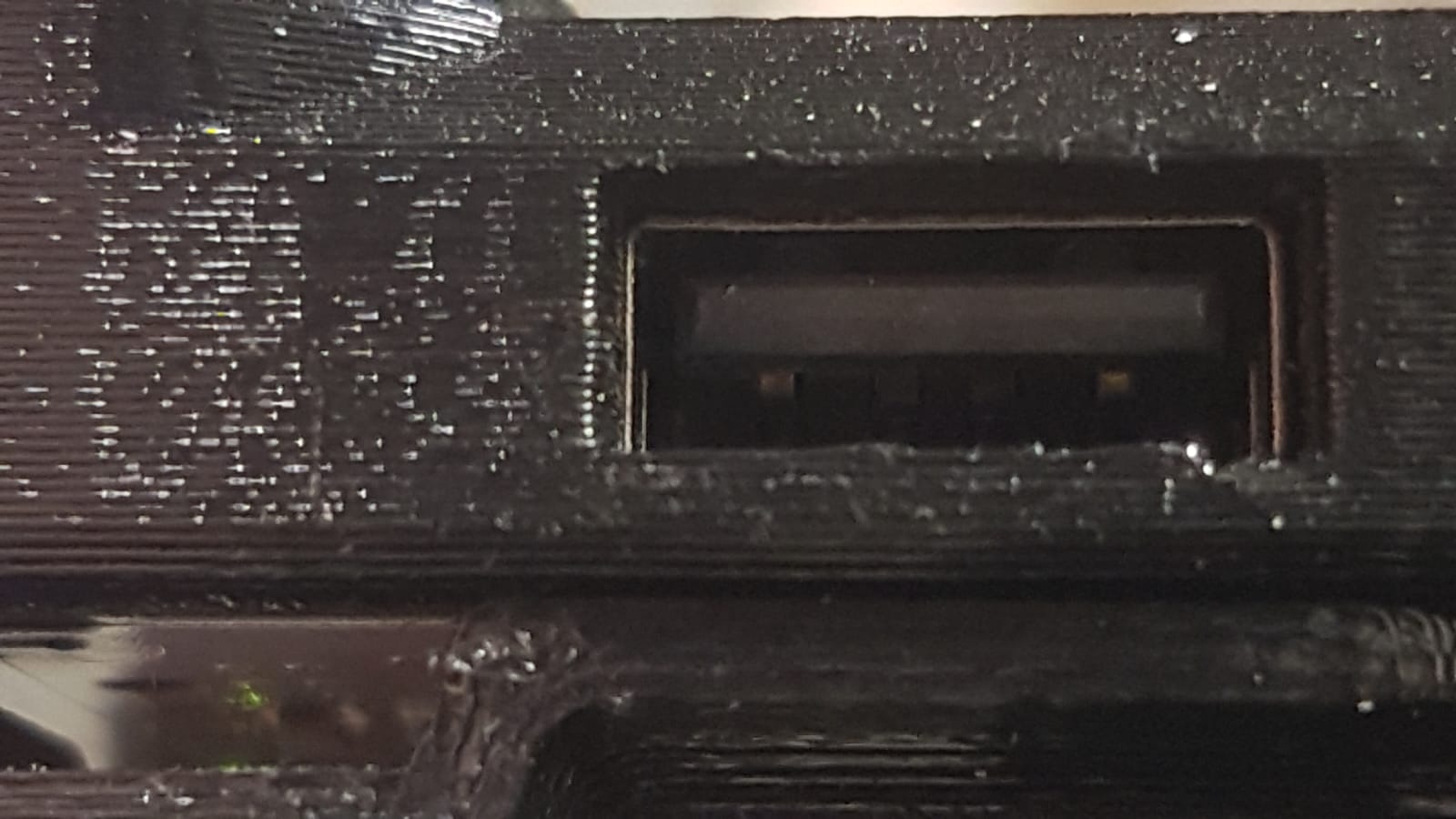
Before ordering a new LCD board, I first tried the USB-C port on the xBuddy to flash the firmware, but the same result. So this tells me the USB port on the LCD might be just fine and that the USB sticks are not good. I checked the USB port on the LCD board again under a microscope and it is clearly NOT damaged!
Then I found this topic https://forum.prusa3d.com/forum/postid/738794/ So I formatted again the USB sticks according the instructions. And finally after a couple attempts it started flashing!! 10 mins later printing again 😀.
So SOLVED (and learned something again...)
Bye